Resetting a Subscription
Unduh
Mode fokus
Ukuran font
Overview
Resetting a data subscription stops the original task and deletes the parameter configurations and subscription data in the original subscription task. Deleted data cannot be recovered. After the reset, the task status changes to "Not Configured", and you can reconfigure all parameters. The reset operation is suitable for subscription tasks that are no longer needed. You can quickly configure a new task after the reset, without the need to refund the old task and purchase a new one, which simplifies the operation.
In the Modify Subscription Objects operation, you can only add or delete subscription objects and modify the partitioning policy. If you need to configure other parameters, such as the subscription data format, Kafka partitioning, or XA transaction support, you can reset the task to reconfigure these parameters after confirming that the original task is no longer needed.
Prerequisites
The original subscription task is no longer needed.
The data subscription task status is Task Running or Task Error.
Operation Steps
1. Log in to the DTS Console, select Data Subscription in the left sidebar to go to the Data Subscription page.
2. In the data subscription list, select the data subscription you want to reset, and choose Operation > More > Reset Subscription.
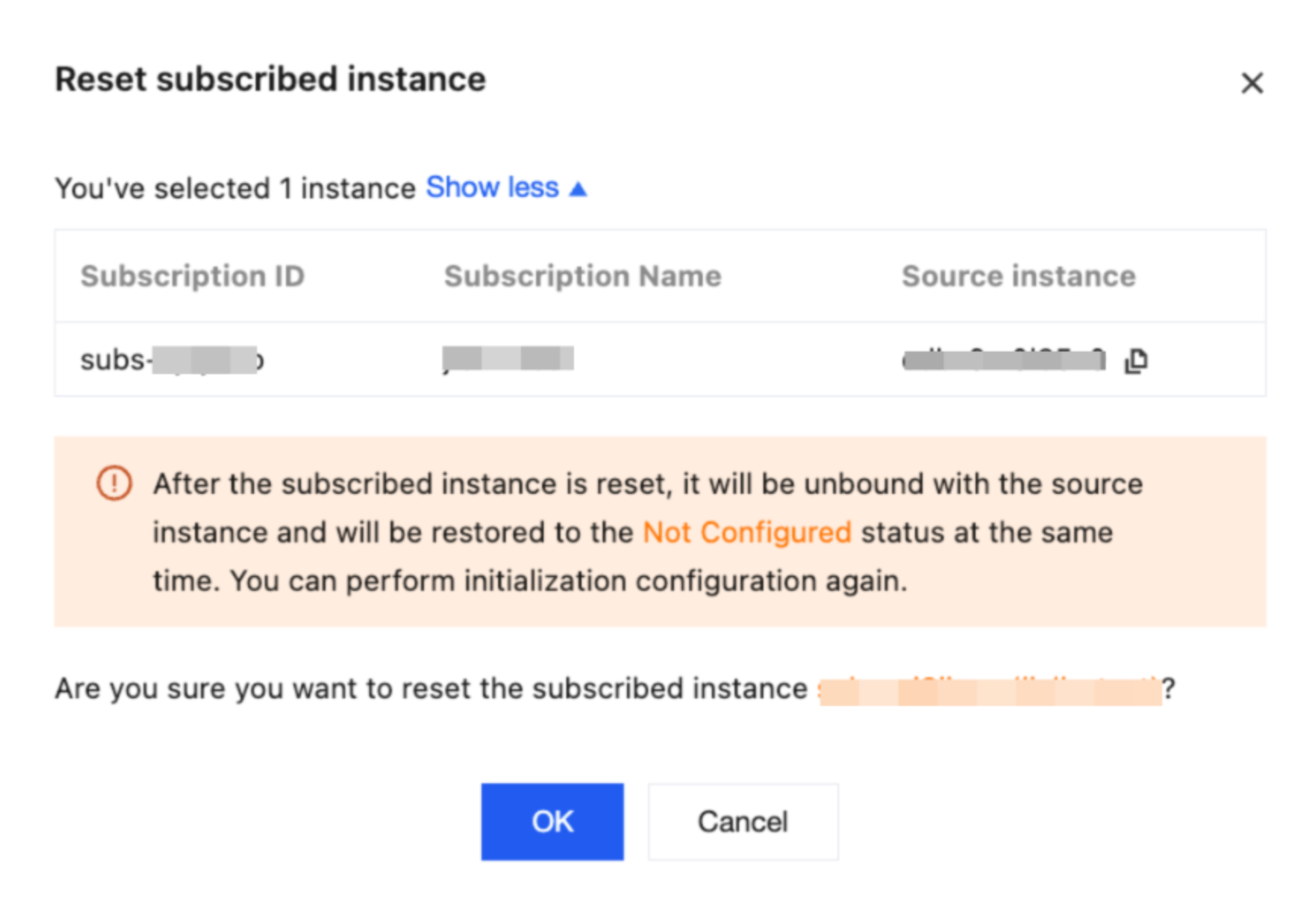
3. In the pop-up dialog box, click OK after confirming that the information is correct.
Attention:
After the subscription is reset, the binding between the subscription task and the source database is released, and the subscription task returns to the "Not Configured" state. You can then perform initialization configuration again.
The reset subscription operation will stop the incremental data subscription from the source database, and the incremental data already stored in the subscription task will be deleted. Proceed with caution.
After the subscription is reset, the original private network address remains unchanged and is still bound to the subscription task. You can view the private network address in View Subscription Details > Subscription Information.
4. In the data subscription list, the task status has changed to "Not Started". Click Configure Subscription in the Operation column to reconfigure the task.

Bantuan dan Dukungan
Apakah halaman ini membantu?
Anda juga dapat Menghubungi Penjualan atau Mengirimkan Tiket untuk meminta bantuan.
masukan