Pay-as-You-Go to Monthly Subscription
Unduh
Mode fokus
Ukuran font
Overview
DTS supports converting pay-as-you-go tasks to yearly/monthly subscription. After you change the billing mode, DTS generates a renewal order for the yearly/monthly subscription, which you must pay promptly for the conversion to succeed.
Operation Steps
1. Log in to the DTS Console, select Data Subscription in the left sidebar to go to the Data Subscription page.
2. In the data subscription list, select the data subscription you want to modify, and choose Operation > More > Postpaid-to-Prepaid.
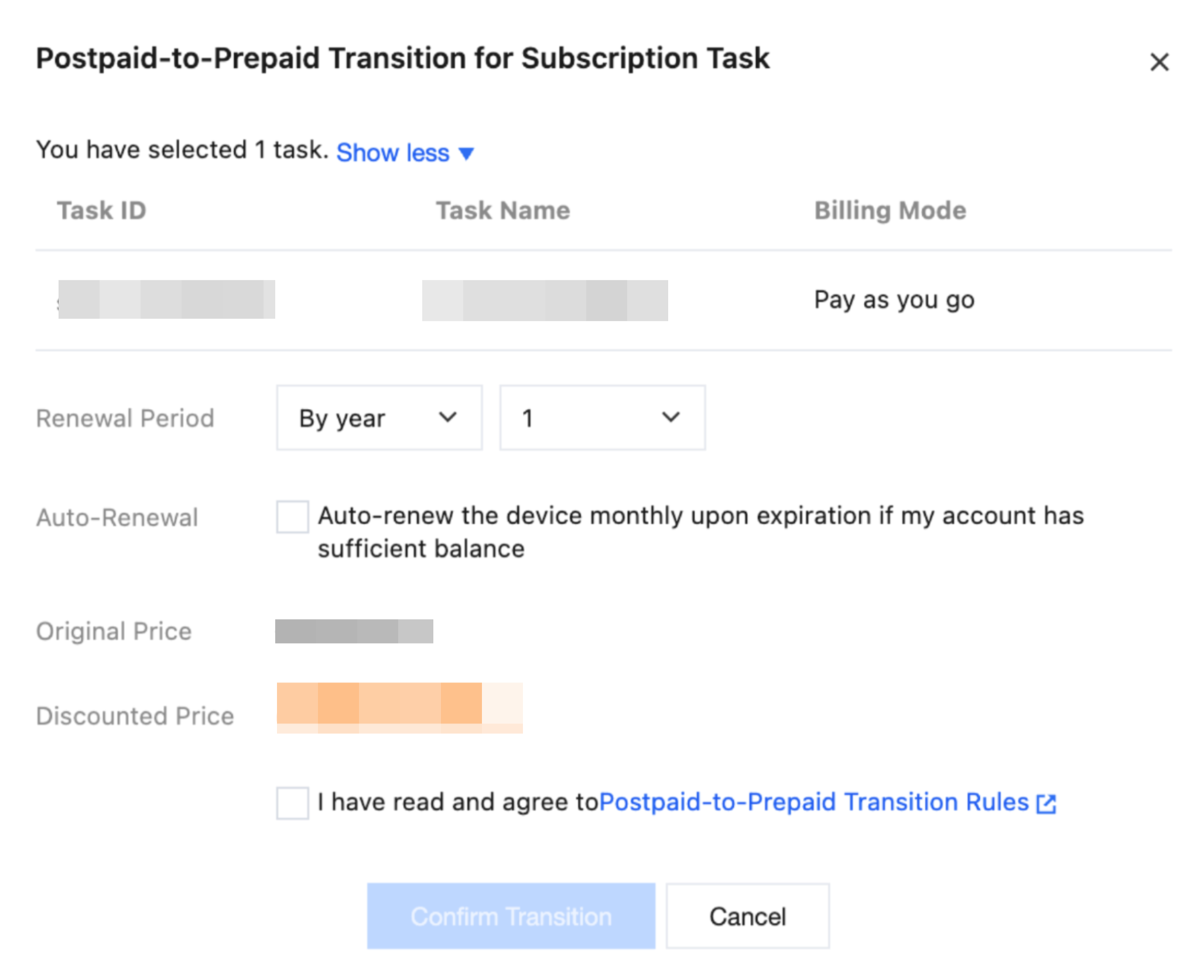
3. In the dialog box that appears, set the renewal duration and other information. After confirming that the information is correct, click Confirm Transition.
Bantuan dan Dukungan
Apakah halaman ini membantu?
Anda juga dapat Menghubungi Penjualan atau Mengirimkan Tiket untuk meminta bantuan.
masukan