Preparation
Download
Focus Mode
Font Size
Ensure you have enabled the Push service before integration; otherwise, subsequent integration steps will fail.
Enable Push service
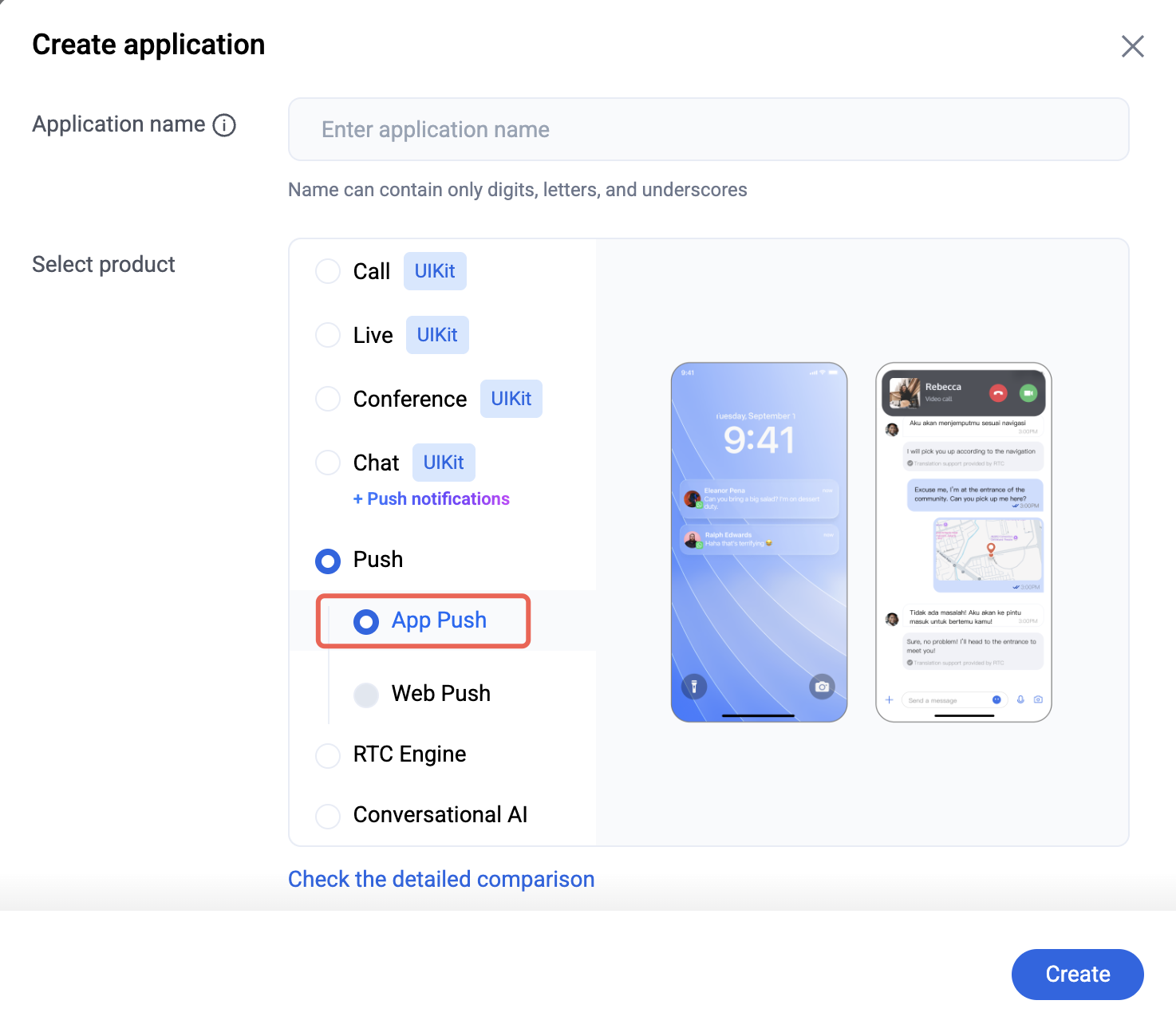
1. Log in to the Console, and click Create Application on the Dashboard page.

2. Enter the application name and select Push.
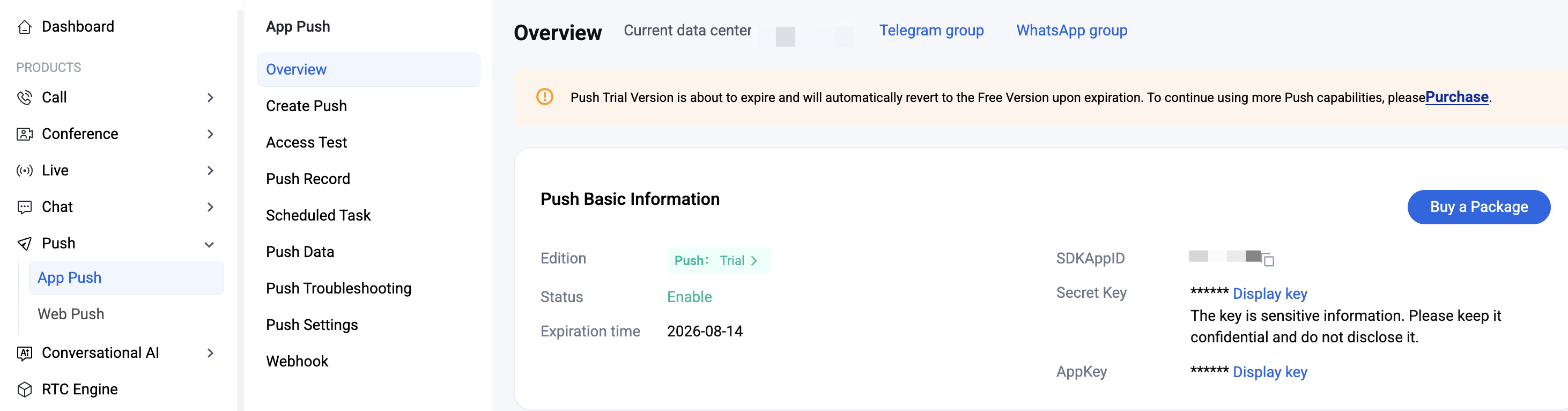
3. After the Push application is created successfully, you can see the newly created SDKAppID on the Push overview page. The trial version is enabled by default at this stage:
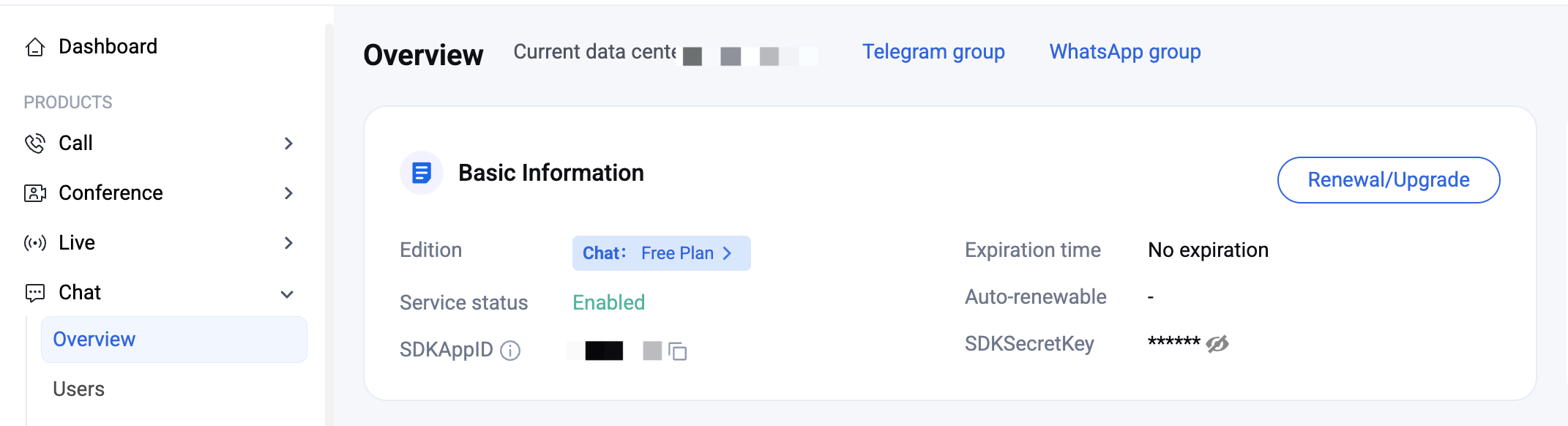
4. At the same time, a Chat application with the same SDKAppID is automatically activated in Chat.
Note:
If you need to use the Chat service to send messages, record the information of this Chat application; otherwise, you can ignore it.
The automatically created Chat message service application and the manually created Push application share the same SDKAppID, but use different keys. Be sure to distinguish between them.
Integration process overview
After the service is enabled, you can proceed with the integration process. The integration consists of three main steps:
1. Vendor Configuration: Complete the vendor configuration for each platform. This step is the foundation of the offline push channel and determines which devices can receive push notifications through manufacturer channels.
2. SDK Integration: Complete TIMPush integration for each platform. After this step, you can receive basic offline push notifications.
3. Advanced Feature Settings (optional): Includes message categorization, custom badges, ringtones, small icons, click redirect, push reach statistics, and more. Use these features to optimize the push experience and meet manufacturer compliance requirements. Enable them as needed only after the basic channel is verified, so that issues can be isolated and troubleshot more easily.
Complete the integration in the order above. Verify each step before moving to the next, and refer to the corresponding platform or manufacturer documentation for configuration.
Help and Support
Was this page helpful?
You can also Contact sales or Submit a Ticket for help.
Help us improve! Rate your documentation experience in 5 mins.
Feedback