Account Password Change Log
Overview
Bastion Host supports modifying of the account passwords of assets automatically. The login logs primarily record details of the password change tasks, including the task name, start time/end time, and task status.
Directions
1. Log in to the BH console.
2. In the left sidebar, choose Self-Audit > Account Password Change Log.
3. The Account Password Change Log page provides detailed records of password change tasks, including the task name, start time/end time, and task status.
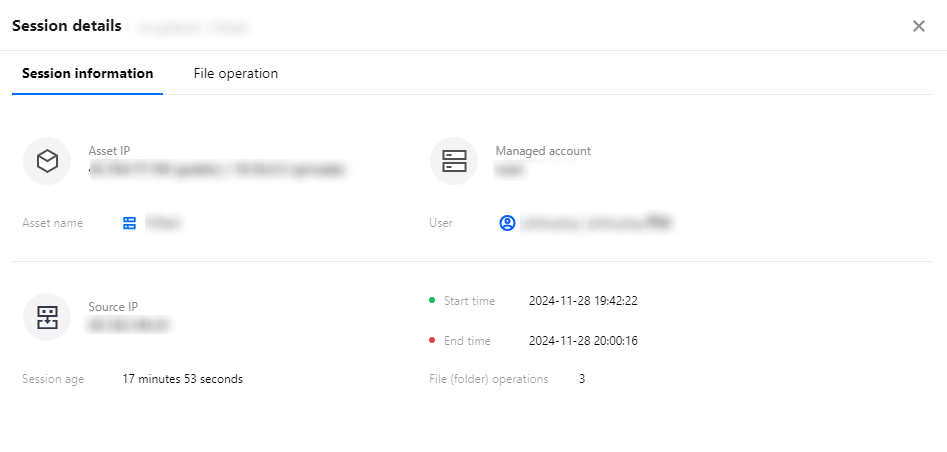
4. Select the desired password change task and click Details, in the action column to view task information and task execution logs.
Help and Support
Was this page helpful?
You can also Contact sales or Submit a Ticket for help.
Help us improve! Rate your documentation experience in 5 mins.
Feedback