When multiple consumers are used for consumption, users can first set a Client ID for each consumer, and then the specific Client ID is displayed in the DTS console, which helps users locate abnormal issues in consumer programs.
Operation Steps
1. Set a Client ID in each consumer program. If you start multiple consumers, set different Client ID values for different consumers.
The following uses a golang consumer program as an example. Operations for consumer programs in other languages are similar.
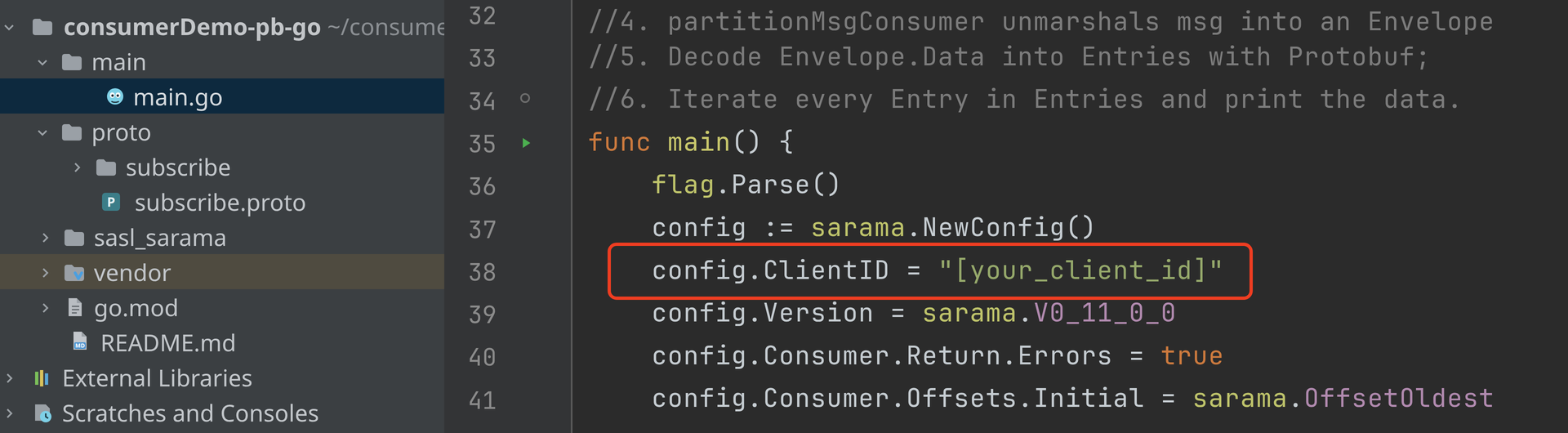
Set the ClientID in the config. If it is not set, the default ClientID value is "sarama".
config.ClientID = "[your_client_id]"
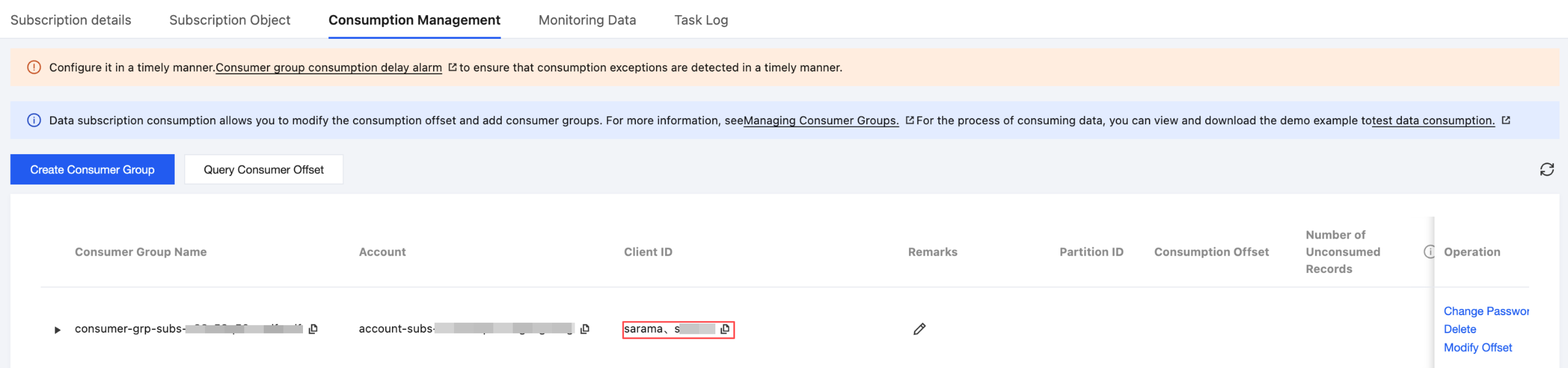
2. After consumption starts, open the corresponding subscription task in the DTS console and click Consumption Management to view the Client ID of the consumer that is currently consuming.
Compare whether the Client ID here is consistent with the Client ID set in the consumer program.
If they are consistent, the consumer program is working as expected.
If they are inconsistent, it can help locate abnormal issues in consumer programs. For example, if the displayed Client ID is not set by the user, an unknown consumer program is consuming data.