Viewing Subscription Details
Unduh
Mode fokus
Ukuran font
fter successfully creating a data subscription task, you can view its details.
Prerequisites
Operation Steps
1. Log in to the DTS Console, select Data Subscription in the left sidebar to go to the Data Subscription page.
Method 1: Select the specified subscription task and click its Subscription ID.
Method 2: Select the specified subscription task and click View Subscription Details in the Operation column.

2. Switch between tabs to view subscription details, subscription objects, and consumption management information.
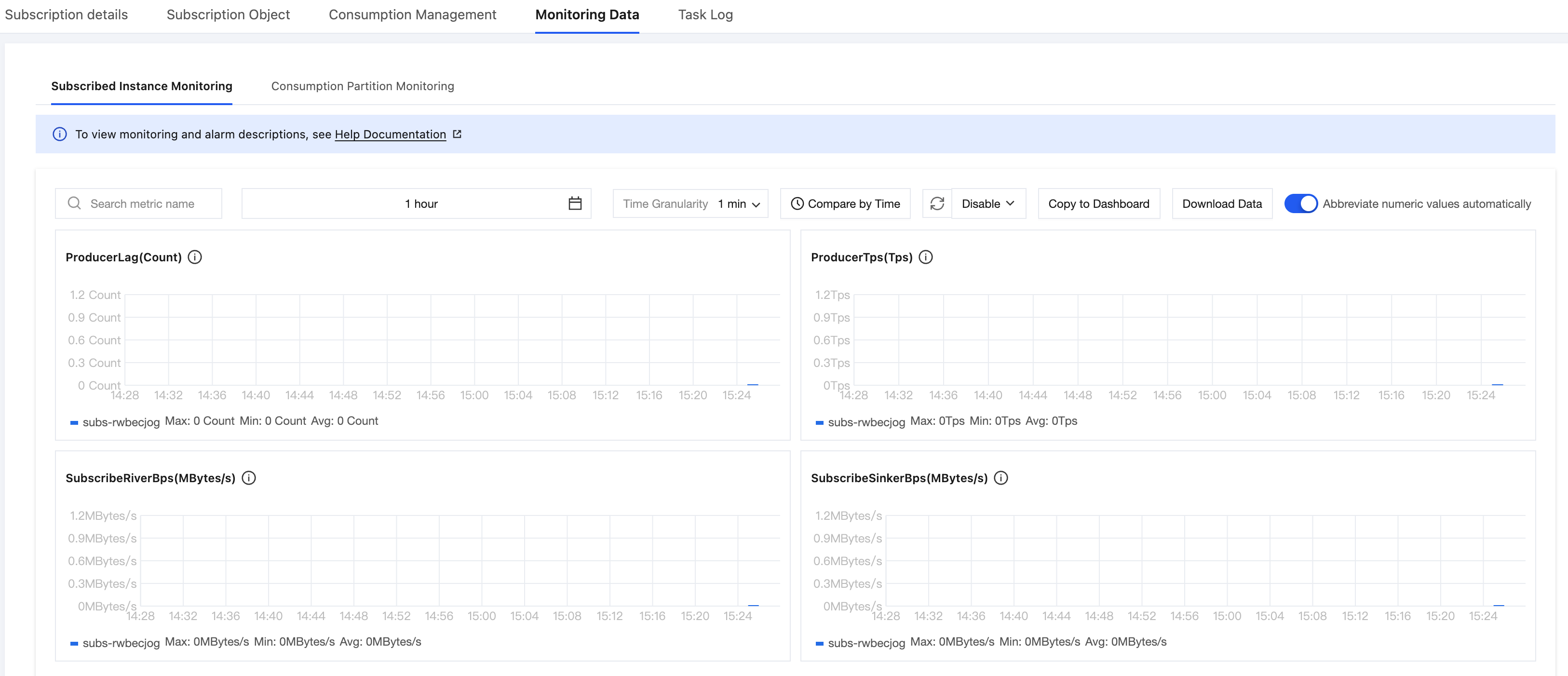
3. View the monitoring data.
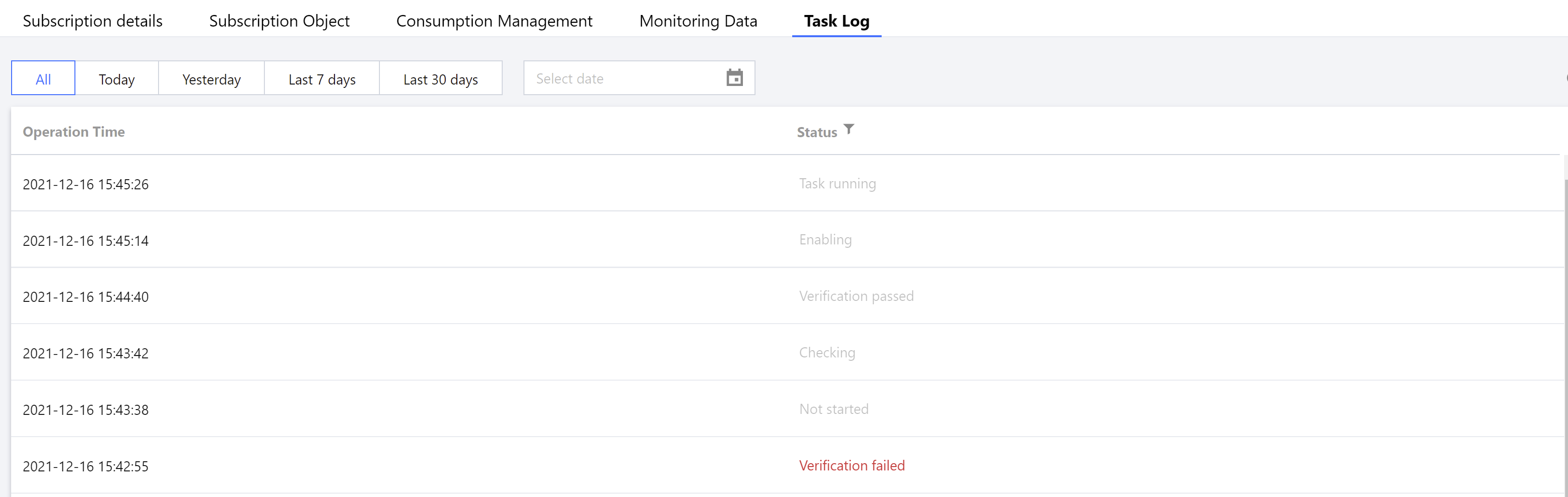
4. View the task logs.
Bantuan dan Dukungan
Apakah halaman ini membantu?
Anda juga dapat Menghubungi Penjualan atau Mengirimkan Tiket untuk meminta bantuan.
masukan