Disabling Database Proxy
Download
Focus Mode
Font Size
This document describes how to disable database proxy in the TencentDB for MySQL console.
Note:
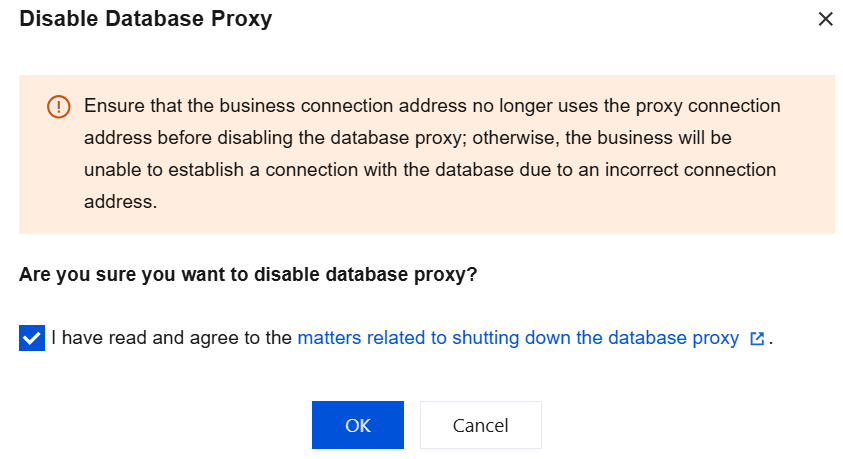
Before disabling the database proxy, make sure that your client does not access the database through the proxy address, as the generated data will be deleted and cannot be recovered after the database proxy is disabled.
Prerequisites
Directions
1. Log in to the TencentDB for MySQL console. In the instance list, select the desired instance, click an instance ID or Manage in the Operation column to enter the instance management page.
2. On the instance management page, select Database Proxy > Overview > Basic Info > Disable Database Proxy.

3. In the pop-up dialog box, confirm that everything is correct and click OK.
Help and Support
Was this page helpful?
You can also Contact sales or Submit a Ticket for help.
Help us improve! Rate your documentation experience in 5 mins.
Feedback