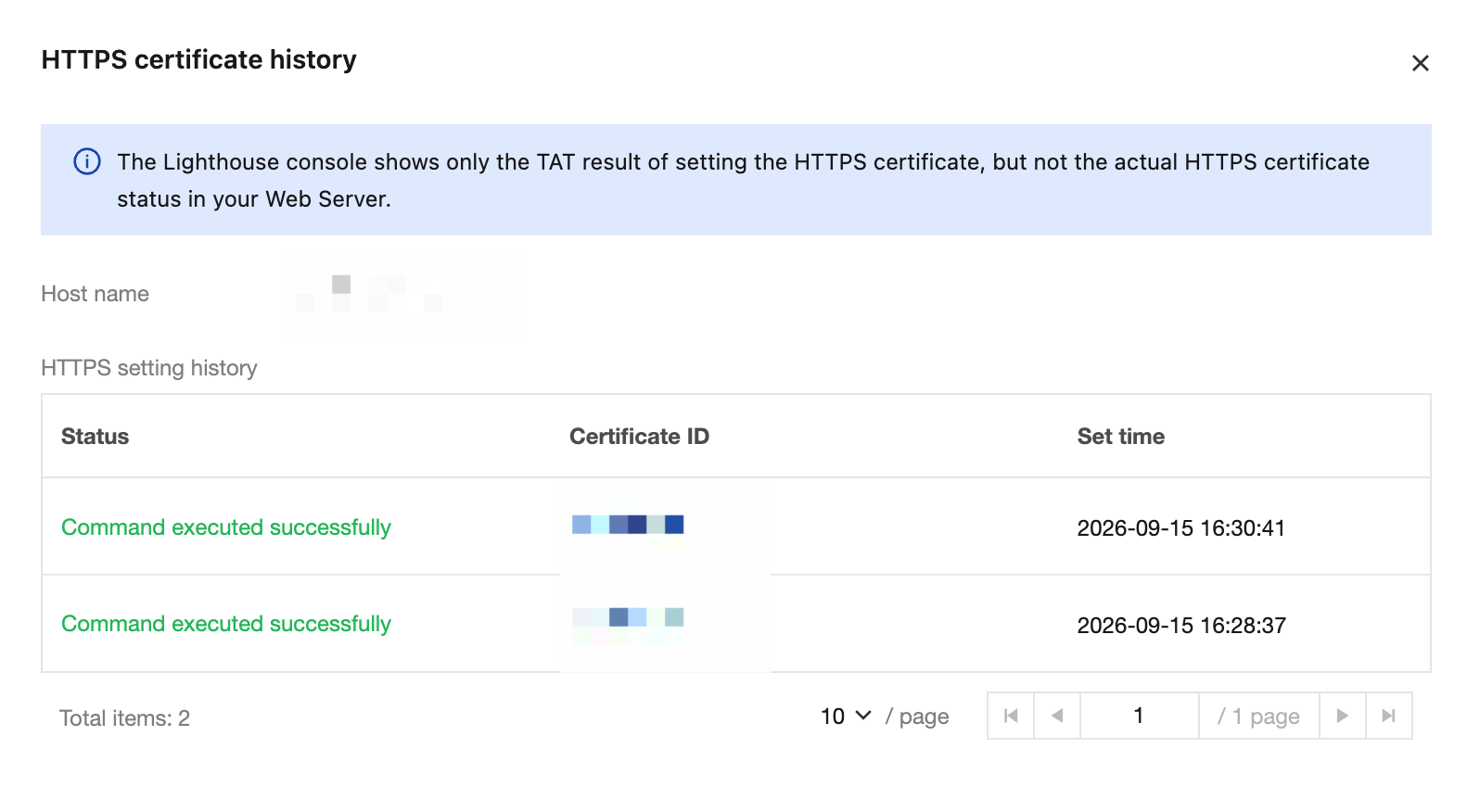
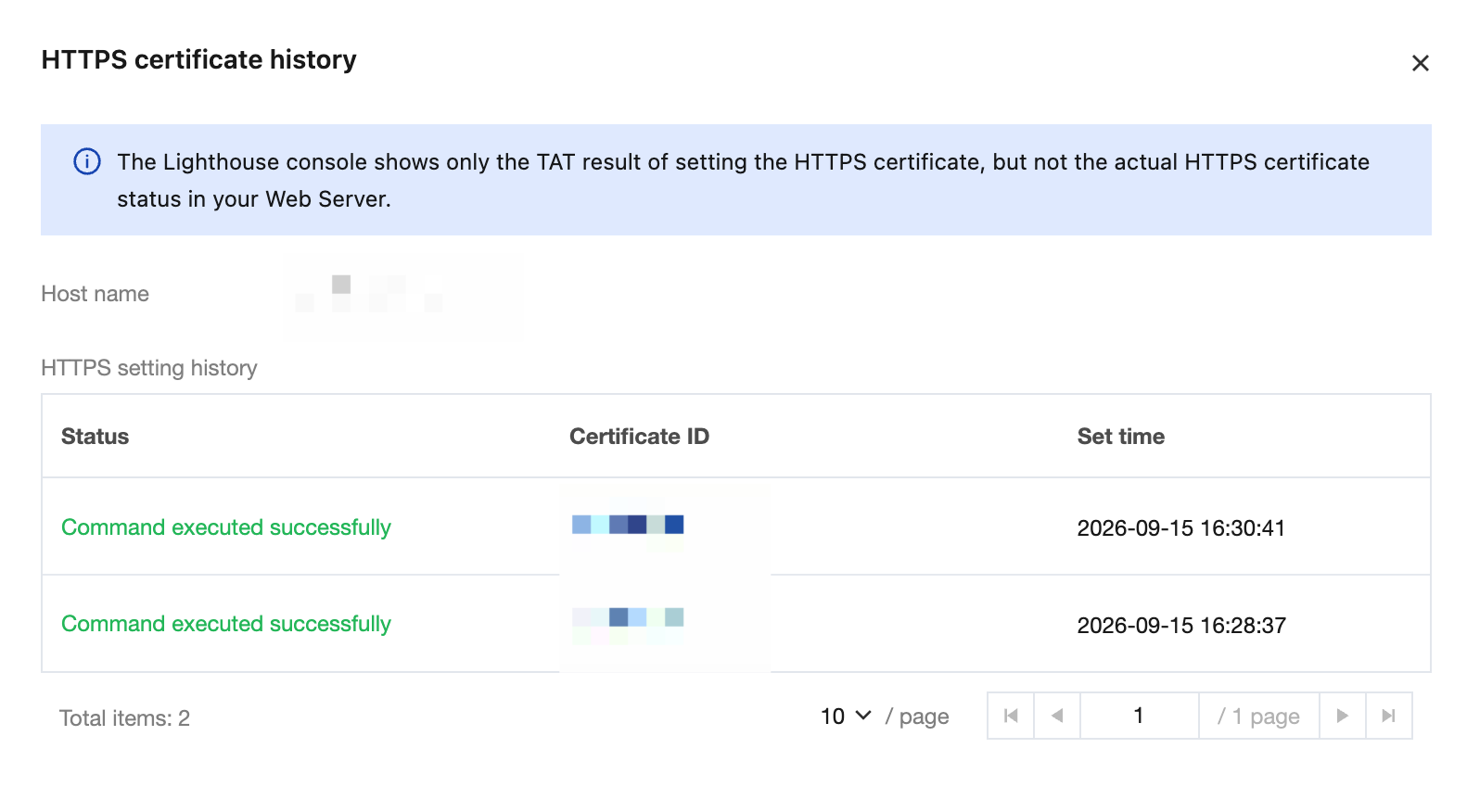
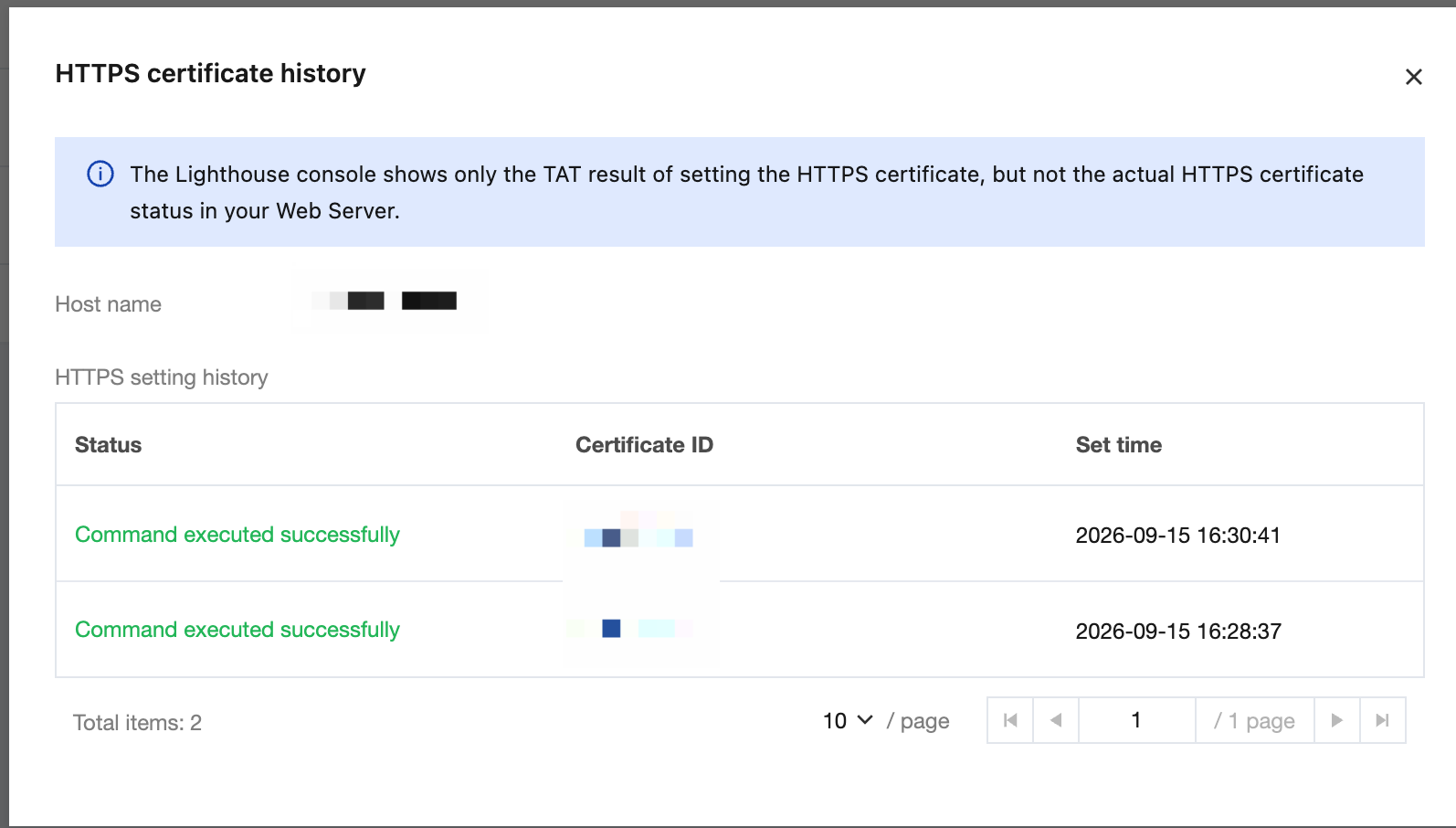
Used for you to obtain the history and status of HTTPS configuration for a hostname on the currently resolved Lighthouse instance.
Description
To configure HTTPS, you need to run a command through TAT on the associated instance. Each time you configure HTTPS, a corresponding task record is added to the TAT command execution history of the associated instance.
Note:
When you delete a domain resolution in the Lighthouse console, the configured HTTPS history remains unchanged, but you can no longer access the website deployed on the Lighthouse instance through that hostname.
If you reinstall the operating system of a Lighthouse instance, the configured HTTPS will become invalid, but the Lighthouse console will still display the status of that configuration record.
Operation Steps
Log in to the Tencent Cloud Lighthouse console and choose any method to view the HTTPS configuration history:
Method 1: Viewing HTTPS Setting History in the Domain Resolution List
Method 2: Viewing HTTPS Setting History on the Instance Details Page
1. Log in to the Lighthouse console and select Domain in the left sidebar.
2. Go to the DNS resolution list from the Domains page.
3. Hover over the HTTPS certificate histiory column of the corresponding domain resolution to view its HTTPS configuration history records.
4. If the HTTPS certificate history for the resolution record exceeds 5 entries, you can click View All History at the bottom of the hover bubble.
1. Log in to the Lighthouse console and select Instances in the left sidebar.
2. In the instance list, select the target instance and go to the instance details page.
3. Select the DNS resolution tab and hover over the HTTPS setting history column of the corresponding domain resolution to view its HTTPS configuration history records.
4. If the HTTPS certificate history for the resolution record exceeds 5 entries, you can click View All History at the bottom of the hover bubble.