2. Select the Grafana instance from the instance list.
3. Click Plugin on the left sidebar.
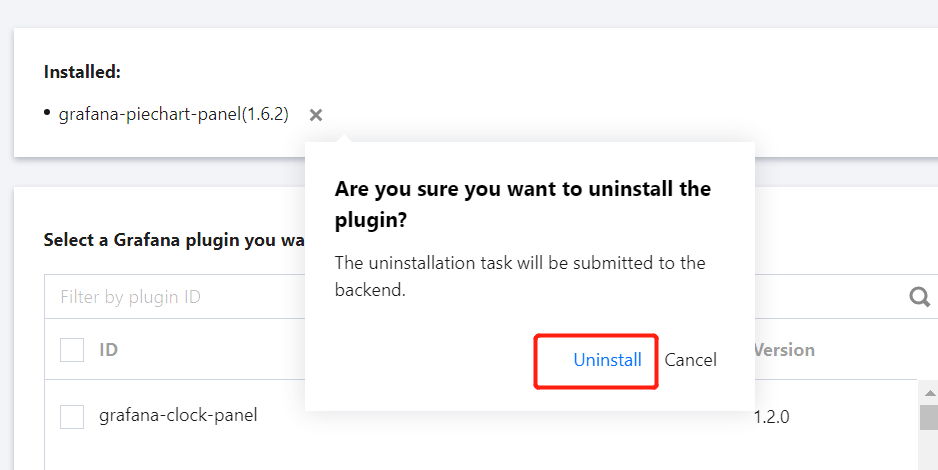
4. Select the plugin to be uninstalled in the list of installed plugins, click × on the right, click Uninstall > OK in the pop-up window, and wait for the instance to be rebooted.