Deleting Tags
Baixar
Modo Foco
Tamanho da Fonte
Overview
If you no longer need to categorize, search for, or aggregate cloud resources by tag, you can delete tags in the console.
Note:
Double-check before you delete tags in batches.
The operation cannot be undone.
Prerequisites
You have created a tag. For detailed instructions, please see Creating Tags.
If a tag has been bound to resources, you need to unbind it first. Note that you cannot delete a tag until 5 minutes after unbinding it.
Directions
You can delete one tag at a time or multiple tags in batches using the methods below.
1. Log in to the Tag console.
2. Click Tag List on the left sidebar.
3. Find the tag you want to delete and click Delete in the Operation column.

1. Log in to the Tag console.
2. Click Tag List on the left sidebar.
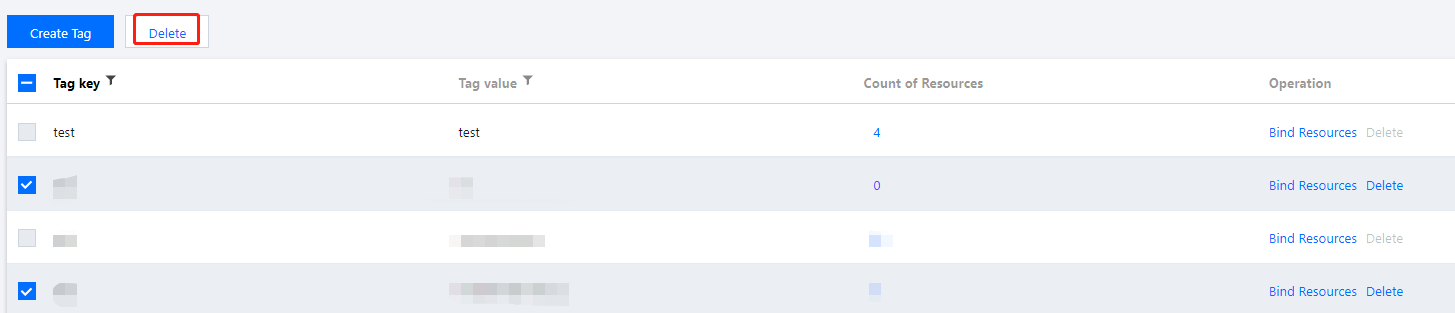
3. Select the tags you want to delete and click Delete in the top left.
Ajuda e Suporte
Esta página foi útil?
Você também pode entrar em contato com a Equipe de vendas ou Enviar um tíquete em caso de ajuda.
comentários