WhatsApp Clone
다운로드
포커스 모드
폰트 크기
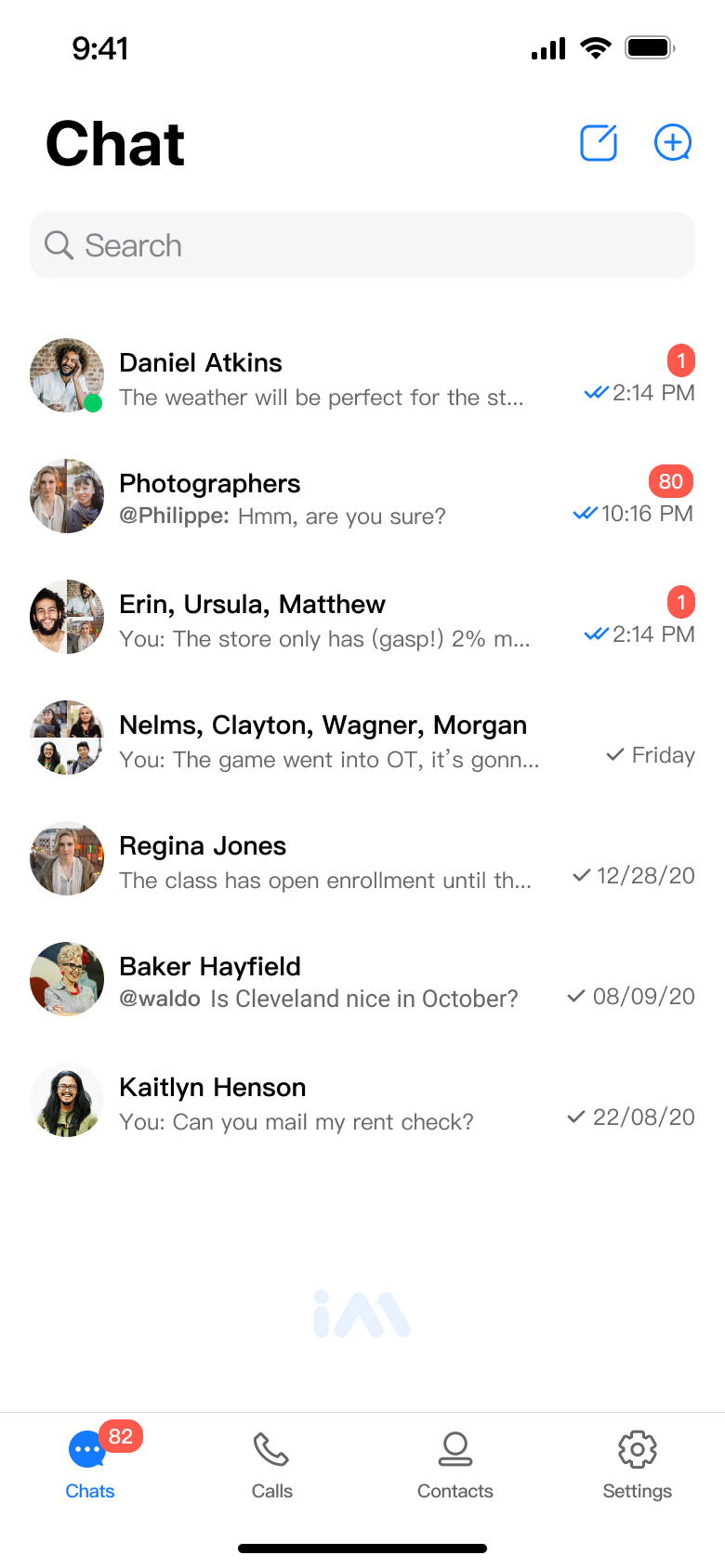
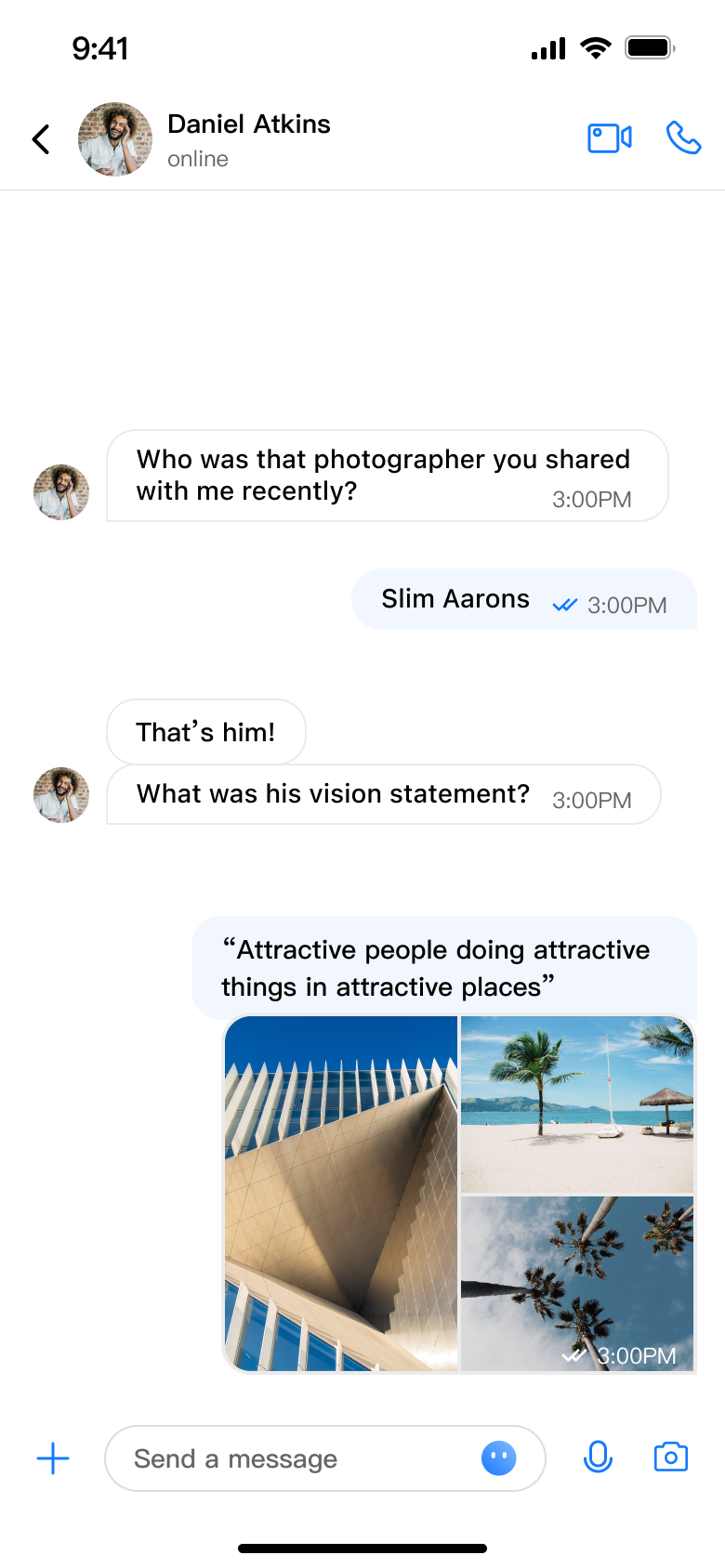
WhatsApp Clone is a project aimed at cloning WhatsApp, offering powerful chat and high-quality audio and video call features. It utilizes Tencent's ChatUIkit and CallKit components to achieve a smooth chatting experience and stable, clear audio and video calls. The project emphasizes user data security, employs advanced encryption technology, and is cross-platform, providing users with a convenient, efficient, and secure instant messaging experience.
 |  |  |  |
WhatsApp Clone Feature Characteristics
Full Platform SupportSupports over 20,000 cross-platform devices, including iOS, Android, Web, and Flutter. | Single/Group ChatSupports personal and group calls, and various message types such as text, image, audio, and video messages. | Session ManagementView information about unread messages, latest, pinned, or deleted chats. |
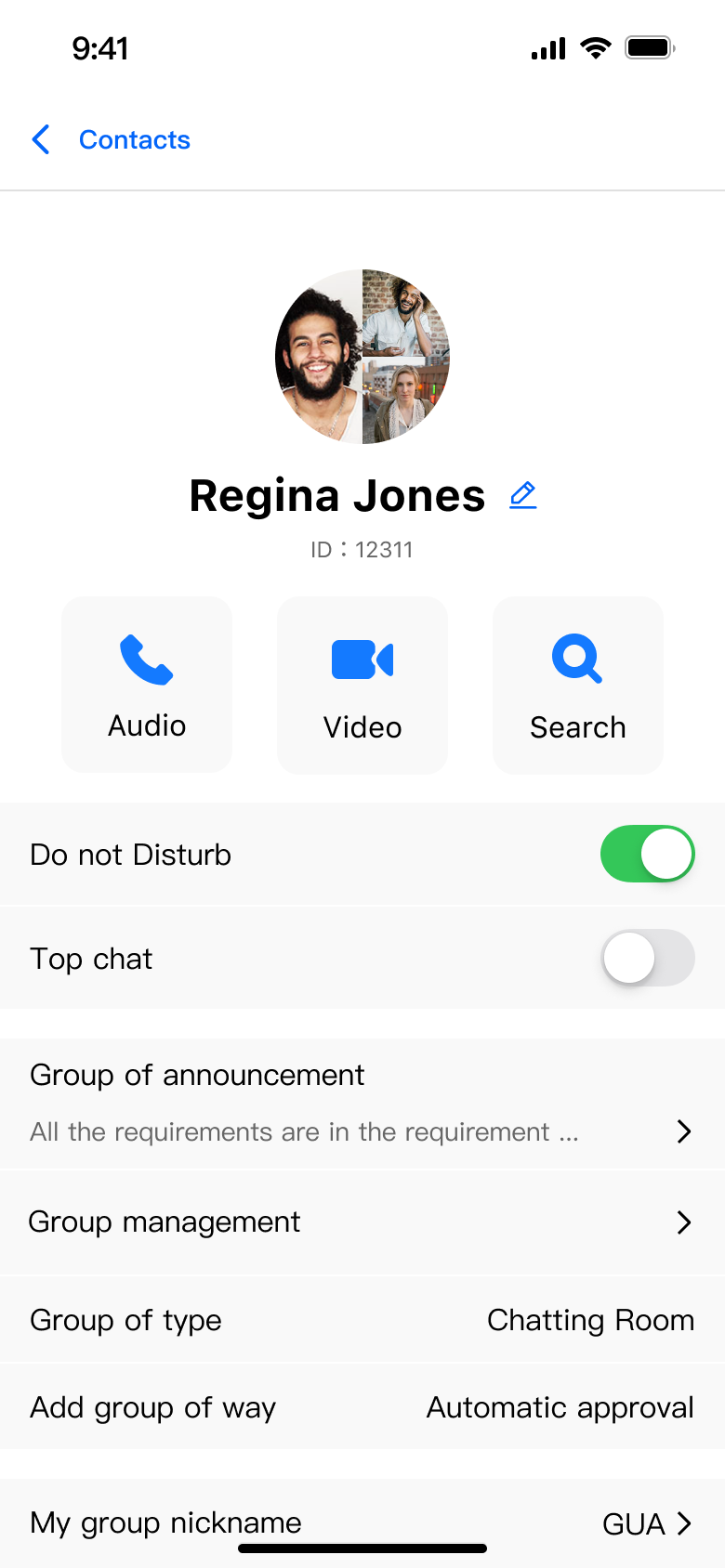
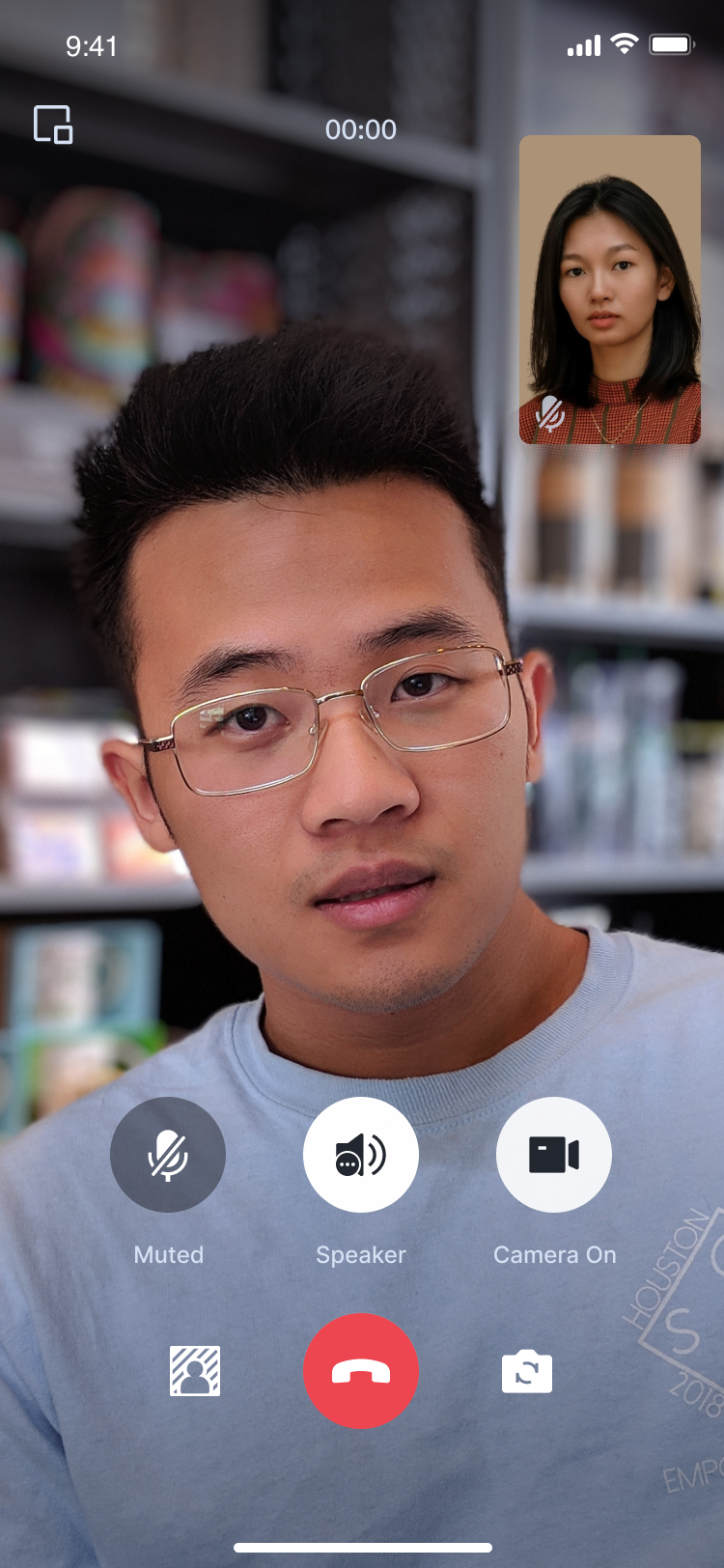
Audio/Video CallSupports high-quality, low-latency audio and video calls. | Group CallSupports multi-user online audio and video calls, and allows inviting others to join during the call. | Group ManagementCreate groups, manage group members, and customize avatars. |
Call Notifications and Offline PushIf the app is not in the foreground, push notifications will be sent. | Virtual BackgroundDuring a video call, you can set a blurry background or image background. | Floating WindowThe call page can be displayed as a floating window. |
AI-powered Noise CancellationRemove background noise from your audio and video calls using AI technology. | Weak Network Call Lagging OptimizationReduce lagging rate and loading time in weak network environments. | Global DeploymentProviding services to users in over 200 countries and regions. Compliant with the <General Data Protection Regulation> (GDPR). |
WhatsApp Clone Software Management
DashboardView audio/video call and chat data through the dashboard. | StatisticsQuickly obtain statistics and analyze message activities through the console. | On-cloud recordingYou can record and save audio and video calls. |
Data ManagementYou can manage users, groups, and other data in the Console. | Server APIManage your application through powerful server APIs. | Push ManagementProvides tools for push message lifecycle data statistics and troubleshooting. |
Quick Start
To help you get started quickly with our project, we provide a detailed installation and configuration guide. Please follow the steps below:
1. Download the WhatsApp Clone project based on your target platform (iOS, Android, Web, Flutter).
2. Refer to the README file in the respective platform folder for project configuration.
3. Run the program to experience the provided chat, call, push, and other features.
Contact Us
If you encounter any issues while using our project or have any questions or suggestions, please don't hesitate to contact us through the following methods:
Visit our Official Website: trtc.io
Send an email to: info_rtc@tencent.com
We look forward to working with you to create a more powerful and user-friendly solution.
피드백