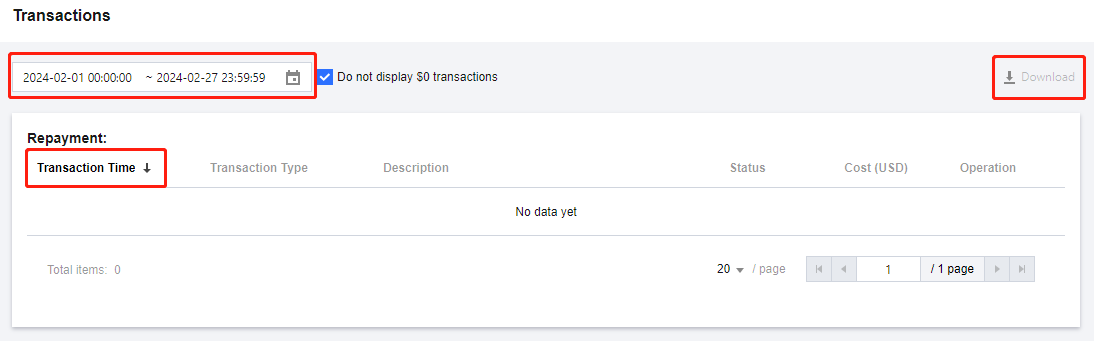
Transactions is used to record all account top-ups. For expenditure details, please refer to Bill Introduction.
Go to "Transactions" Page
Go to Tencent Cloud's "Console" page, and click "Transactions" at the upper right corner to enter the "Transactions" page.
How do I check Transactions?
Filtering by Time: You can specify a time range to view Transactions for the specified time range.
Viewing transaction times in forward order or backward order: Click Transaction Time in the header to switch between displaying transaction times in forward order or backward order.
Downloading Transactions: Click the Download icon at the upper right corner to download Transactions for the specified time range. The details for a maximum of 3 months are allowed to be downloaded at a time. The details for a period beyond 3 months can be exported in batches.