tencent cloud

Identity Aware Platform

Release Notes
Product Introduction
Overview
Basic Concepts
Purchase Guide
Operation Guide
Application Management
SSO Configuration
API Documentation
History
Introduction
API Category
Making API Requests
IAP APIs
Error Codes

SSO Configuration

PDF
포커스 모드
폰트 크기
마지막 업데이트 시간: 2024-11-06 18:01:38
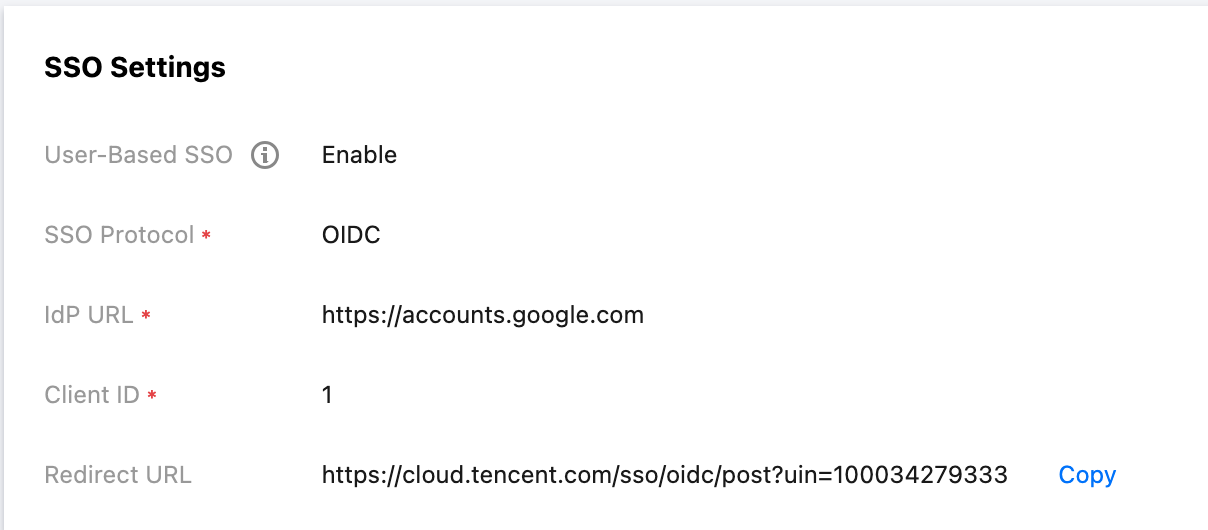
IAP establishes an association relationship with enterprise IdP users through OIDC SSO. If you need to control the resource access permissions with IAP, you should configure OIDC SSO first. This document introduces the SSO configuration and login status management configuration.

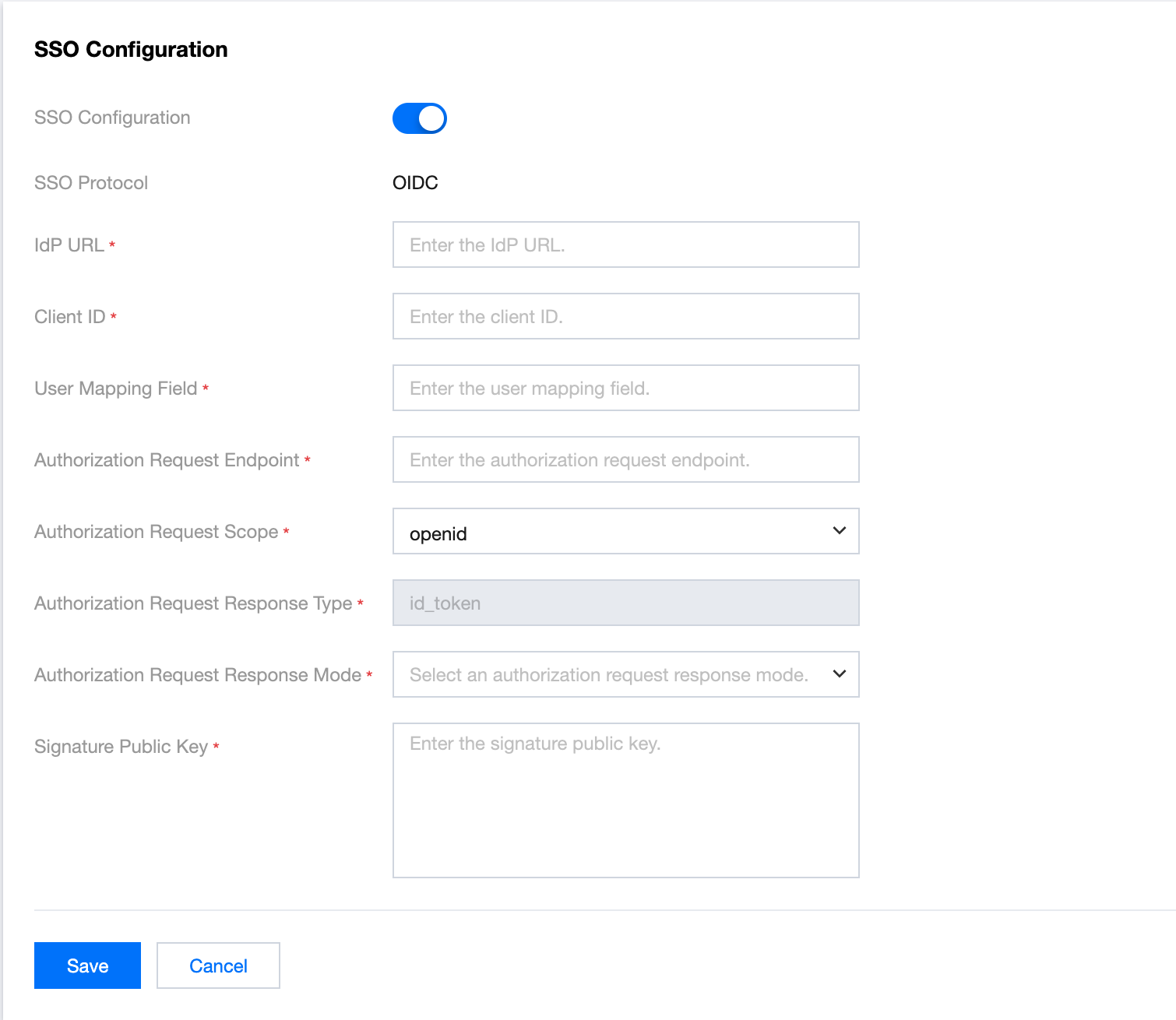
SSO Configuration

1. Log in to the IAP console > SSO Configuration page.
2. In the SSO Configuration section, click Edit.


3. On the SSO Configuration page, enter the following information as needed and click Save.


4. The configuration is completed.


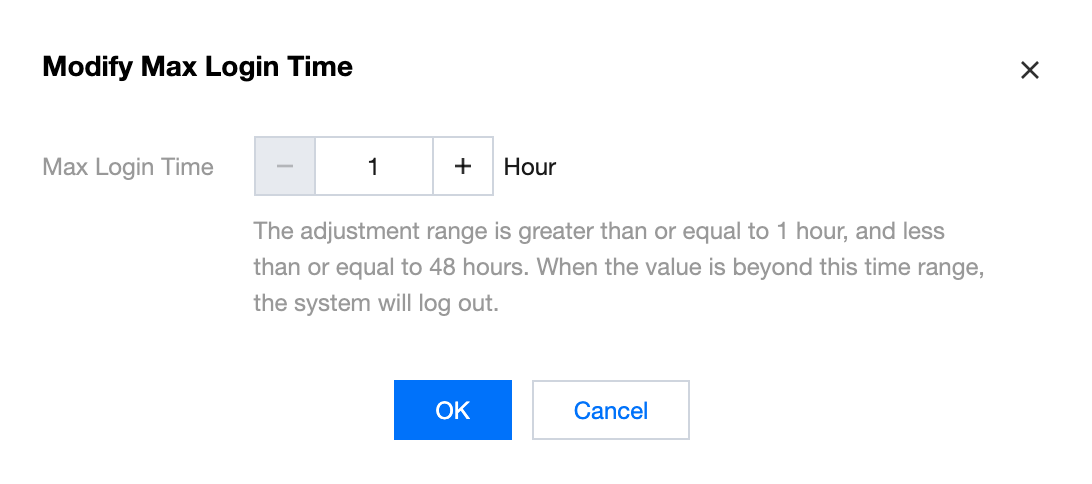
Login Status Management

1. In the Login Status Management section, click Modify.


2. In the pop-up window, modify the maximum login retention period. The modification range is 1 to 72 hours.


3. Click OK to complete the modification.

도움말 및 지원

문제 해결에 도움이 되었나요?

피드백