Deleting Domain Name Resolution
다운로드
포커스 모드
폰트 크기
Scenarios
When a resolution record is no longer needed, you can delete it. After deletion, the record will no longer take effect. Proceed with caution.
Must-Knows
When you delete a domain resolution in the Lighthouse console, the corresponding resolution record in the Tencent Cloud DNS console will also be deleted.
Operation Steps
You can delete a domain resolution from the domain page or the instance page.
Deleting Domain Name Resolution on the Domain Page
1. Log in to the Lighthouse console and select Domain in the left sidebar.
2. In the domain list, click the target domain name to go to the domain details page.
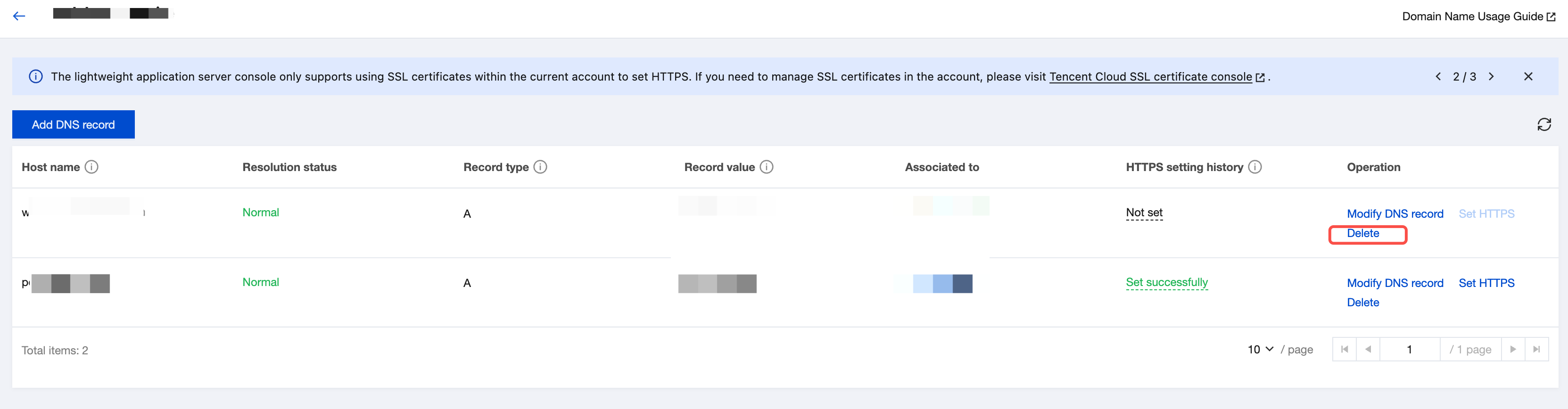
3. Select the domain resolution to delete and click Delete in the Operation column.
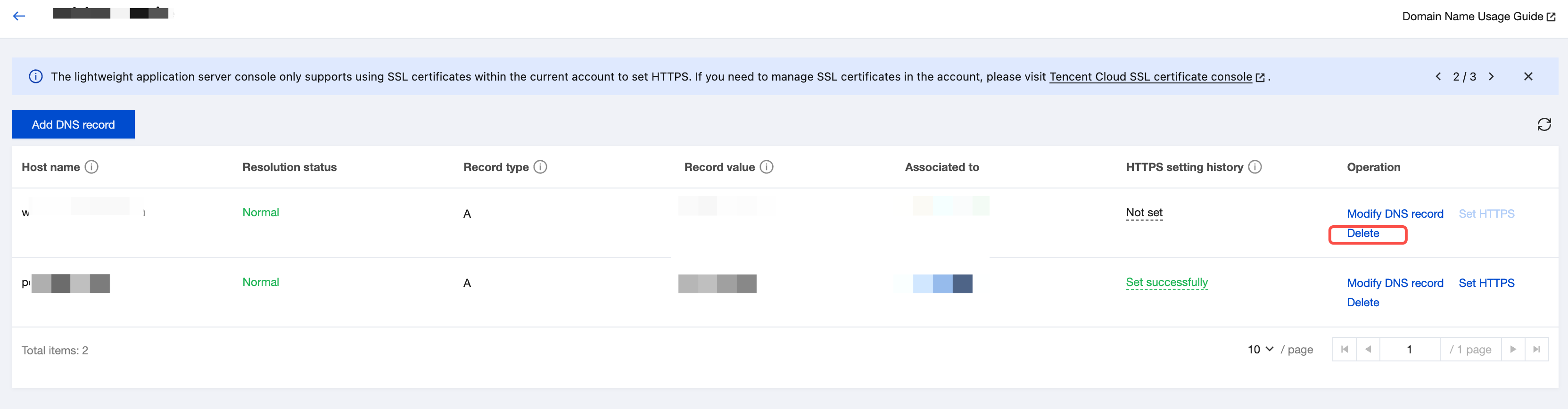
4. In the confirmation dialog, click OK.
Deleting Domain Name Resolution on the Instance Details Page
1. Log in to the Lighthouse console and select Instances in the left sidebar.
2. In the instance list, select the target instance and go to the instance details page.
3. Select the Resolve the domain name tab and click Delete in the operation column of the domain resolution to delete.
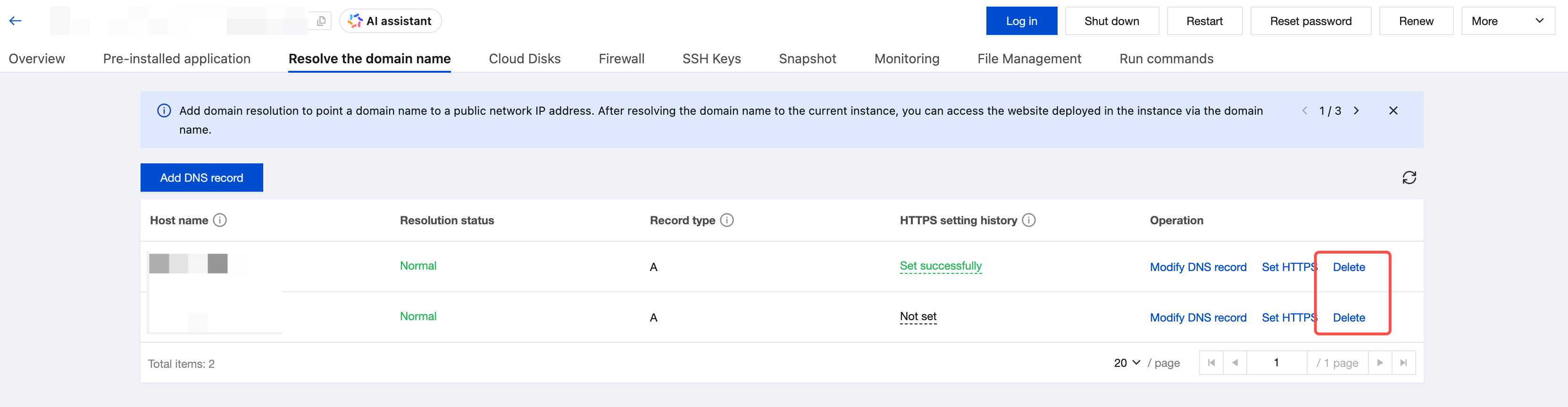
4. In the confirmation dialog, click OK.
피드백