Adding Domain Names
다운로드
포커스 모드
폰트 크기
Scenarios
This task guides you through adding newly purchased or existing domains in the Lighthouse console, and resolving the added domains to any Lighthouse instance.
Must-Knows
A domain can function properly only when it uses Tencent Cloud DNS. If the DNS service is not used, "Inactive" will be displayed after you add the domain resolution.
Operation Steps
1. Log in to the Lighthouse console and select Domain in the left sidebar.
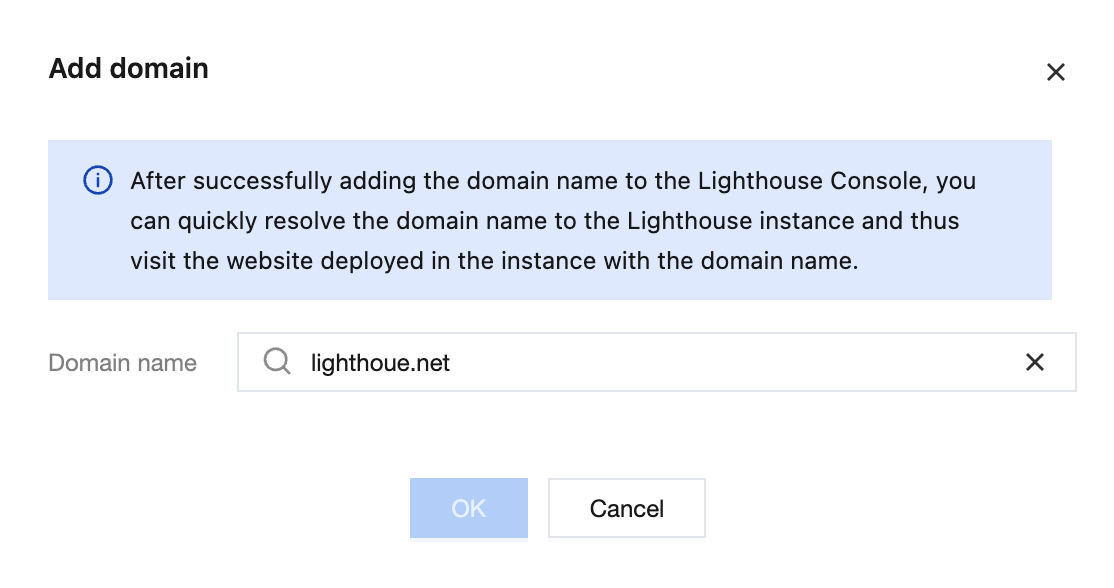
2. On the Domains page, click Add Domain.
You can select an existing DNS domain under the current account from the dropdown menu, or directly enter another domain you want to add.
3. Configure DNS resolution (optional).
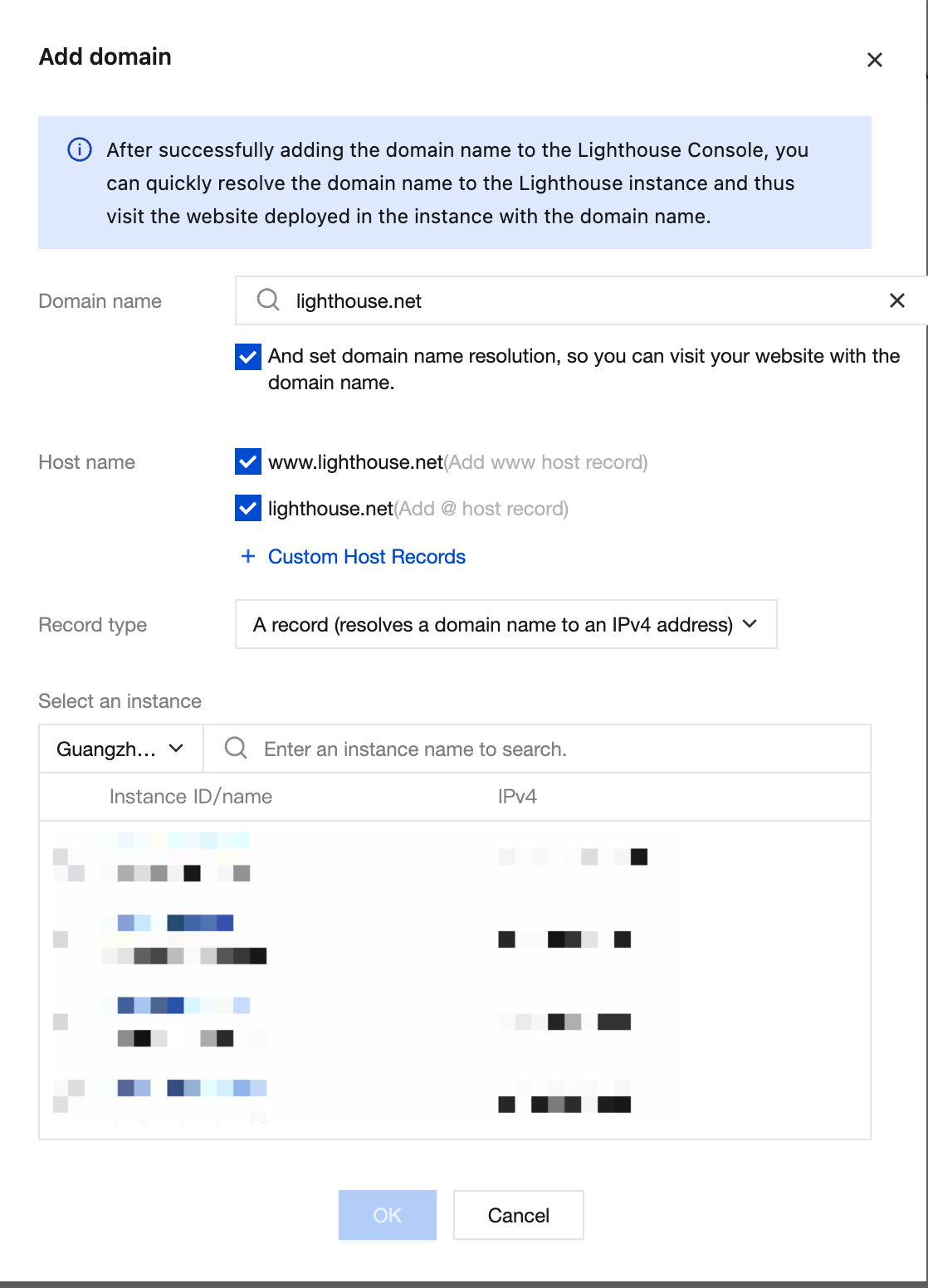
4. After verification, click OK.
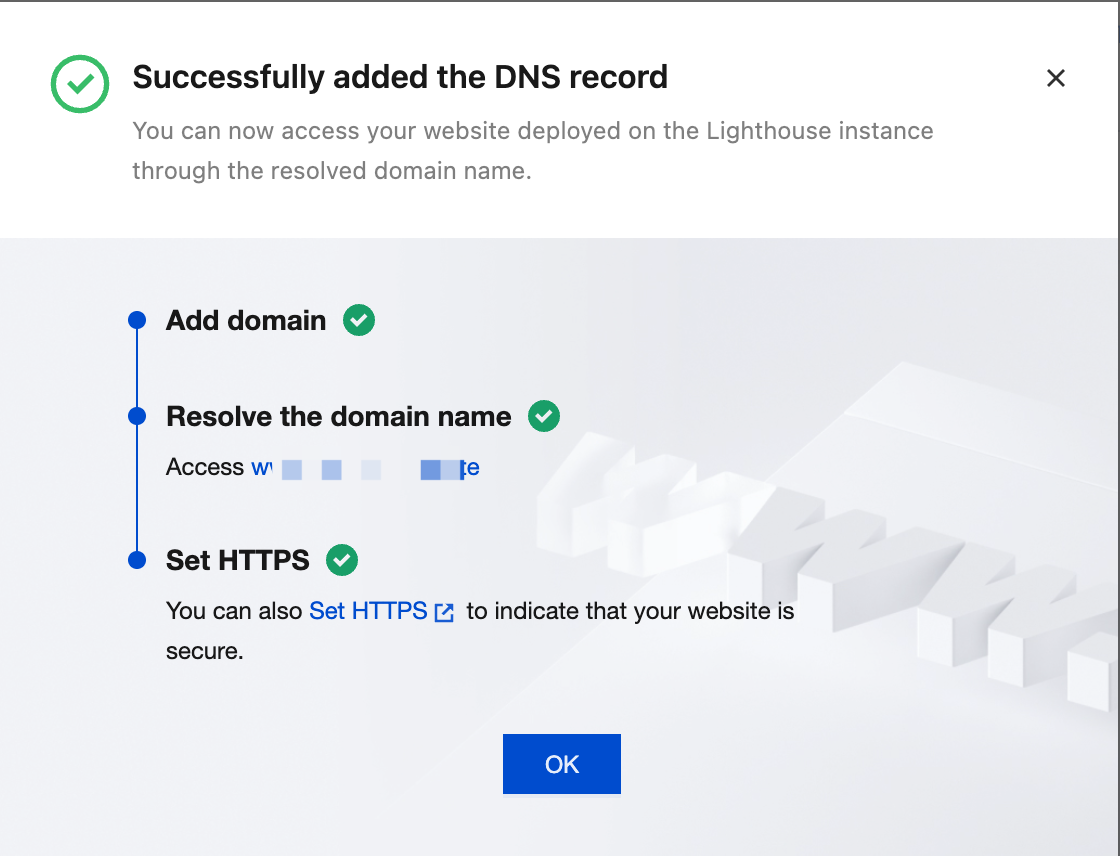
5. After the domain is added successfully, the page displays as follows:
Following Steps
피드백