Query Playback Data
다운로드
포커스 모드
폰트 크기
If you use Cloud Streaming Services to pull from StreamPackage as the origin and perform downstream distribution, you can view playback data in the Stream Data Query feature of CSS. For StreamPackage live channels or channel assembly channels, you can input the channel ID in CSS console to query the corresponding playback data.
Note:
Playback data queries use the monitoring data API. The data acquisition and statistical methods differ from billing data and are for operational analysis only. They cannot be used for billing reconciliation purposes.
Playback data queries are limited to the most recent 20 days, and each query time range must be less than 24 hours.
StreamPackage Live Channel
1. Log in to the CSS console.
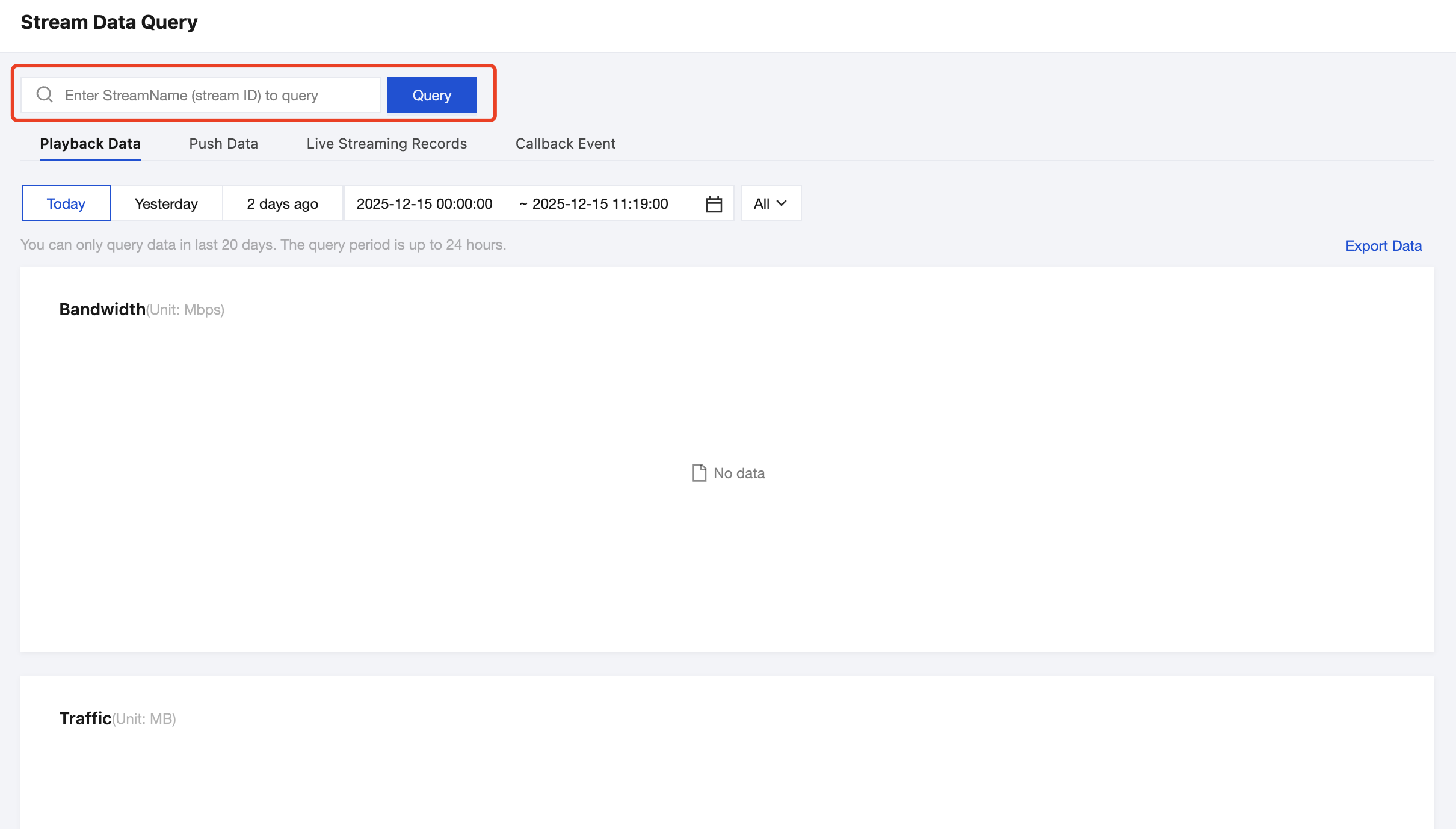
2. For a live channel in StreamPackage, in the Stream Data Query of CSS, you can enter the channel information in the StreamName input box using the format: StreamPackage_Region_ChannelID. For example, for a StreamPackage live channel in Singapore with a channel ID of 123456, you can enter StreamPackage_ap-singapore_123456 in the StreamName input box.
3. Click Query, then in Playback Data, you will see the corresponding playback bandwidth and traffic data for this channel.
StreamPackage Channel Assembly Channel
1. Log in to the CSS console.
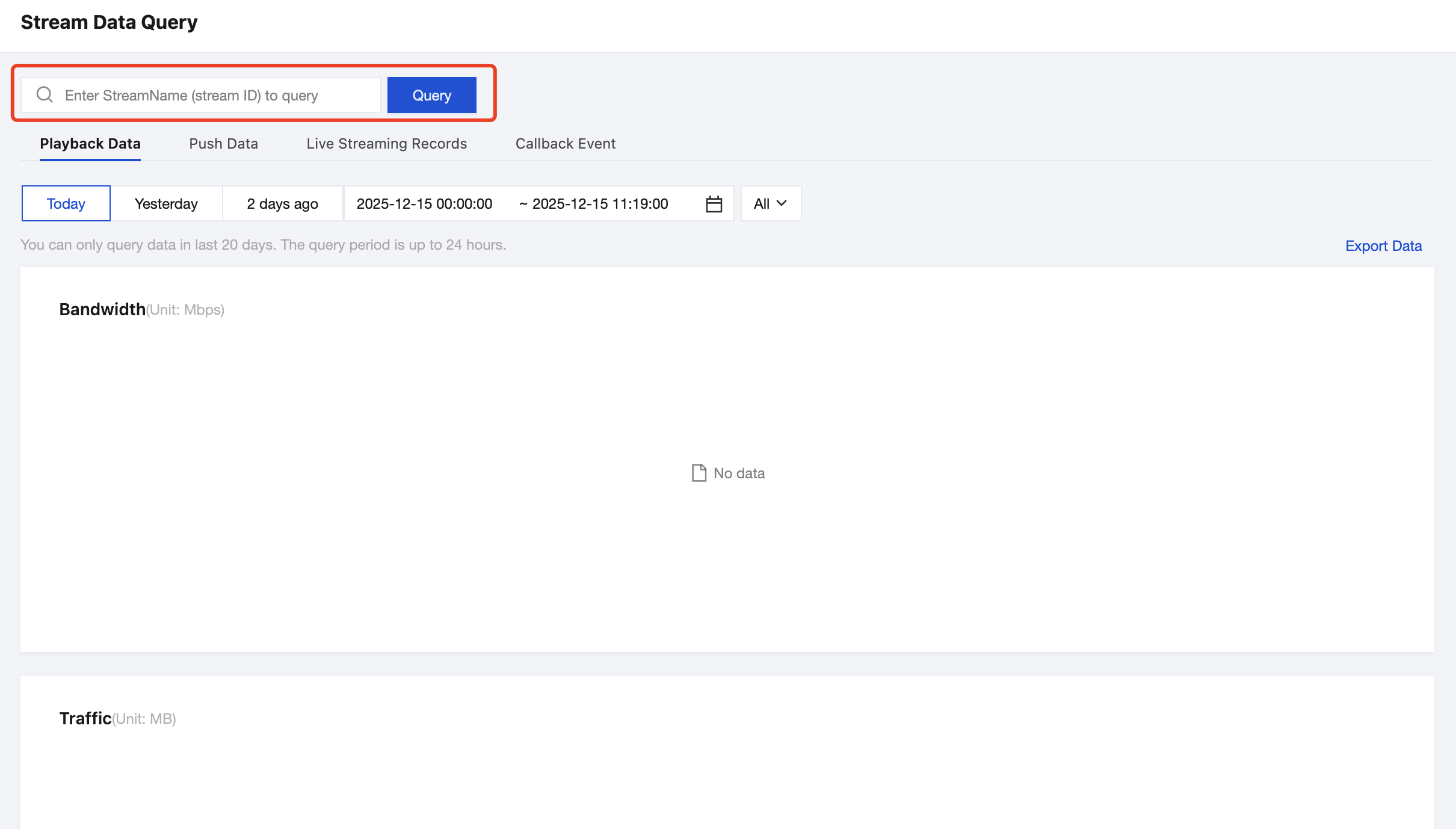
2. For the channel assembly channel in StreamPackage, in the Stream Data Query of CSS, you can enter the channel information in the StreamName input box using the format:channel_assembly_channel ID. For example, for a channel assembly channel in StreamPackage with a channel ID of 123456, you can enter channel_assembly_123456 in the StreamName input box.
3. Click Query, then in Playback Data, you will see the corresponding playback bandwidth and traffic data for this channel.
피드백