Access the Administrator Panel, click on "Chatbot" and then any page to test and publish your Chatbot.
Chatbot Testing
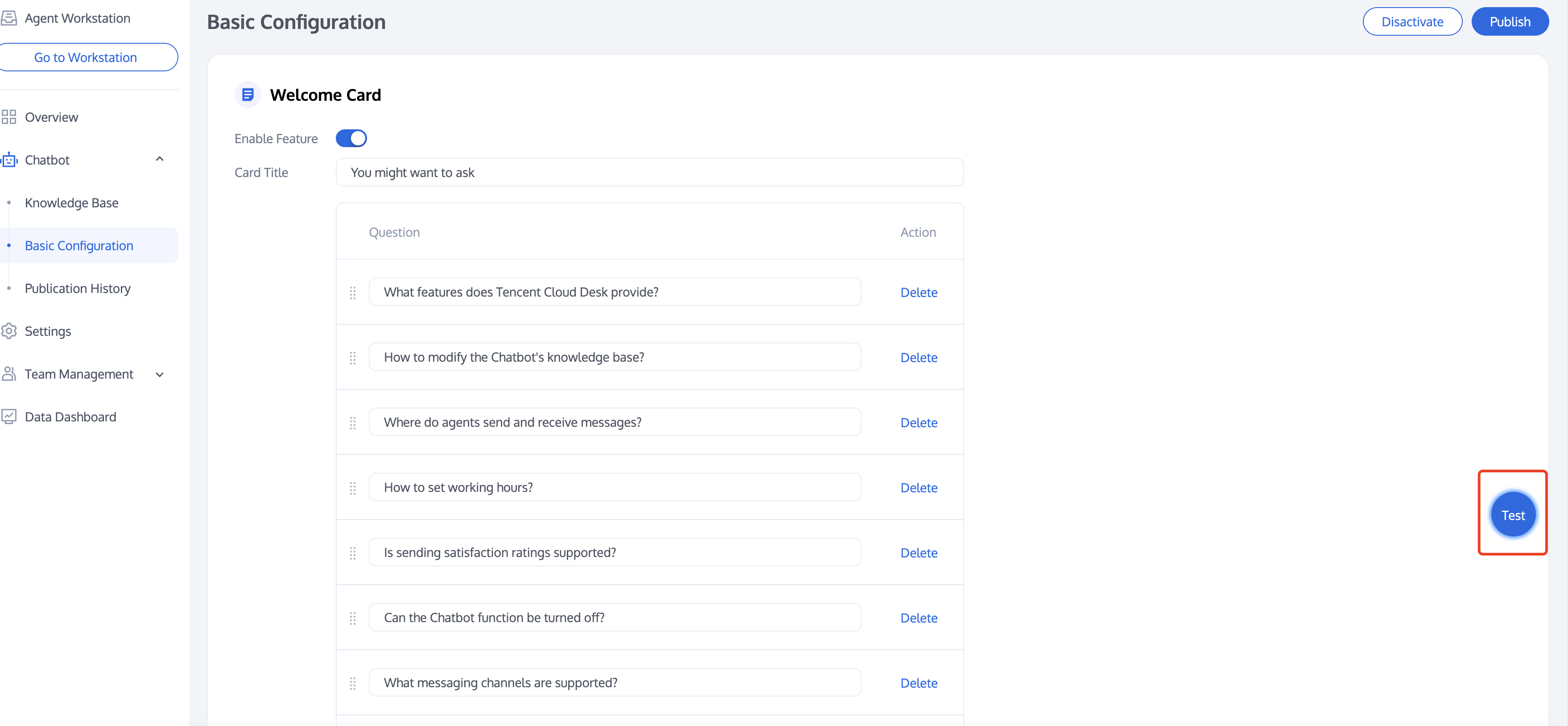
During or after configuring the knowledge base and basic configuration, you can test your chatbot by using the test entry found on the right side of any page under the smart robot category.
Administrator Panel Test Entry
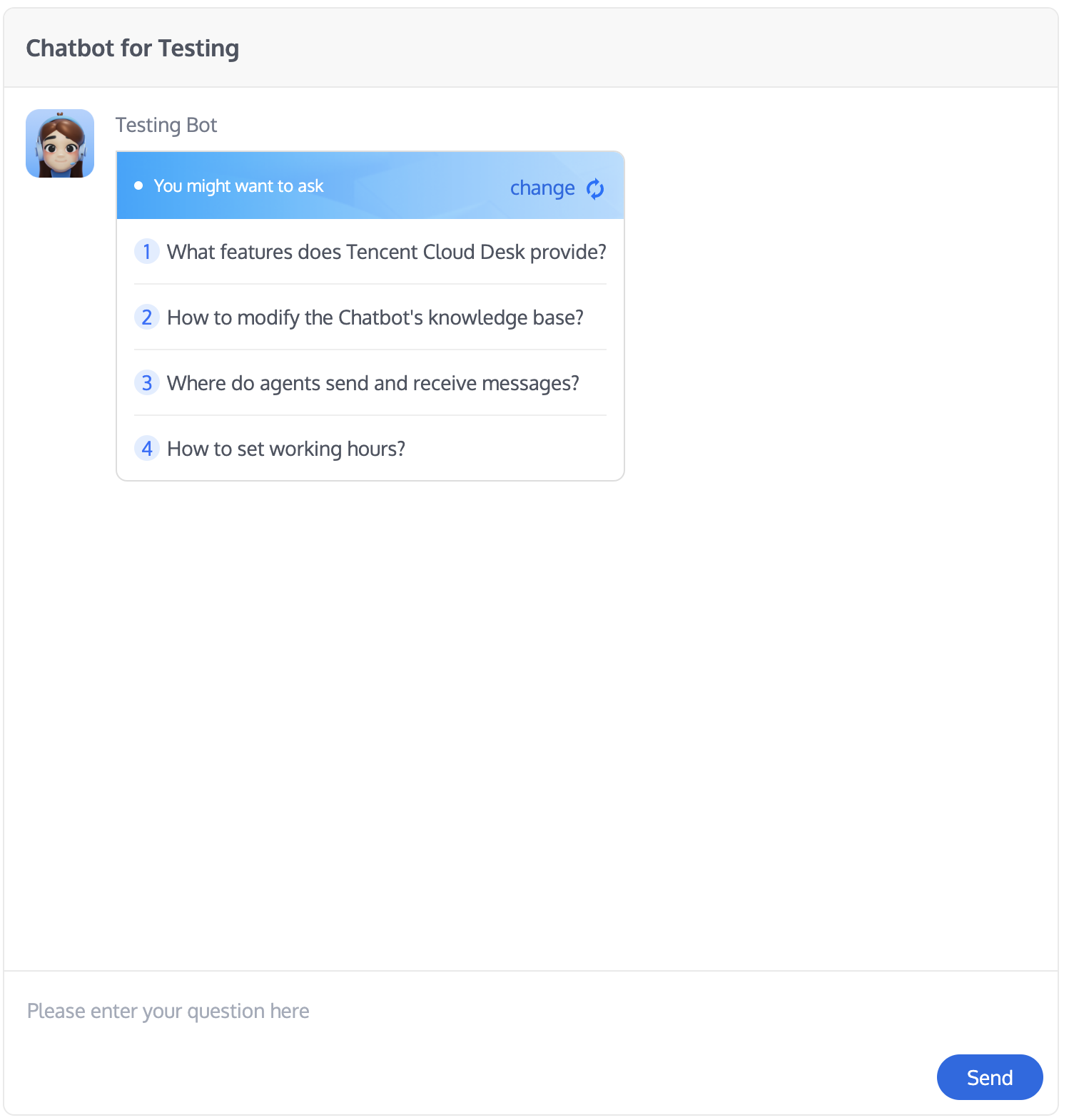
Example of testing
Deployment
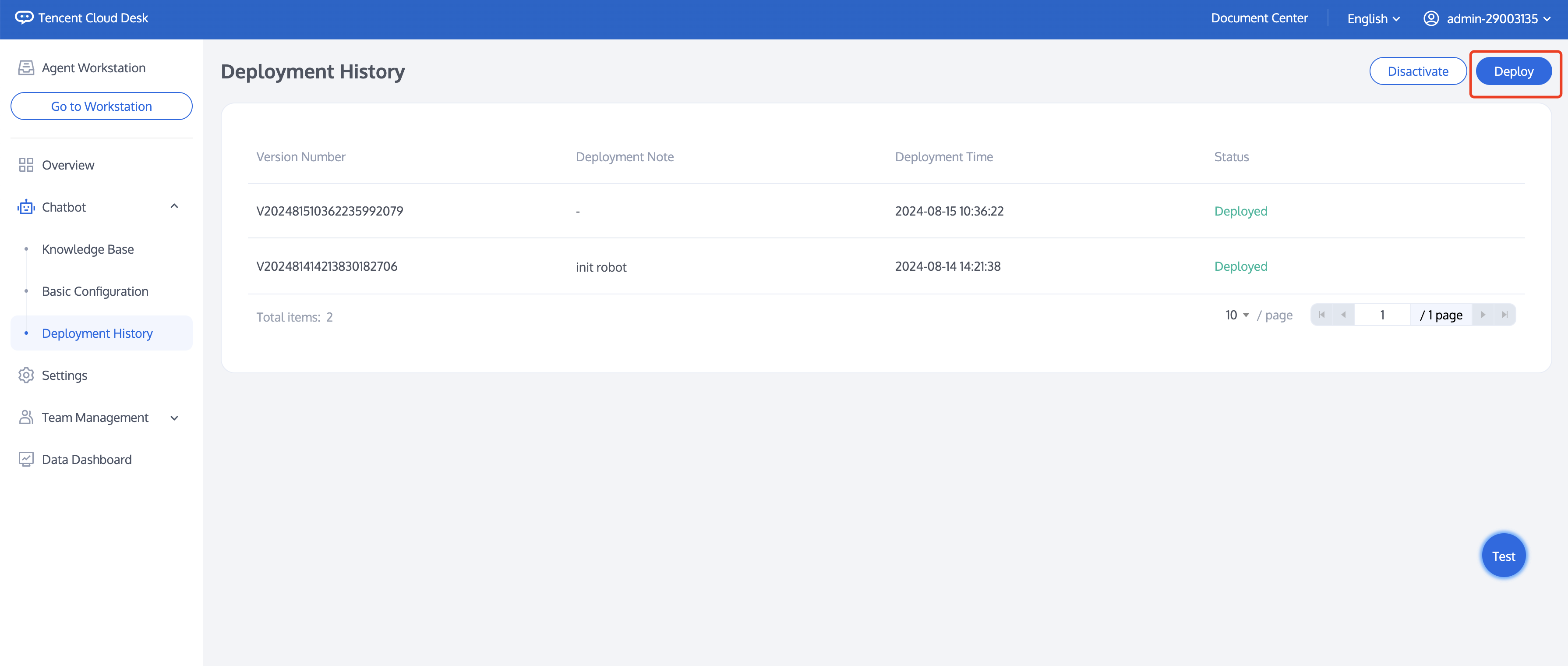
Once the configuration and testing are complete, and if your chatbot is enabled, you can publish the configurations to the live environment by clicking "Deploy" located in the upper right corner of the page.
Deployment History
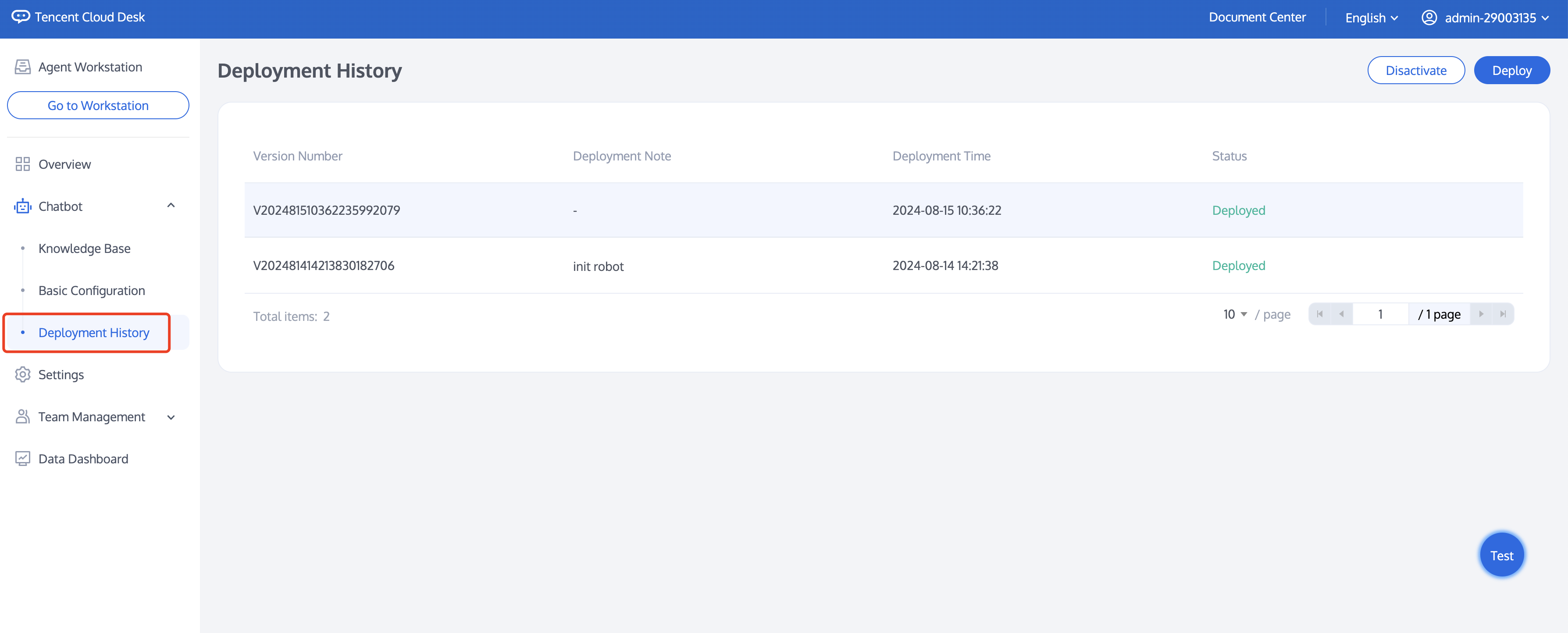
To view the deployment history, click on "Chatbot > Deployment History" in the left navigation bar. The information includes the Version Number, Deployment Note, Deployment Time, and the Status of the deployment.