Disk Update Check
Download
포커스 모드
폰트 크기
Feature overview
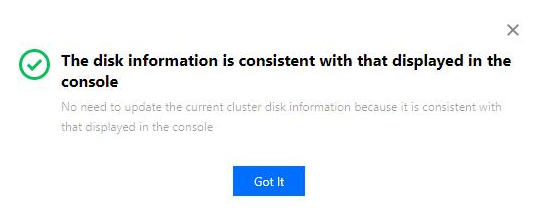
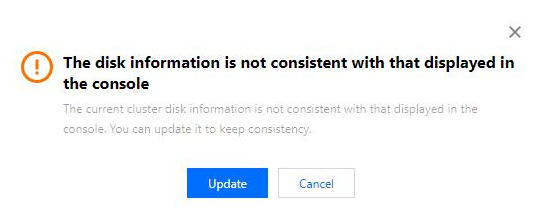
This feature checks whether the cluster disk information is consistent with that displayed in the console and supports performing updates to ensure consistency.
Directions
1. Log in to the EMR console and click the ID/Name of the target cluster in the Cluster list to enter the cluster details page.
2. On the cluster details page, select Cluster Resource to enter the Resource Management page. Select More > Check disk update. If the cluster disk information is inconsistent with the information displayed in the console, click Update, and the disk usage, total disk space, and disk space usage of the cluster will all be updated.
피드백