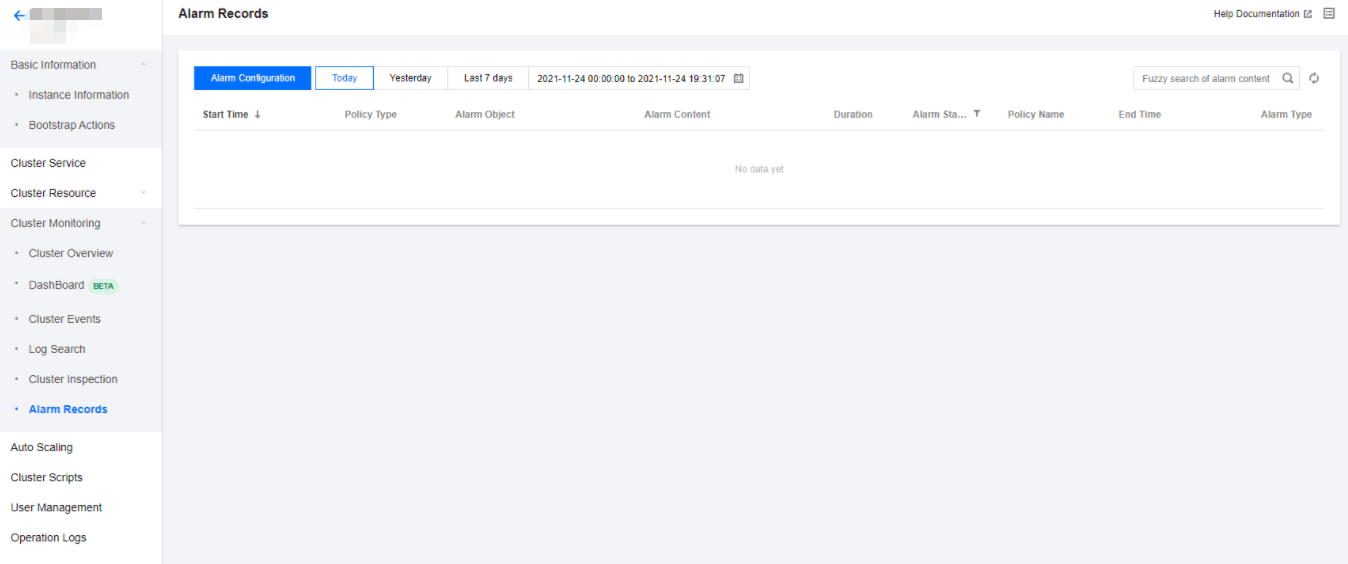
The alarm records feature allows you to view alarms in the past six months. On the Alarm Records page, you can also quickly access alarm policies by policy type and subscribe to them.
Directions
1. Log in to the EMR console and click the ID/Name of the target cluster in the cluster list to enter the cluster details page.
2. Select Cluster Monitoring > Alarm Records. On the displayed page, you can perform fuzzy search for alarms by alarm content, filter by time range and alarm status, and sort by start time.
3. Click Alarm Configuration to go to the alarm configuration page in the Cloud Monitor console to configure alarm policies. For details, see Alarm Configurations.