The EMR console supports checking and updating the public IP on master1. After you update or add the master1 public IP, the master public IP in the cluster configuration information and the WebUI access address will be updated too.
Directions
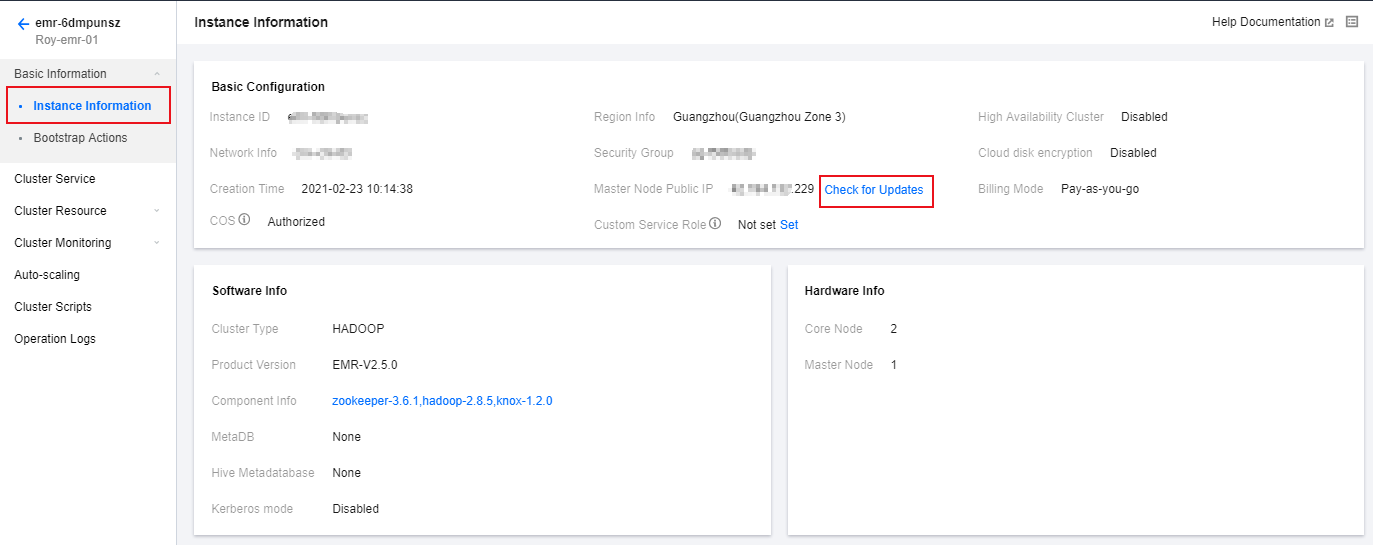
1. Log in to the EMR console and click a cluster ID in the cluster list to go to the instance information page. Click Check for Updates next to Master Public IP in the Basic Configuration section.
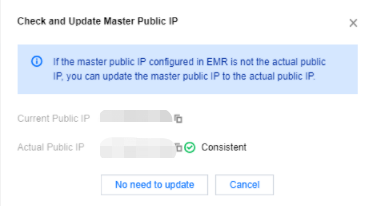
2. If the actual master public IP is different from the public IP saved in EMR, you can update the public IP saved in EMR to the actual master public IP. This page will refresh automatically after synchronization finishes.