EMR has a Task Center where you can view the execution status of all tasks in your clusters and retry, cancel, and display error information for tasks.
Task List
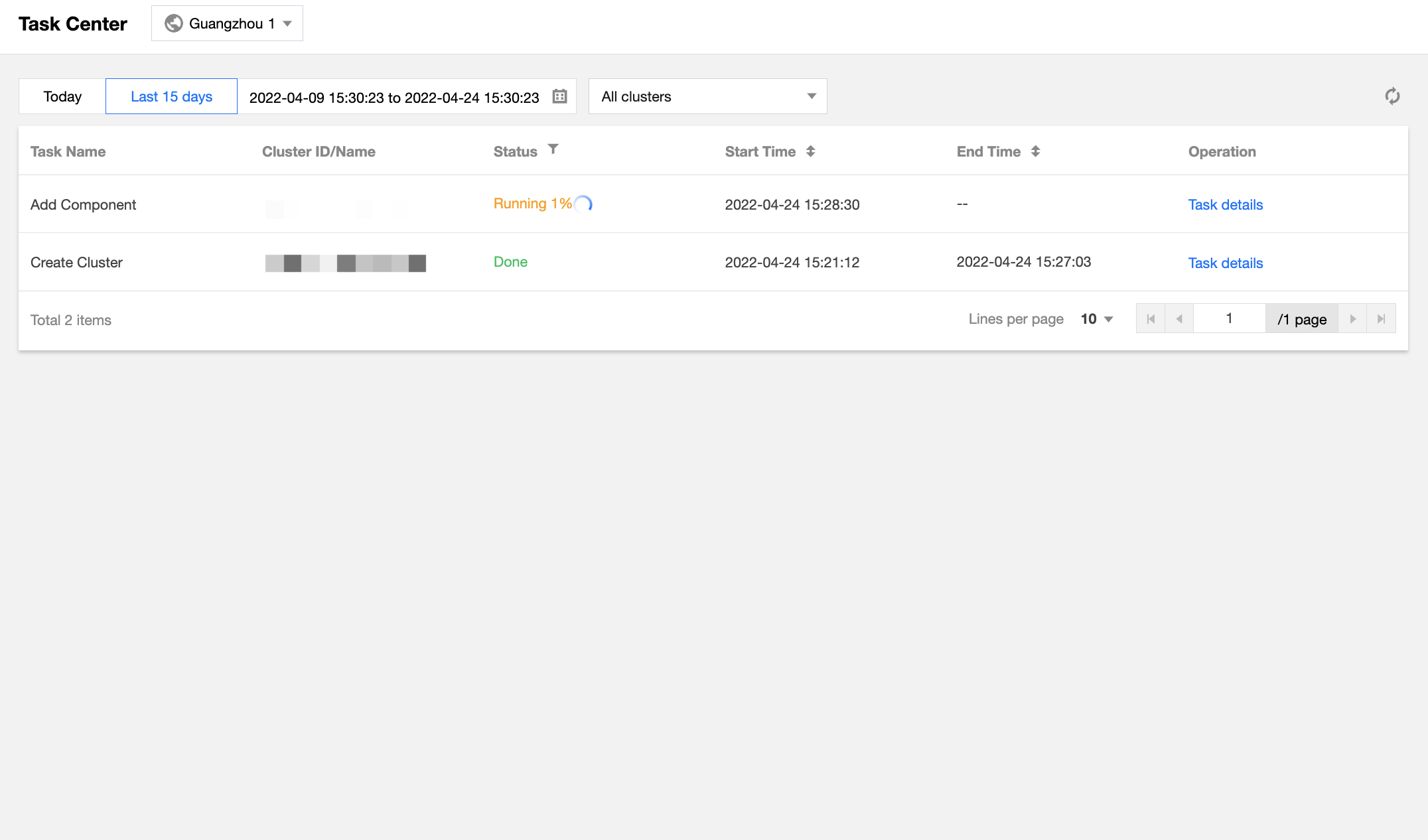
Log in to the EMR console and click Task Center on the left sidebar to view the status, start time, end time, and operation information of all tasks in one or all clusters in the current region.
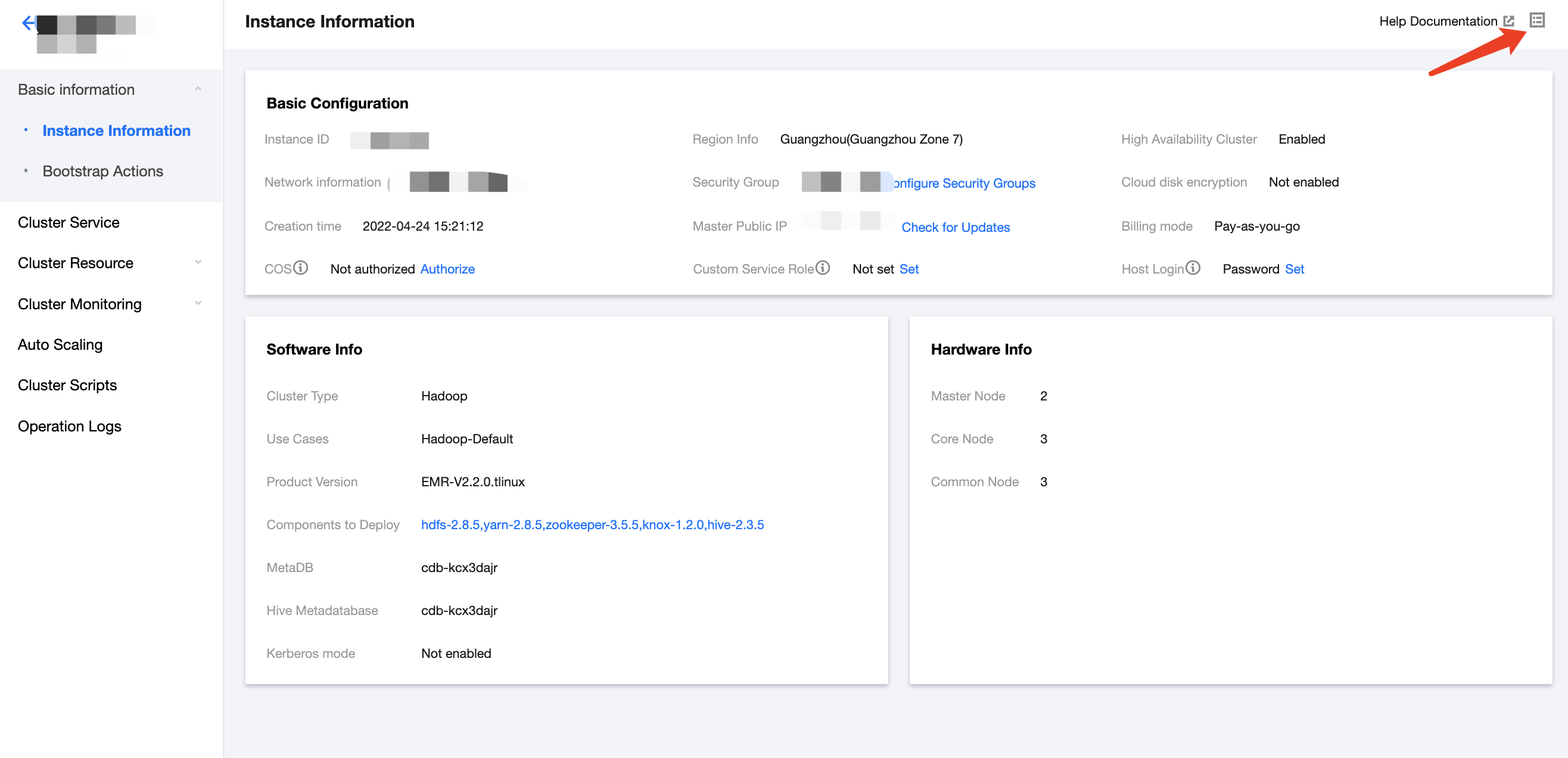
Log in to the EMR console, click Cluster List on the left sidebar, select a cluster, and click Task in the top-right corner to view the status, start time, end time, and operation information of all tasks in the cluster.
Task Details
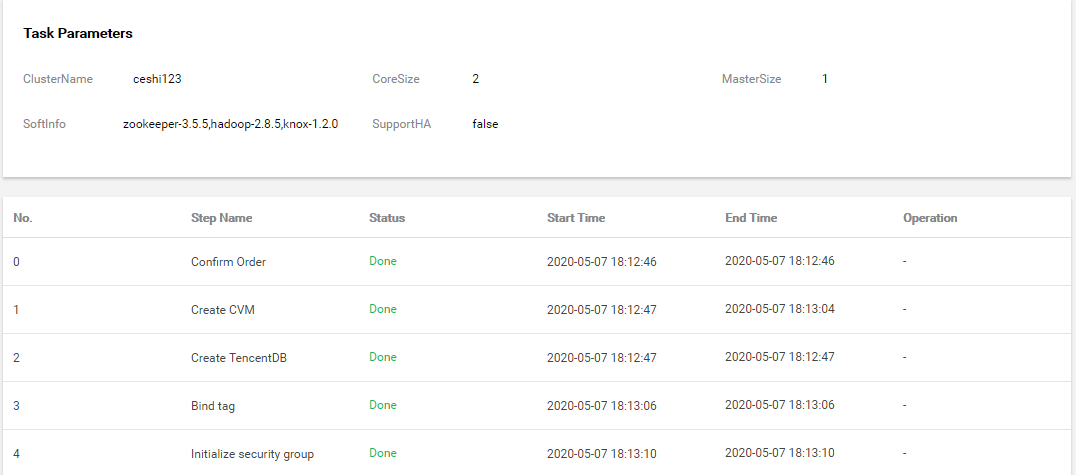
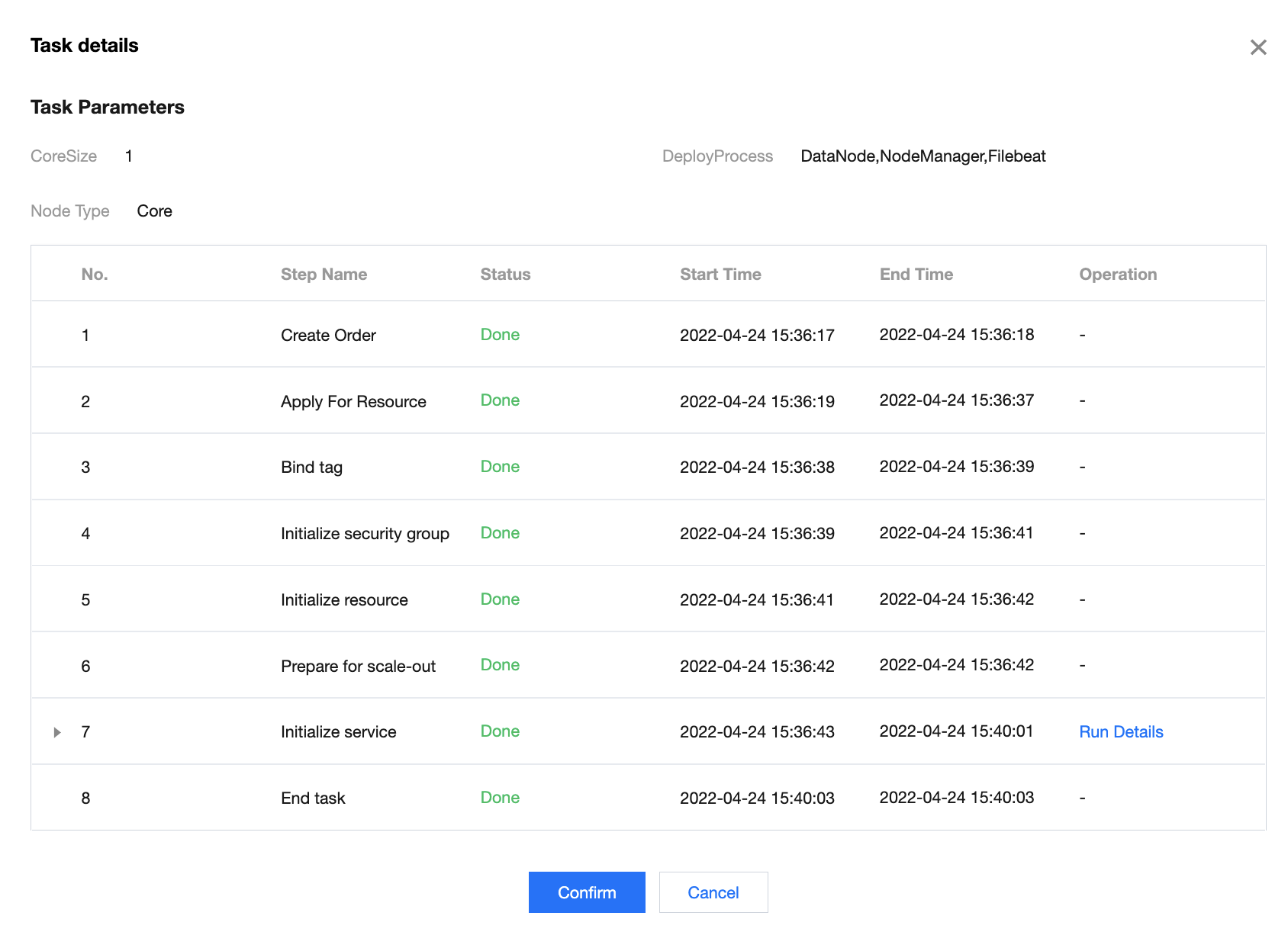
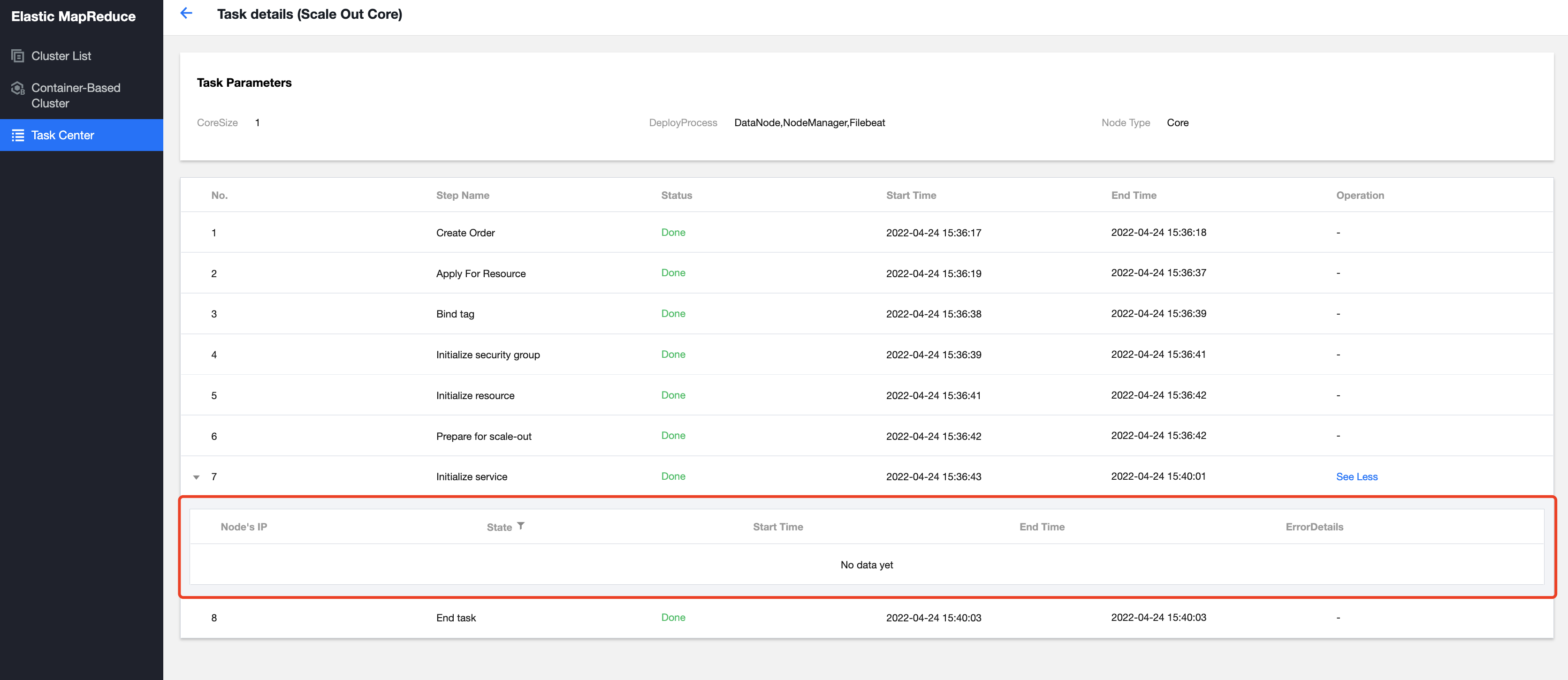
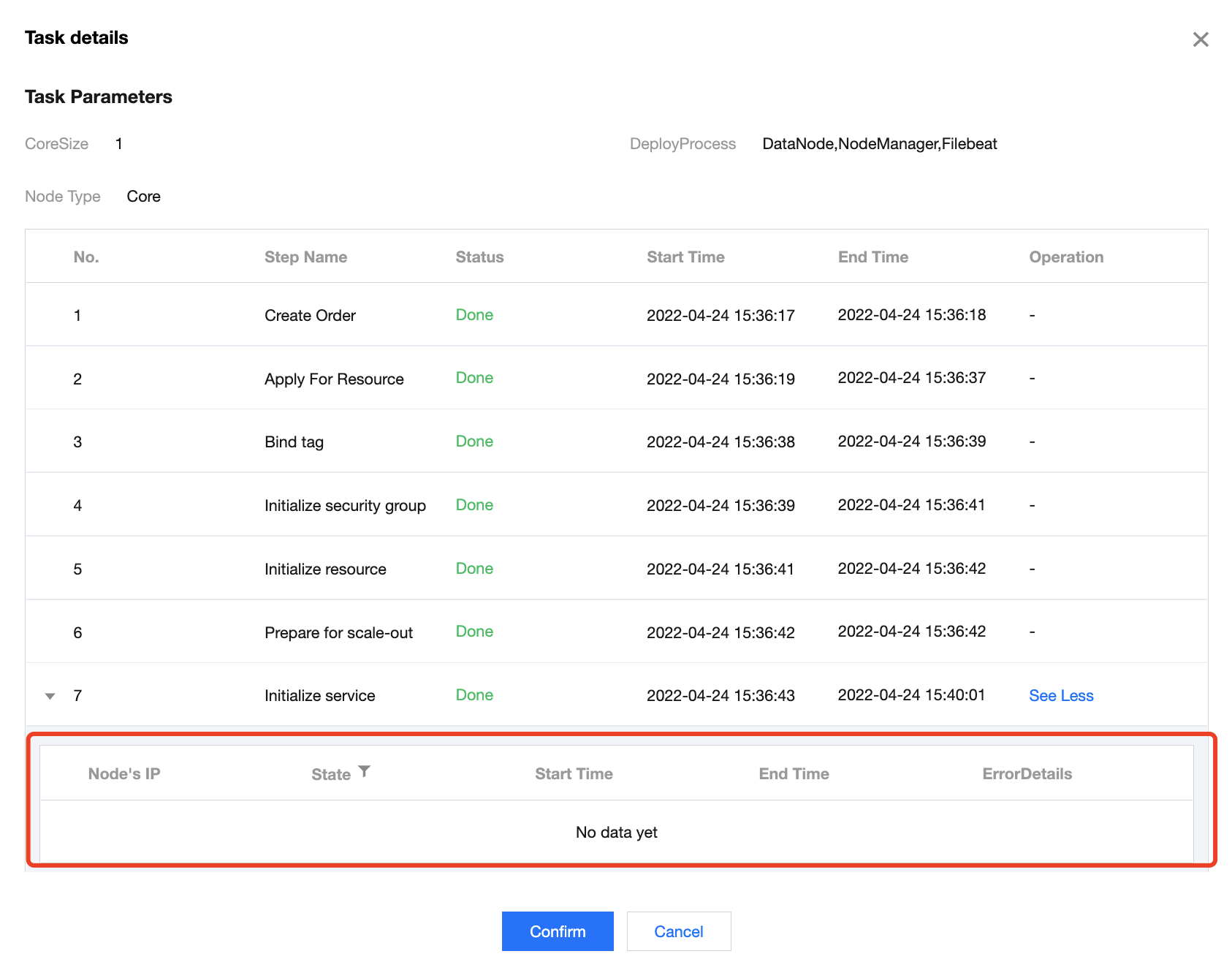
Click Task Details to view task parameters and completion status of execution steps.
Run Details
In some operation steps in Task Details, you can click Run Details to view the completion status of the corresponding steps.