This document describes how to roll back operations on component configuration items, such as adding, modifying, and deleting configuration items, in the Elastic MapReduce (EMR) console.
Directions
1. Log in to the EMR console and click ID/Name of the target cluster in the cluster list to go to the cluster details page.
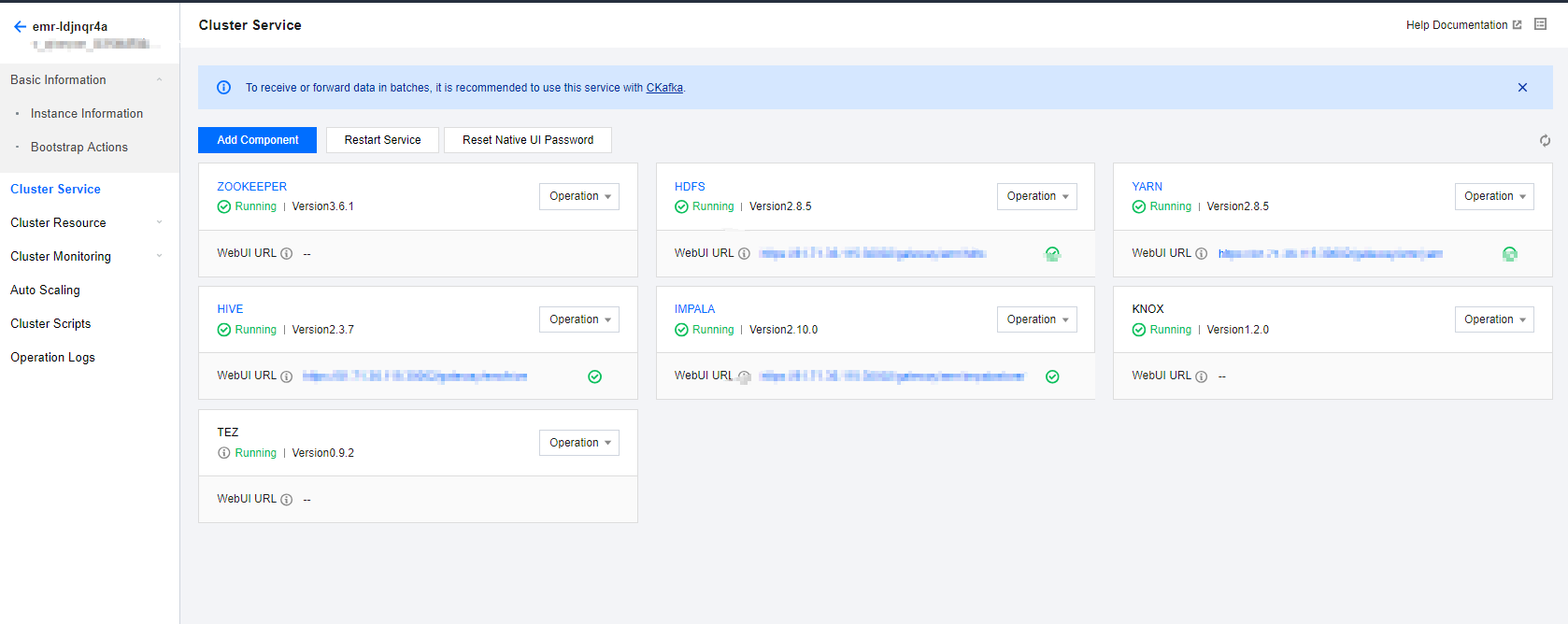
2. On the cluster details page, click Cluster Service and choose Operation > Configuration Management in the top-right corner of the target component block. The following uses HDFS as an example:
3. Select Configuration Record on the Configuration Management page to display the configuration record of the current component by default. You can also switch to view the configuration record of all components. Click Details to view the parameter values before and after the configuration change. Click Rollback > Confirm rollback to roll back the configuration change of a parameter. After the rollback is successful, the component will be restarted, and the previous configuration will take effect in a short time.
Note
Added, modified, or deleted configuration items can be rolled back, while added or deleted configuration files cannot.