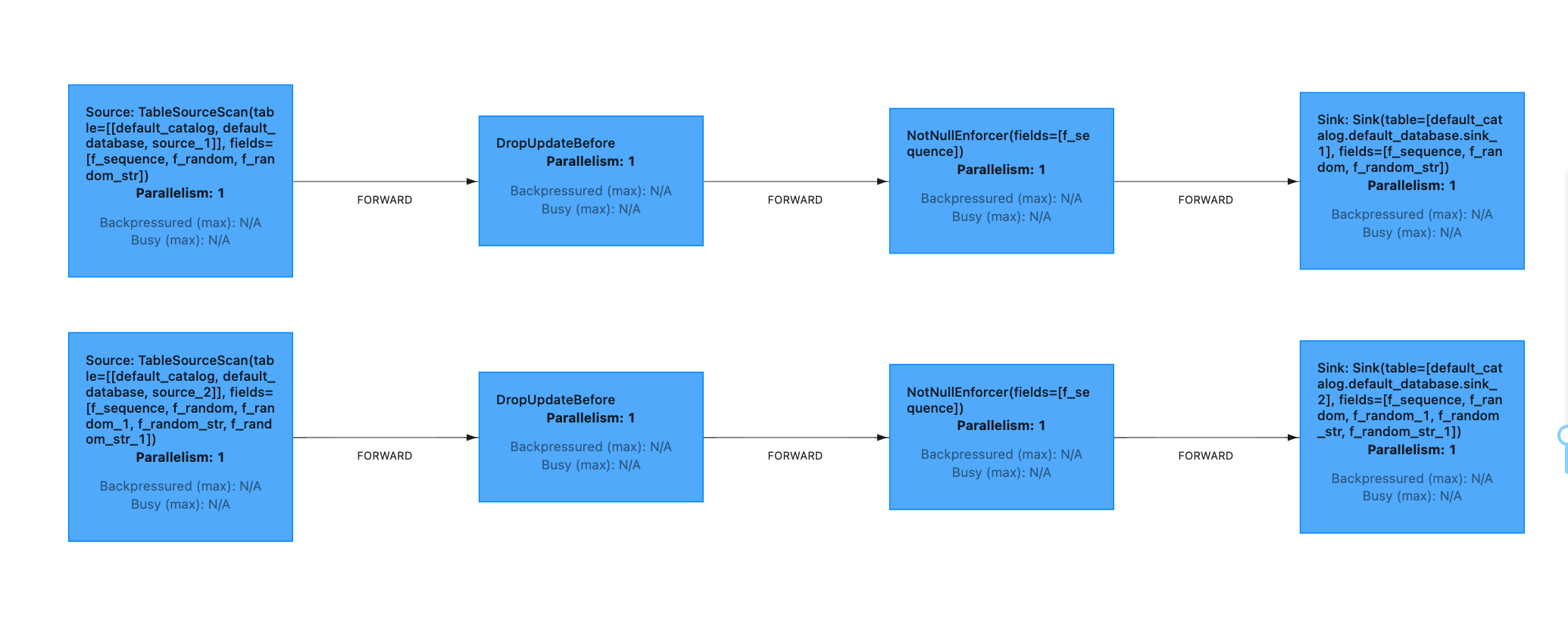
When syncing data, Flink CDC Connector will establish a database connection for each table. This significantly increases the load on the database instance when data is synced among multiple tables or across the database. For this, Stream Compute Service introduced the source merging capability.
Overview
Take the following job for example:
CREATETABLE`source_1`
(
`f_sequence`INT,
`f_random`INT,
`f_random_str`VARCHAR,
PRIMARYKEY(`f_sequence`)NOT ENFORCED
)WITH(
'connector'='mysql-cdc',
'hostname'='ip1',
'port'='3306',
'username'='xxx',
'password'='xxx',
'database-name'='db1',
'table-name'='source_1'
);
CREATETABLE`source_2`
(
`f_sequence`INT,
`f_random`INT,
`f_random_1`INT,
`f_random_str`VARCHAR,
`f_random_str_1`VARCHAR,
PRIMARYKEY(`f_sequence`)NOT ENFORCED
)WITH(
'connector'='mysql-cdc',
'hostname'='ip1',
'port'='3306',
'username'='xxx',
'password'='xxx',
'database-name'='db2',
'table-name'='source_2'
);
CREATETABLE`sink_1`
(
`f_sequence`INT,
`f_random`INT,
`f_random_str`VARCHAR,
PRIMARYKEY(`f_sequence`)NOT ENFORCED
)WITH(
'connector'='logger'
);
CREATETABLE`sink_2`
(
`f_sequence`INT,
`f_random`INT,
`f_random_1`INT,
`f_random_str`VARCHAR,
`f_random_str_1`VARCHAR,
PRIMARYKEY(`f_sequence`)NOT ENFORCED
)WITH(
'connector'='logger'
);
insertinto sink_1 select*from source_1;
insertinto sink_2 select*from source_2;
To sync the two tables, which belong to the same database instance, Flink will generate two pipelines. Each CDC source will establish a connection with the MySQL database. When a job has many database connections, the load on the database will be high.
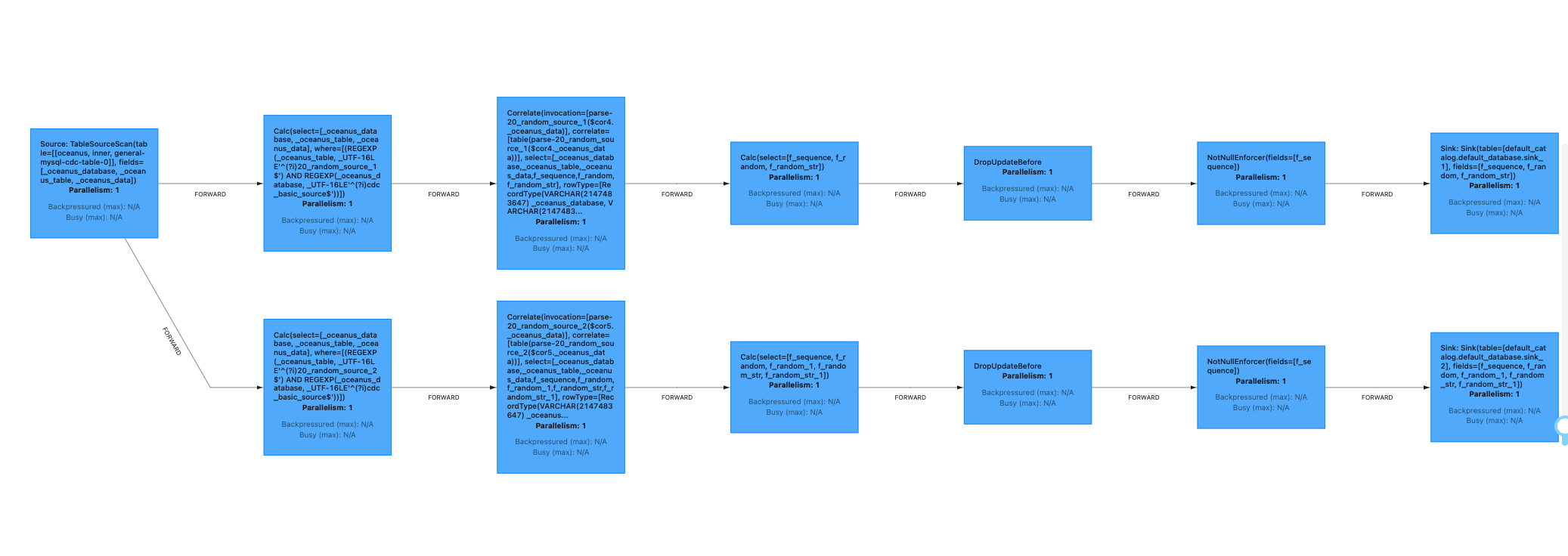
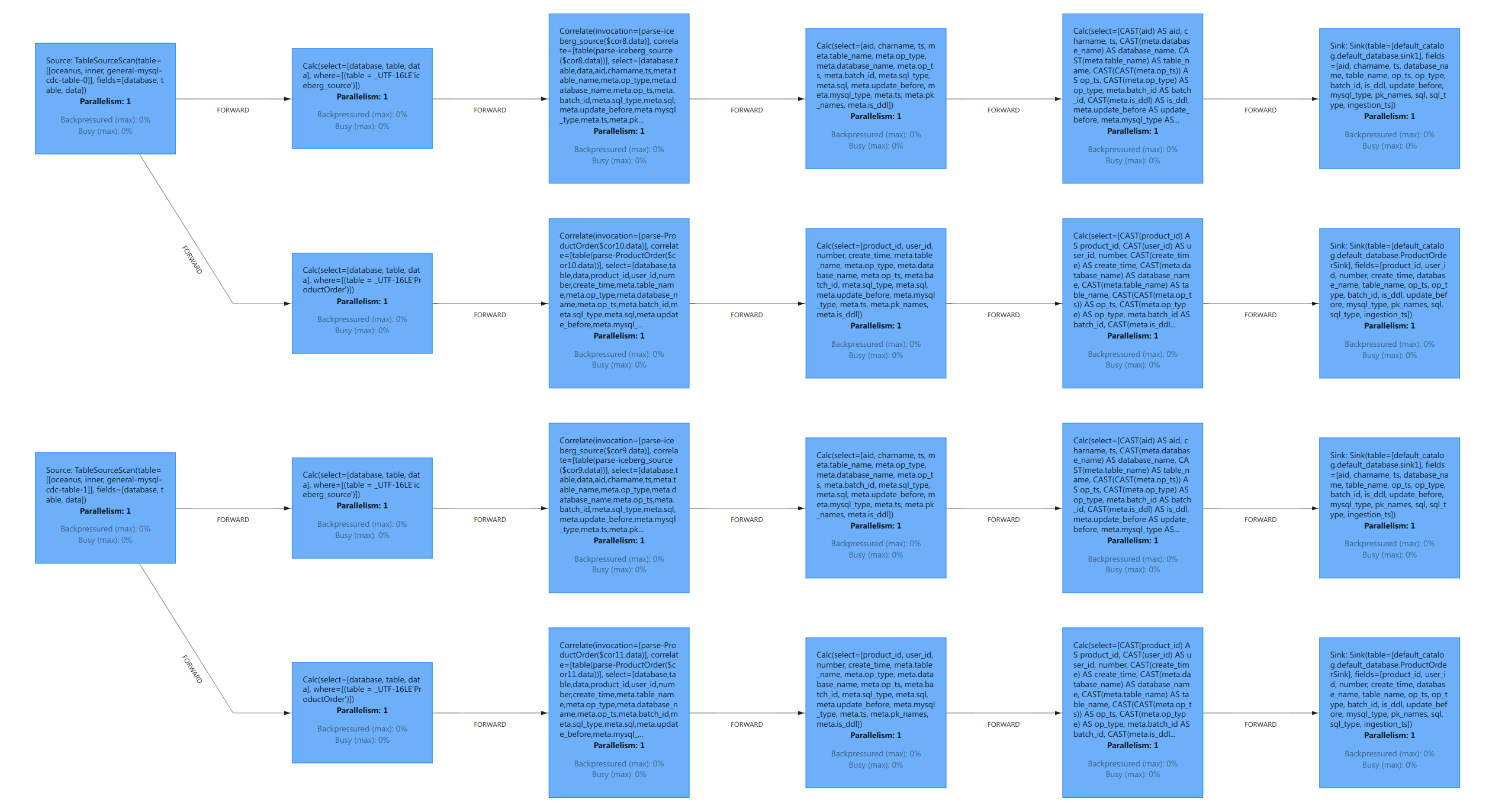
After source merging is enabled, multiple MySQL CDC sources of the same database instance will be merged into one source, reducing the database load. Also, when new data is synced, binlog data only needs to be read once for multiple sources.
How to enable CDC source merging
At the beginning of a SQL job, use the SET command to enable merging of MySQL CDC sources.
Whether to enable merging of MySQL sources. If it is enabled, Stream Compute Service will automatically merge MySQL CDC sources that belong to the same database in a job into one source.
The number of sources multiple MySQL CDC sources are merged into (when merging is enabled). If there is a large number of tables, merging them all into one source may not meet performance requirements. In such cases, you can increase the value of this parameter. Stream Compute Service will group the sources as evenly as possible according to the parameter specified.
Assume that source_1, source_2, source_3, and source_4 are MySQL CDC sources from the same database instance (source and sink definitions are omitted). You can use the following SET command to configure the source merging feature.