Step 3: Verify the configuration
Download
フォーカスモード
フォントサイズ
This document describes how to check whether the CLB WAF is running.
Directions
1. By binding domain names to a CLB listener, WAF can protect traffic to the domain names passing through the CLB listener. To check whether the CLB WAF is running, ensure that your local computer can access the domain names added to different CLB instances.
Note:
To check whether the access to domain names added in CLB is normal for IPv4 domain name requests, see Getting Started with CLB. For IPv6 domain name requests, see Getting Started with IPv6 CLB.
2. Open
http://wow.qcloudwaf.com/?test=alert(123) in a browser.Note:
wow.qcloudwaf.com is a sample domain name. Please replace it with the actual domain name that has been added.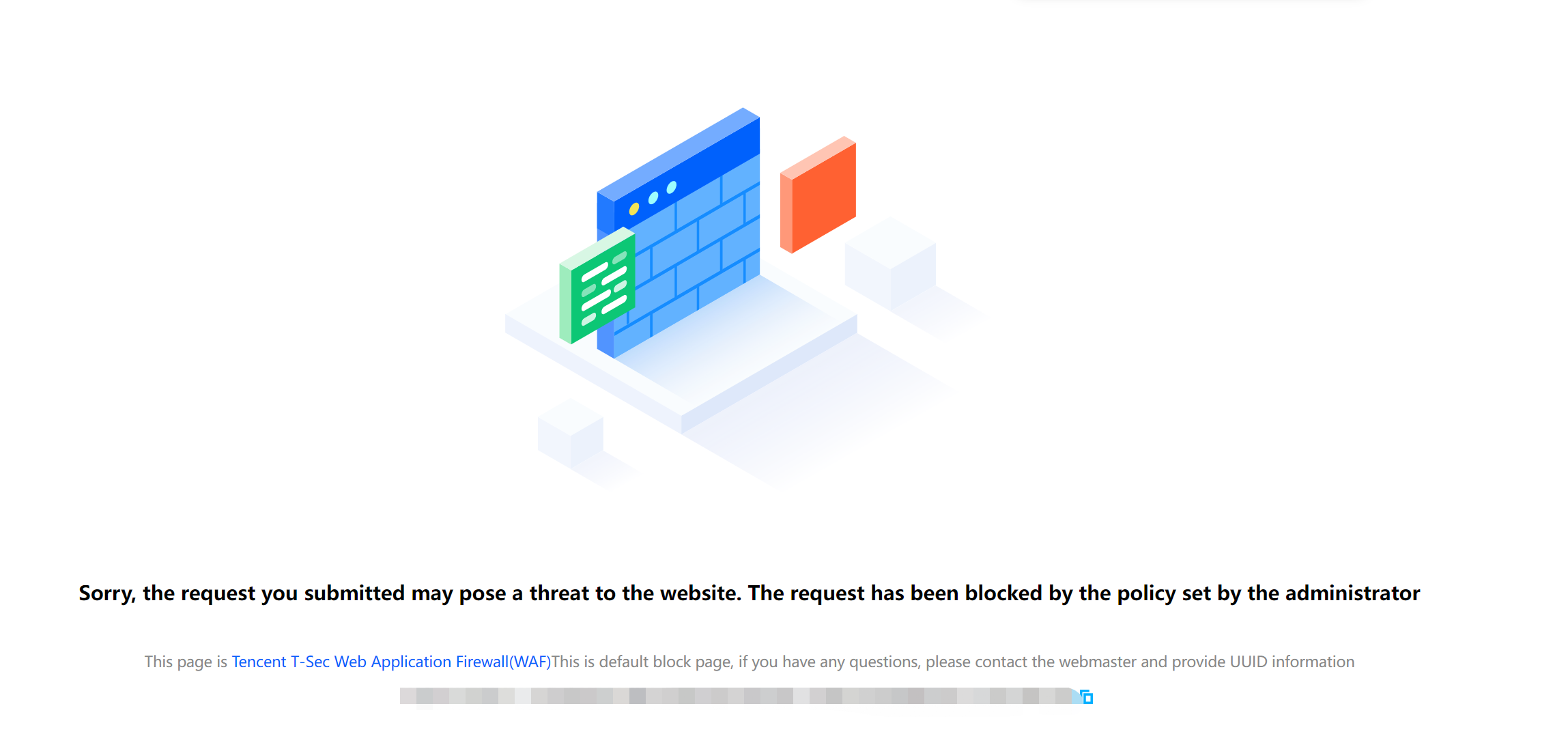
フィードバック