Step 1: Confirm the CLB configuration
ダウンロード
フォーカスモード
フォントサイズ
This document will guide you on how to confirm the CLB configuration before you access the cloud-native WAF.
Operation Steps
Cloud-native WAF binds to CLB listeners by adding domain names, enabling the detection and interception of HTTP or HTTPS traffic passing through the CLB listeners. Before accessing the cloud-native WAF, ensure that your website service is already hosted on Tencent Cloud and is using Tencent Cloud Application Load Balancer (CLB) (originally Application Load Balancer, with a public network type).
Note:
If your website service is not hosted on Tencent Cloud, it is recommended that you use SaaS WAF for protection.
To enable the cloud-native WAF to identify the domain names that need protection, you need to configure CLB and set up the corresponding domain name on the listener to ensure normal business traffic forwarding. For details, see Configuring an HTTP Listener and Configuring an HTTPS Listeners.
This document takes the protected domain
clb.technicalsupport.cn as an example to view the configuration information of the configured CLB listener.1. Log in to Tencent Cloud CLB console, in the left sidebar, click Instance List, and go to the Instance Management page.
2. Select the Region, view the created CLB, and click Configure Listener in the operation column on the right to view the configuration.

3. On the listener configuration page, click Listener Management to view the listener domain name configuration information. The listener name is waftest. The domain name that the listener forwarding rule listens to is
clb.technicalsupport.cn, and the domain protection status is not enabled.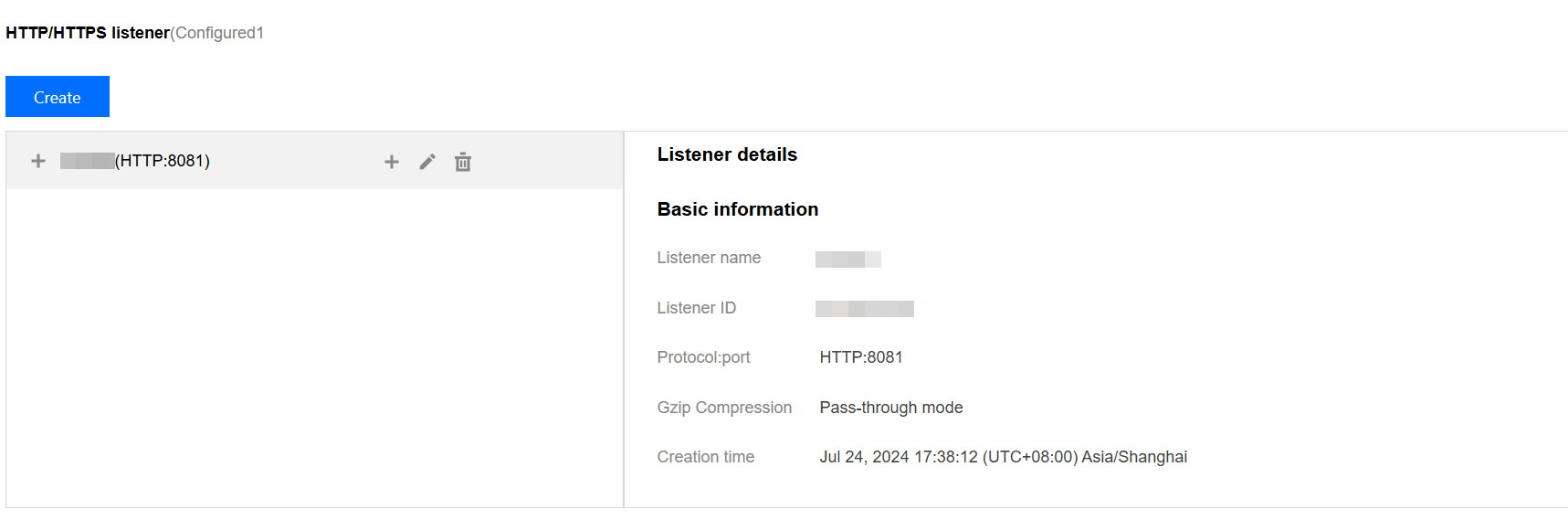
Following Steps
After you confirm the completion of the CLB configuration, you can perform the following steps:
フィードバック