Viewing Community Message Volume Resource Packages
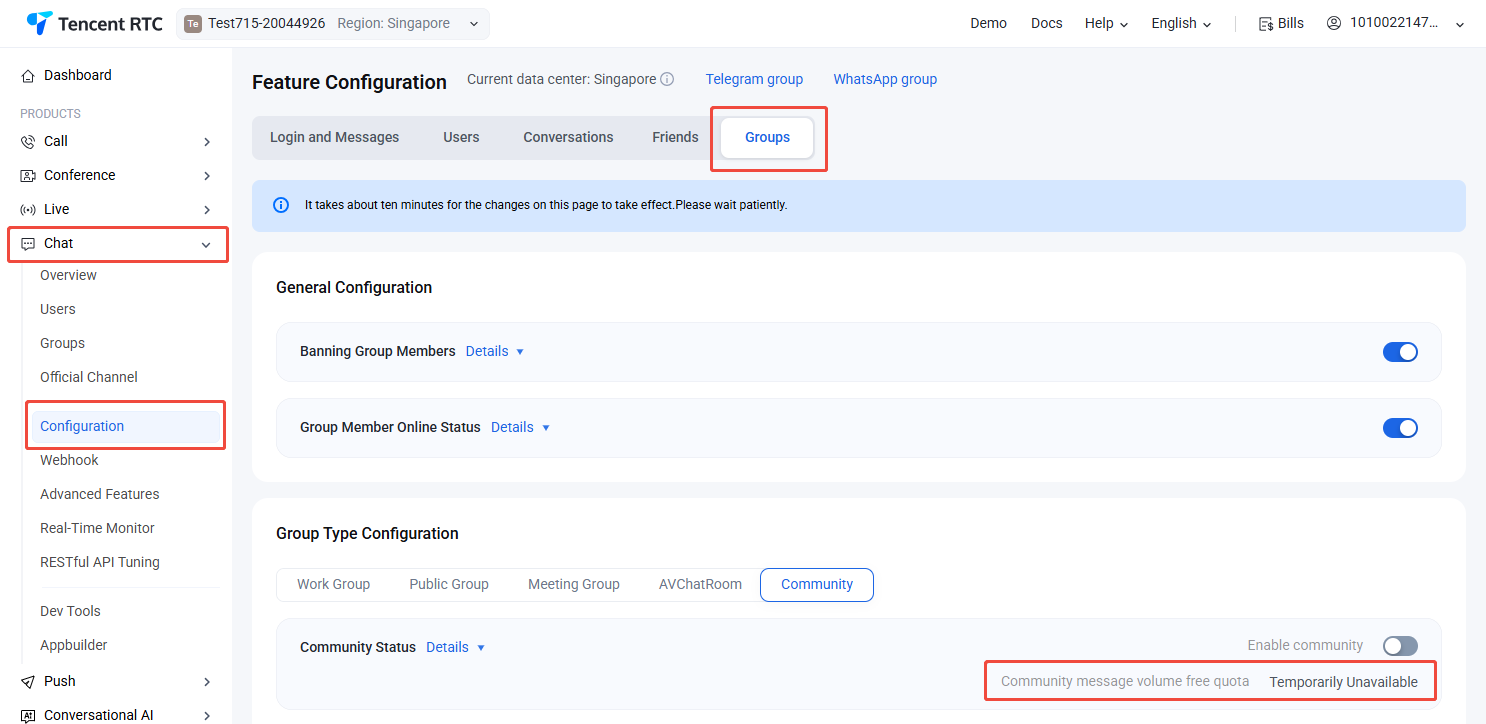
For the community downstream message volume covered by the current Chat Monthly Package, go to the Chat Console, select Chat > Configuration >Groups in the left sidebar, select the target application at the top, and view it under Group Type Configuration > Community > Community Status.
Viewing Plug-In Resource Packages
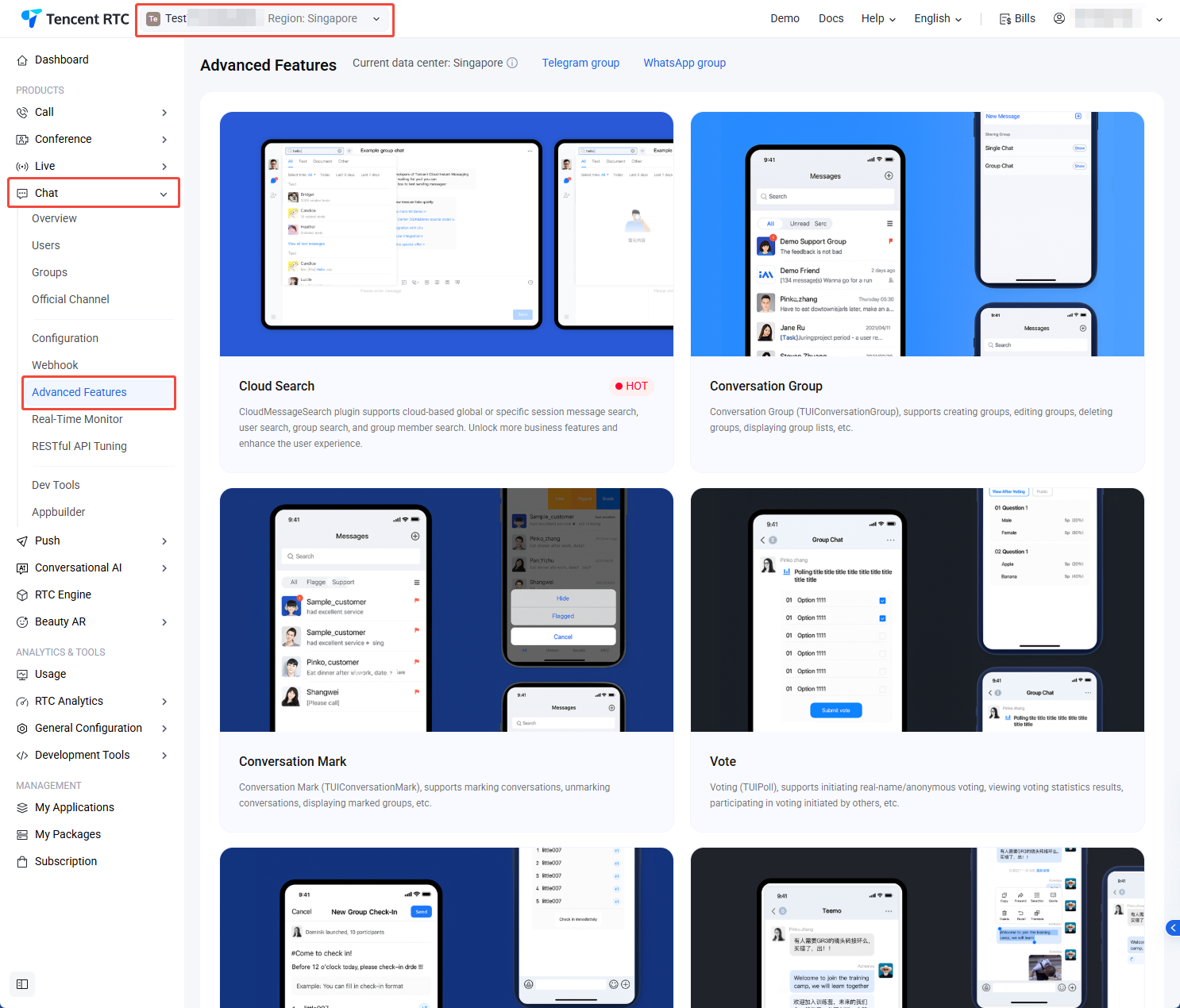
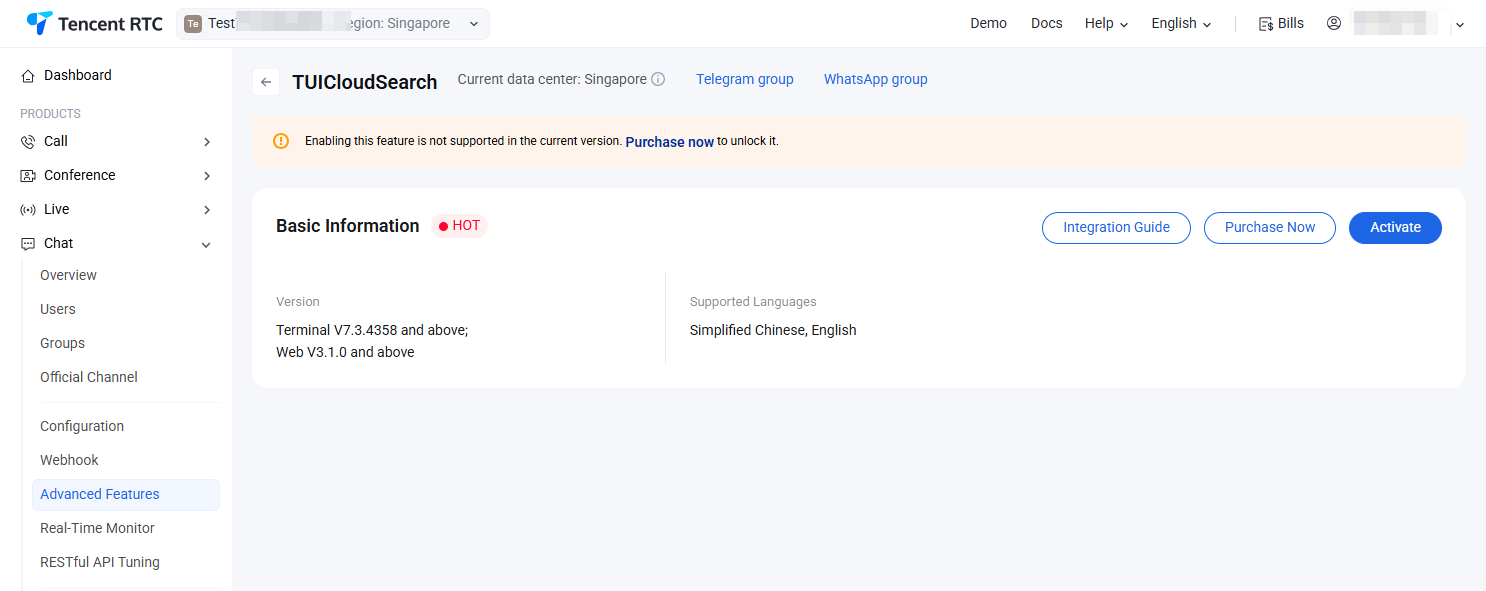
For usage viewing of plug-ins such as cloud search and speech-to-text after activation, go to the Chat Console, select Chat > Advanced Features in the left sidebar, select the target application at the top, click on any plugin card, and enter the plugin details to view .