You can view the usage of your traffic and transcoding plan in the CSS console.
Traffic plan
Select plan on the left sidebar. You can do the following under the Traffic plan tab:
Supports viewing the usage, purchase time, expiration time, and status of the traffic plan purchased.
The plan status includes unused, in use, used up, expired, and frozen. Auto-renewal status includes disabled, renewal succeeded, renewal failed, auto-renewal enabled, and unsupported. If the renewal fails, the system will prompt the reason for the failure, such as "insufficient account balance".
Click Usage details to view the deduction details for the usage of the traffic plan purchased.
Usage details include the plan ID, plan type, usage, deduction type, deduction ratio, deduction, and deduction time.
The usage of the traffic plan will be updated when the bill is generated the next day (the exact billing time may vary).
For the deduction rules of the traffic plan, see the Prepaid plan.
View your current billing mode in the top right corner. Traffic plan can be used for deduction only in daily bill-by-traffic mode. If you use other modes, your plan will be frozen and their validity will not be extended.
Click Buy plan to go to the purchase page to buy traffic plan.
Note:
Before you buy a plan, please read Traffic plan to learn about the billing details and limits.
You can refund a plan in the console if it meets the requirements of our refund policy.
Transcoding plan
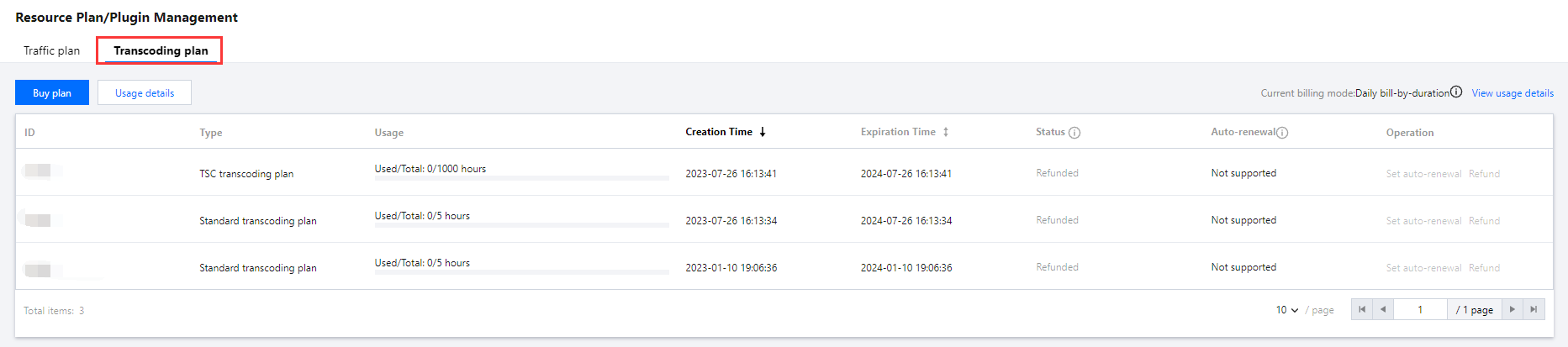
Select plan on the left sidebar. You can do the following under the Transcoding plan tab:
View the usage, purchase time, expiration time, and status of standard transcoding plan and TSC transcoding plan.
Click Usage details to view the deduction details for the usage of the standard transcoding plan and the TSC transcoding plan purchased.
Usage details include the plan ID, plan type, usage, deduction type, deduction ratio, deduction, and deduction time.
The usage of the transcoding plan will be updated when the bill is generated the next day (the exact billing time may vary).
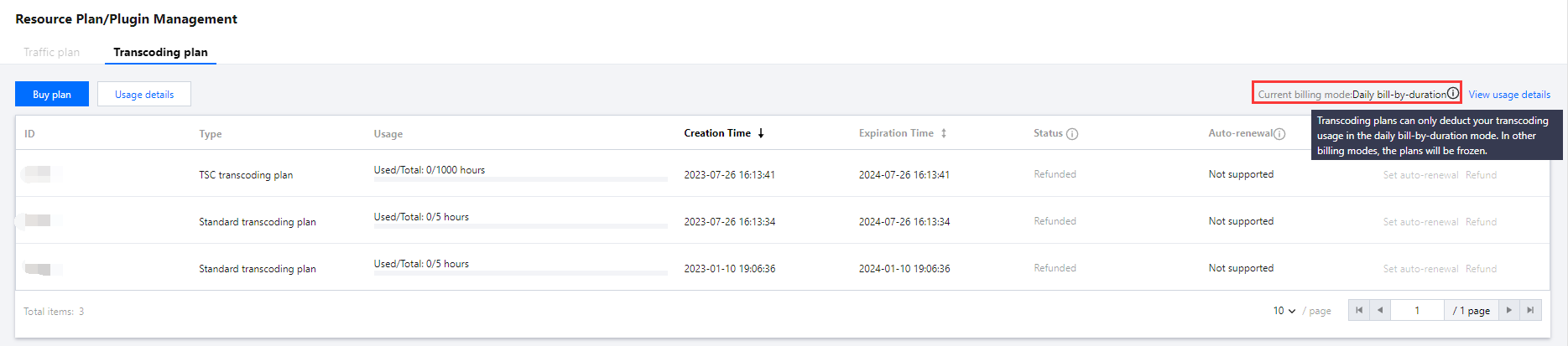
View your current billing mode in the top right corner. Transcoding plan can be used for deduction only in daily bill-by-traffic mode. If you use other modes, your plan will be frozen and their validity will not be extended.
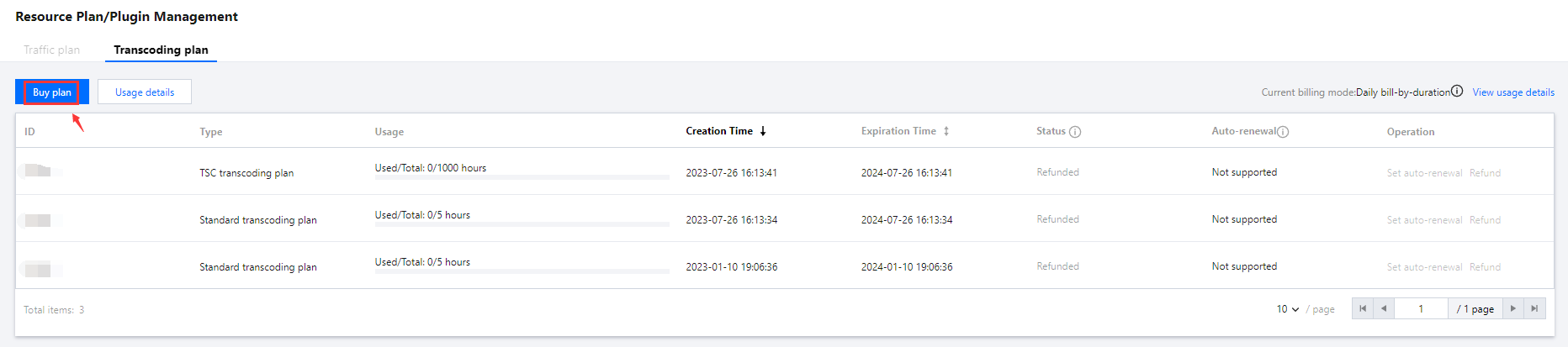
Click Buy plan to go to the purchase page to buy transcoding plan.