tencent cloud

Tencent Cloud Distributed Cache (Redis OSS-Compatible)

Berita Terkini dan Pengumuman
Catatan Rilis
Pengumuman
Pengenalan Produk
Ikhtisar
Keunggulan
Kasus Penggunaan
Mesin Penyimpanan
Product Series
Performa
Pemisahan Baca/Tulis
Deployment Multi-AZ
Wilayah dan AZ
Panduan Pembelian
Ikhtisar Penagihan
Metode Pembelian
Pembayaran Jatuh Tempo
Memulai
Membuat Instans TencentDB for Redis
Menghubungkan ke Instans TencentDB for Redis (melalui Jaringan Pribadi)
Panduan Pengoperasian
Ikhtisar Operasi
Koneksi SDK
Manajemen dan Pemeliharaan Instans
Peningkatan Instans
Manajemen Deployment Multi-AZ
Pencadangan dan Pemulihan
Manajemen akun
Konfigurasi Parameter
Manajemen Akses
Jaringan dan Keamanan
Pemantauan dan Peringatan Alarm
Replikasi Global
Service Agreement
Service Level Agreement
Terms of Service
Glosarium
DokumentasiTencent Cloud Distributed Cache (Redis OSS-Compatible)

Monitoring Metrics

Mode fokus
Ukuran font
Terakhir diperbarui: 2026-03-17 18:10:57
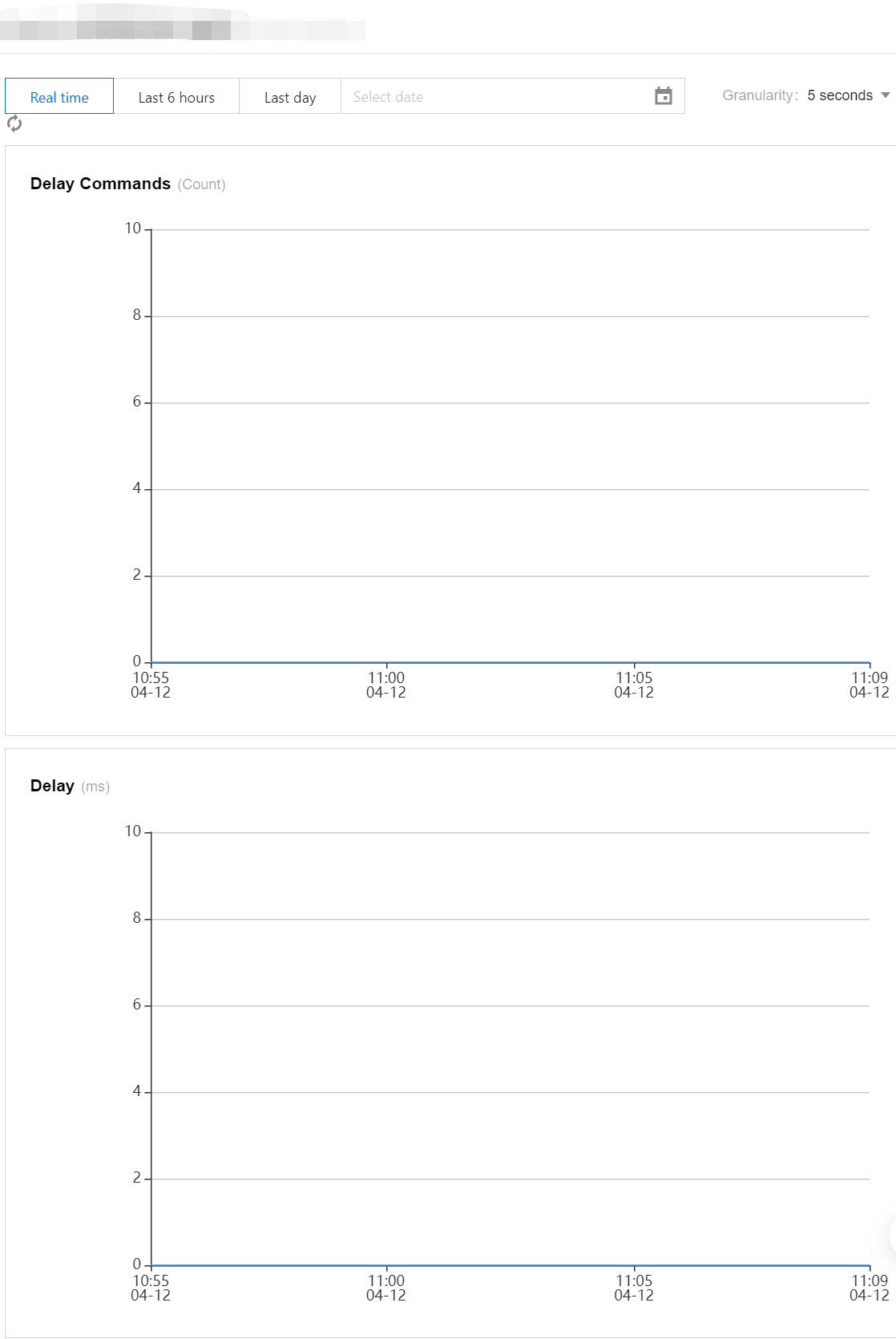
Tencent Cloud Distributed Cache Redis protocol supports graphical monitoring of number of commands deviation and synchronization delay during global replication between primary and disaster recovery instances.

Monitoring Metrics

Monitoring Metric
Metric meaning
Unit
delayed number of commands
number of commands deviation during remote synchronization between the primary and disaster recovery instances in global replication
Count
Delay Time
synchronization latency between primary and disaster recovery instances during global replication
ms

View Monitor View

2. In the left sidebar, select Global Replication.
3. In the Global Replication list on the right-hand side, locate the row of the replication group you need to view.
4. In the Replication Group Status column, click

to slide out the monitoring view of the metrics on the right-hand side, as shown below.


Configure Monitoring and Alerts

1. Log in to the TCOP alarm management page.
2. Click Create Policy and configure the alarm rules on the New Alarm Policy page.
Parameter Name
Parameter Description
Policy Name
Customize the name of an alarm policy for easy identification.
Remarks
Provide a brief description of the alarm policy for easy identification.
Monitoring Type
Select Cloud Service Monitoring.
Policy type
Select Cloud Database / Redis / Memory Edition (5-second granularity) / Global Replication.
Tag of the Policy
Assign tags to the alarm policy.
Alarm object
Select the instances to be monitored and their regions.
Trigger Condition
By default, it is the manual configuration method. You need to configure the threshold conditions for triggering alarms for each metric one by one in the metric alarm section below.
Metric Alarm section, Threshold Type: Select Static: Manually set a constant threshold, and send alarms when the triggering conditions are met.
Click Add Metric to add multiple alarm metrics.
For more information, see Create Alarm Policies.
3. Click Next: Configure Alarm Notification. You can select system preset notification templates or custom notification templates. Each alarm policy can be bound to a maximum of three notification templates. For details, see Notification Templates.
4. Confirm that the configuration is correct, click Complete. For more information on alarms, see Alarm Overview.

Related APIs

API Interface Name
API Feature Description
Create TCOP alarm policy

Bantuan dan Dukungan

Apakah halaman ini membantu?

masukan