Executing on Multiple Instances
Baixar
Modo Foco
Tamanho da Fonte
Overview
After creating a command, you can execute it on one or more CVM or Lighthouse instances. The execution status and results on different instances are independent. This document describes how to execute the command on multiple CVM instances.
Prerequisites
The instances are in Running status.
The TAT agent is installed on the target instance. See Installing TAT Agent.
The target instance in based on a VPC.
Directions
1. Log in to the CVM console and select My Commands under TencentCloud Automation Tools from the left sidebar.
2. In the My commands page, select the region, locate the target command and click Execute.

3. In the Execute command page, modify the command configuration and select the target instances.
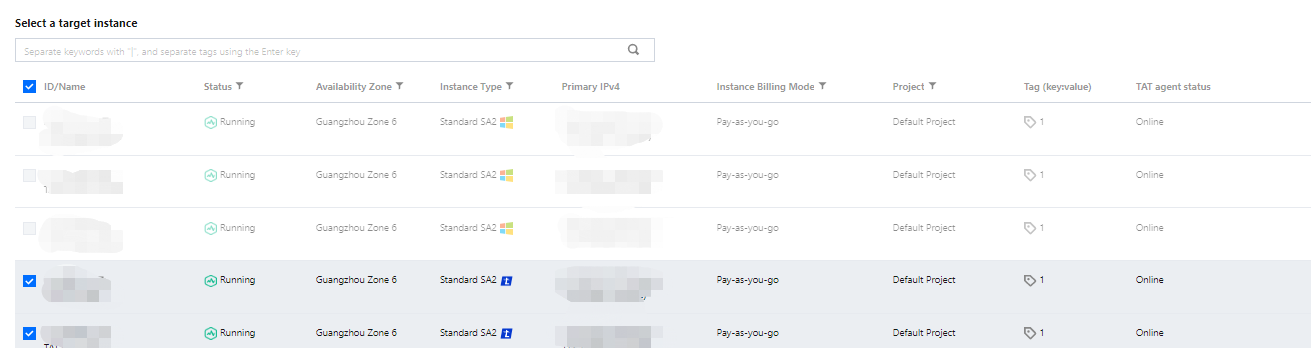
4. Click Execute command.
You can call the
InvokeCommand API to execute the command on multiple servers.Subsequent Operations
After the task execution, you can check the task result in My commands - Logs - Log details.
Ajuda e Suporte
Esta página foi útil?
Você também pode entrar em contato com a Equipe de vendas ou Enviar um tíquete em caso de ajuda.
comentários