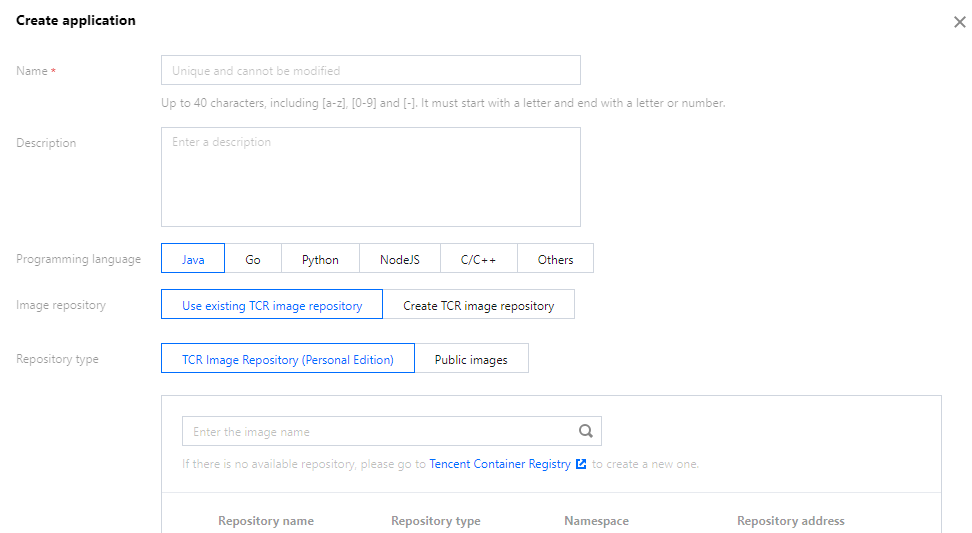
This document describes how to create an application in the TEM console.
Preparation
You have activated TCR before creating your application.
Directions
1. Select the application deployment region at the top of the Application management page in the TEM console.
2. Click Create to go to the application creation page and enter the application information.
3. Select the programming language of your application and the package upload method. Image, JAR, and WAR files can be uploaded in Java, while only image files can be uploaded in other languages.
4. Click Submit and click OK in the pop-up window.