StreamLink offers reliable and secure real-time transport capabilities to help you transmit media quickly, stably, and with low latency. In the StreamLink console, transport resources are managed as events and flows. You can create an event in the console for an esports competition, a sports event, a concert, a product launch, or other activities or projects. An event is a collection of flows, and each flow is a transfer linkage. With StreamLink, you can not only transport videos quickly and stably, but also monitor the transmission process in a comprehensive way.
Managing Events
In StreamLink, flows are managed at the event level. An event can have multiple interrelated flows. Usually, an event is an activity or a project, such as an esports competition, a sports event, a concert, and a product launch. After creating an event in the console, you can create flows for it.
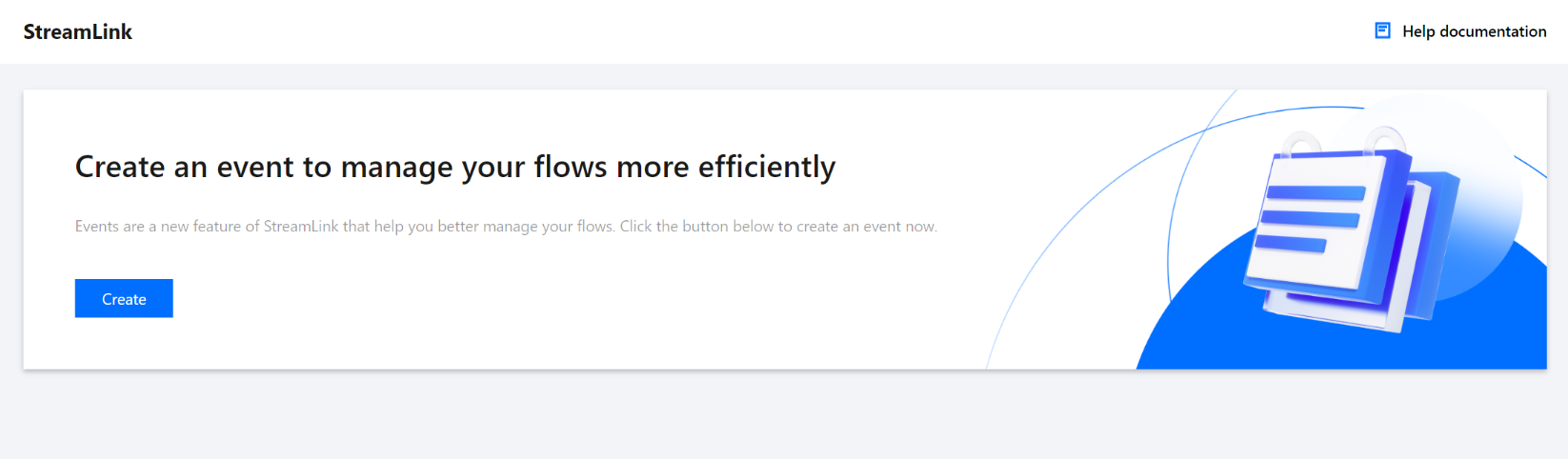
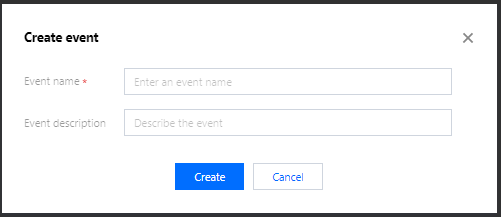
1. In the StreamLink console, click Create and enter the information required.
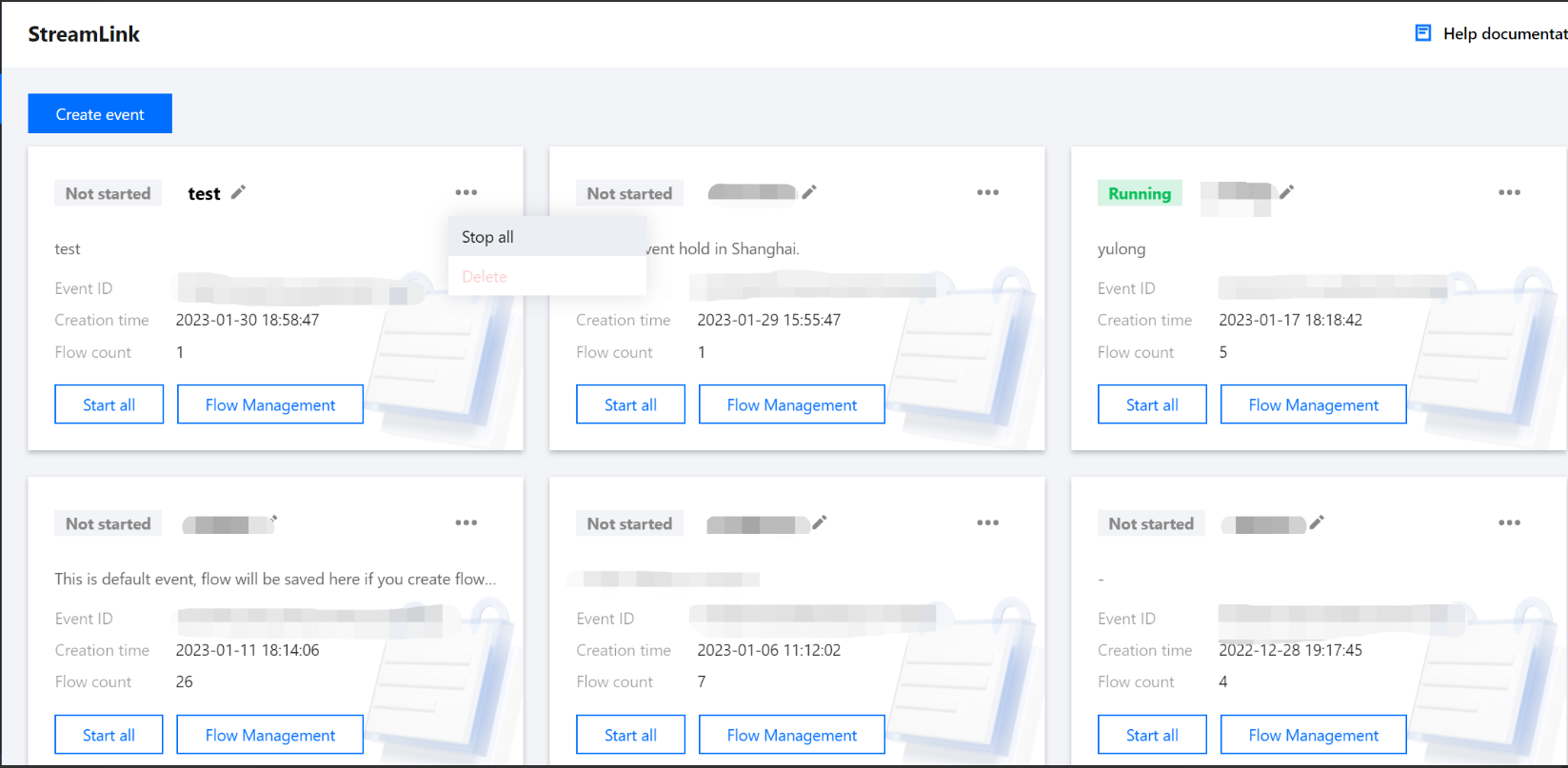
2. The event overview page shows all the events you created. You can start or stop all flows of an event on this page, or click Flow management to manage the details of a flow.