The user end of Tencent Cloud Desk offers two platforms for access: a web-based interface that requires no development, and an application-based interface.
Prerequisite
Refer to the Quick Start guide to activate Tencent Cloud Desk.
Web Configuration
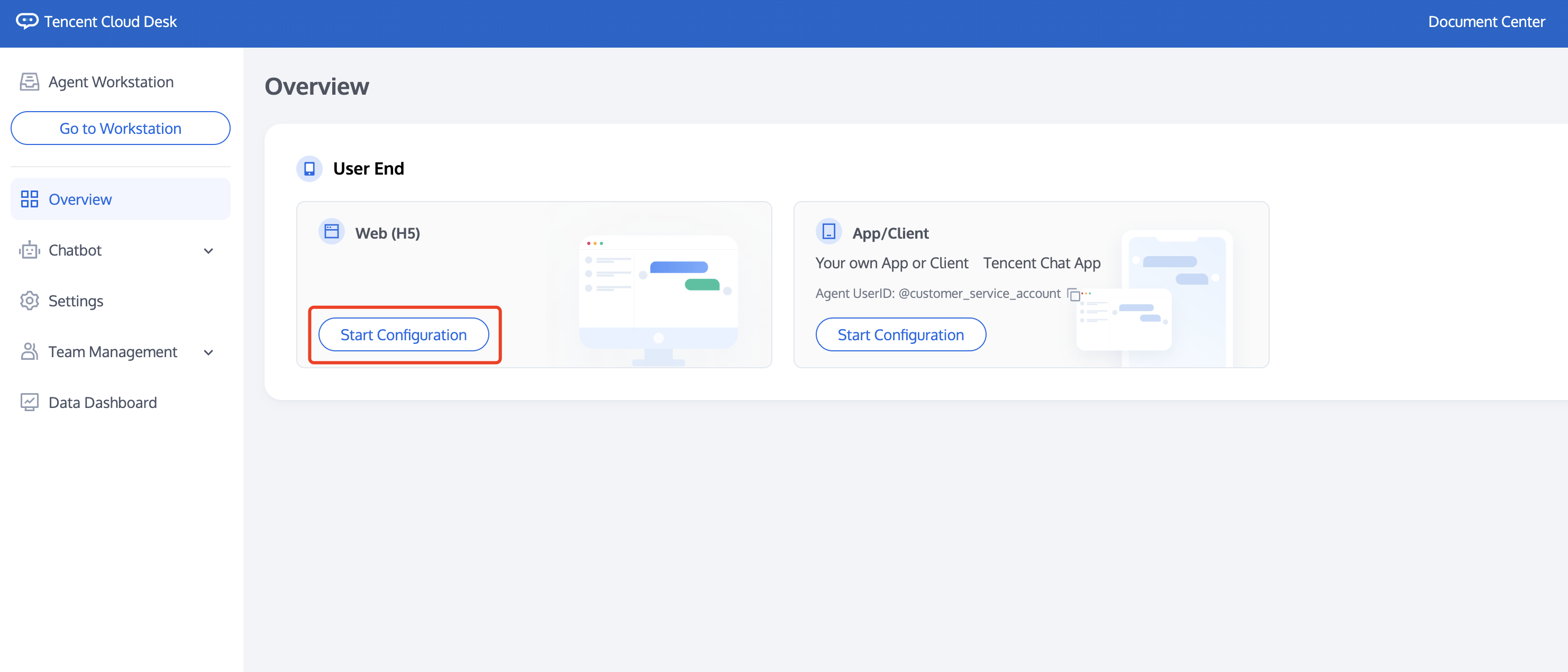
Visit the Management Panel, and click 'Start Configuration' under the Web Section.
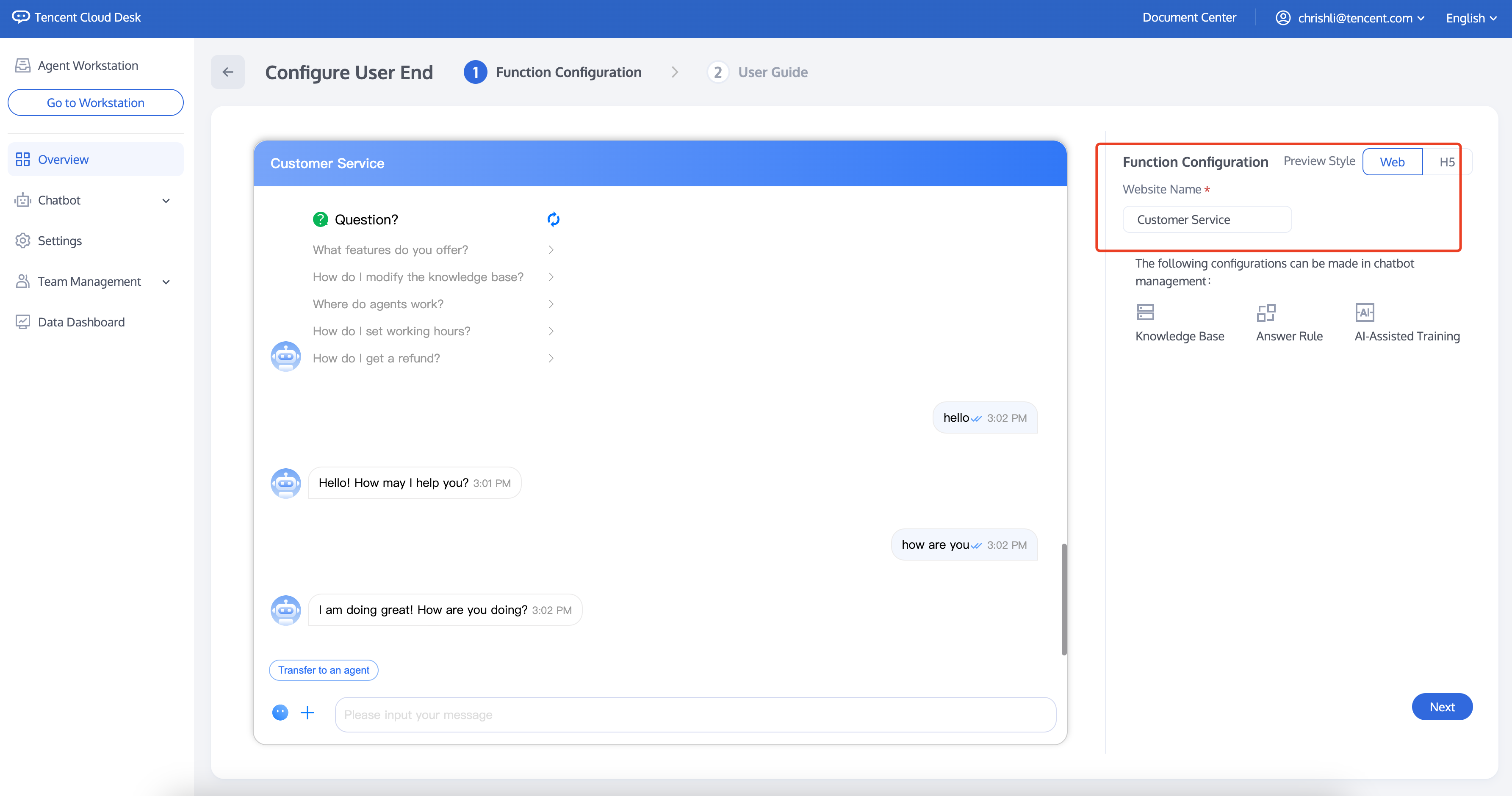
This page allows you to modify the website name. Once done, click 'Next'.
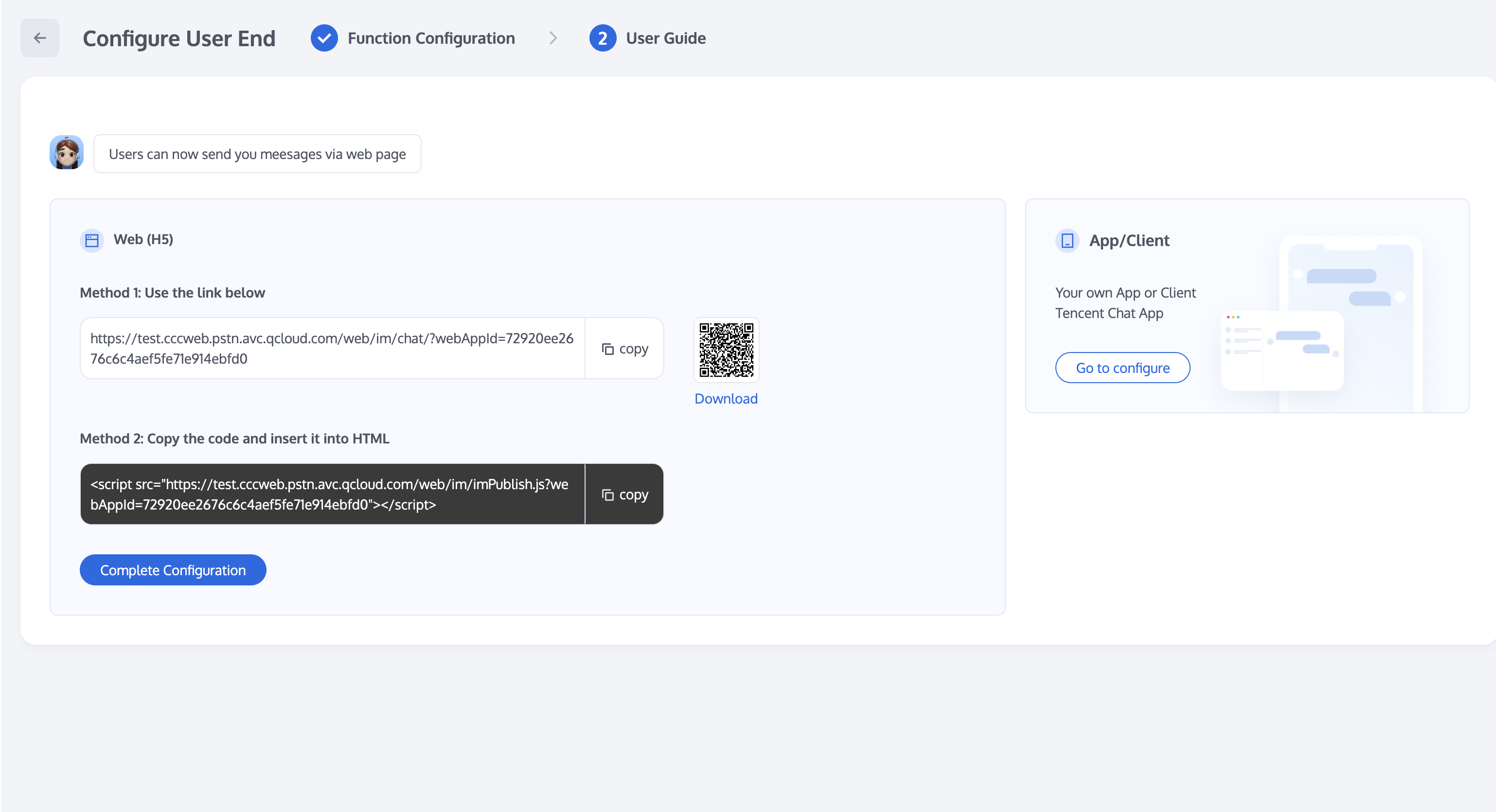
This page provides specific configuration guidelines. There are two ways to configure:
Method One: Directly copy the generated link to send messages to an agent.
Method Two: Copy the code and insert it into HTML.
Application Configuration
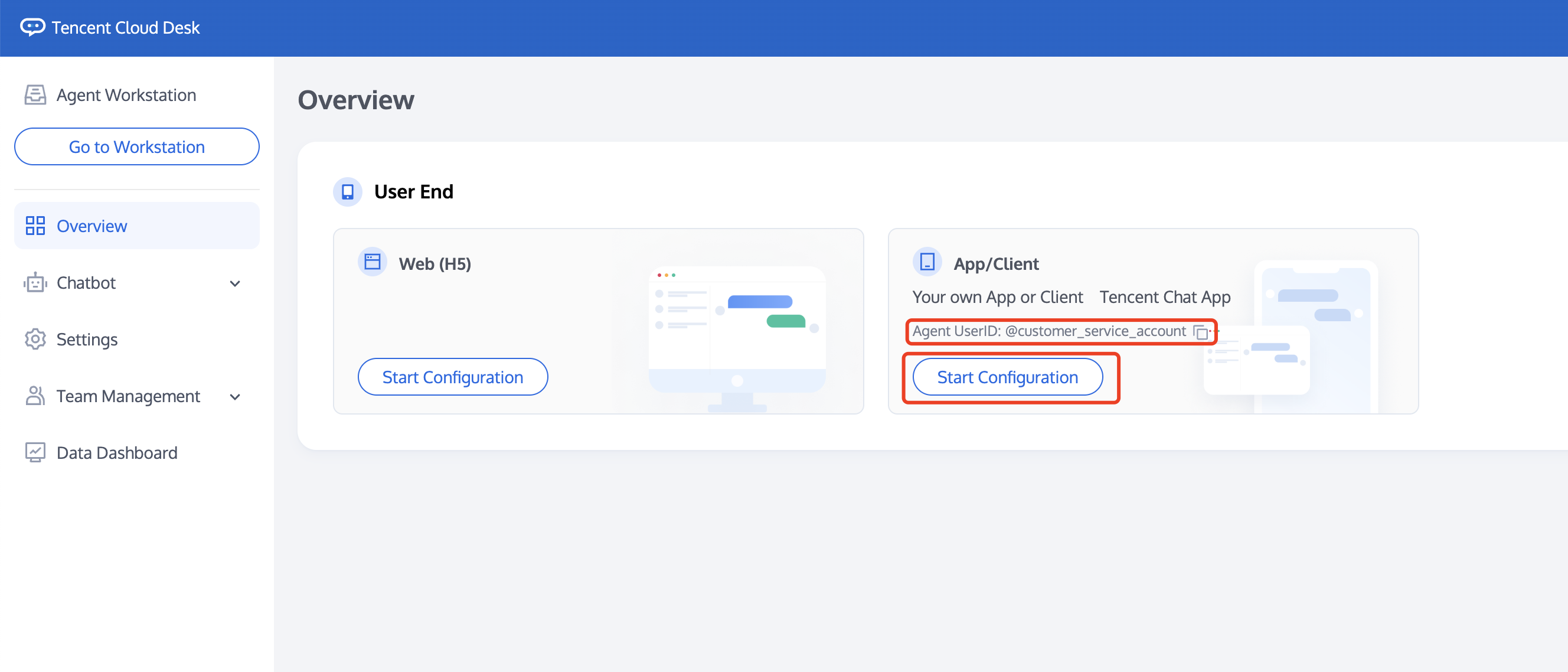
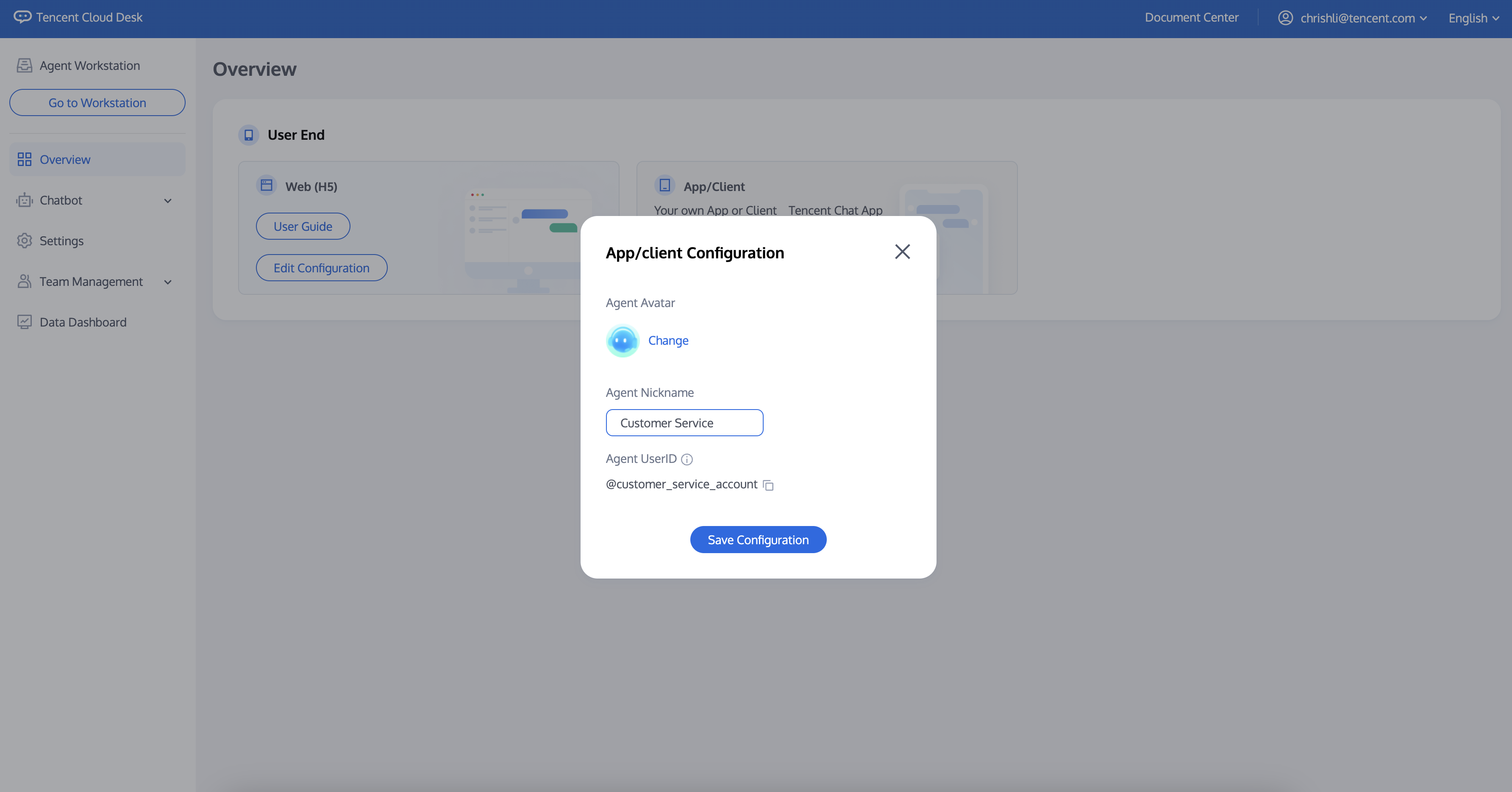
Visit the Management Panel, and click 'Start Configuration' under the App/Client section, and copy the Agent UserID (please keep it for future development).
This page supports:
1. Modify the agent avatar: The avatar displayed to the public.
2. Modify the agent name: The name displayed to the public.
3. Copy the agent UserID: For use in subsequent development.