1. Log in to the DTS console and select Data Subscription on the left sidebar to enter the data subscription page.
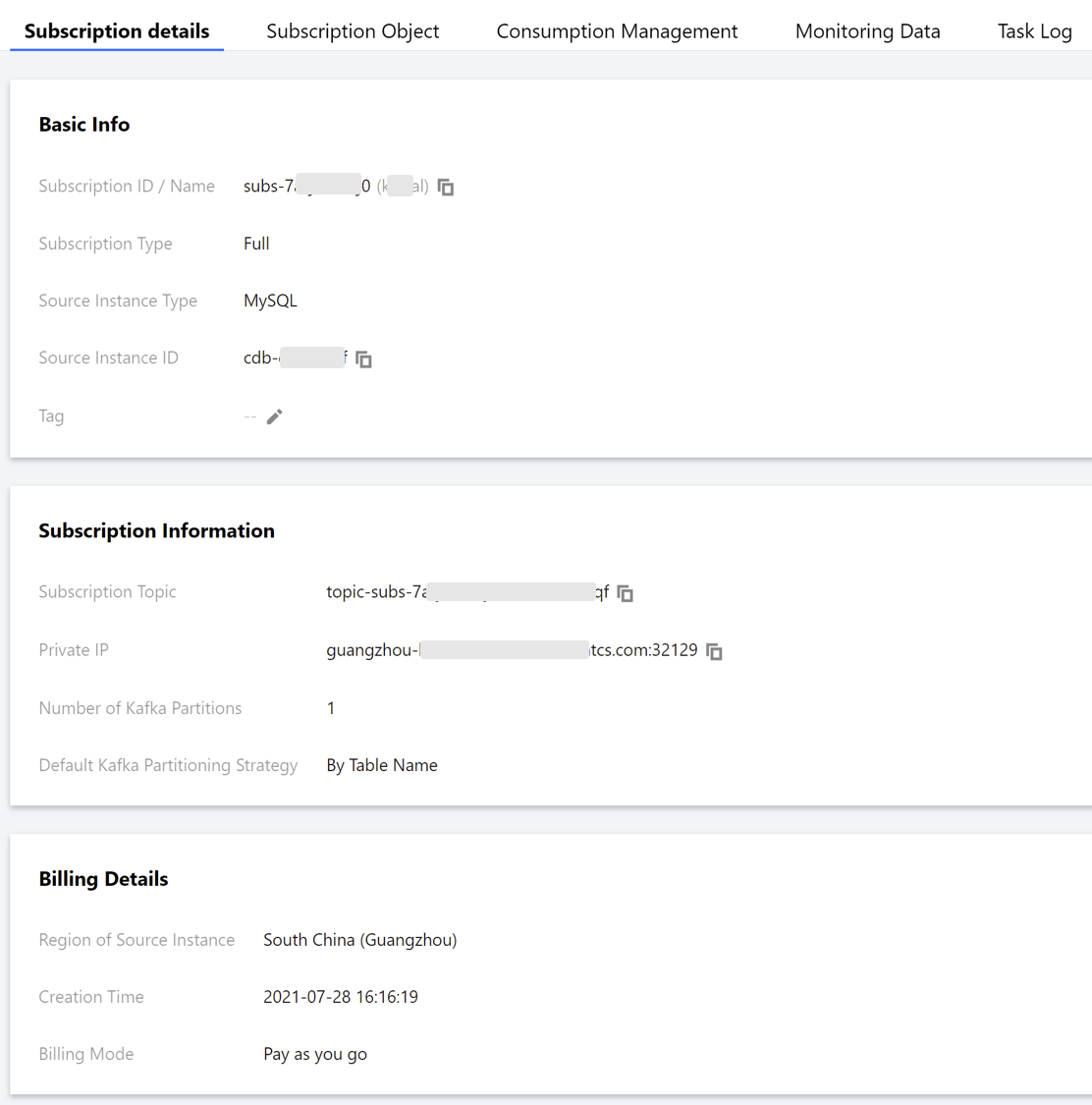
Method 1: select the target subscription task and click its name.
Method 2: select the target subscription task and click View Subscription Details in the Operation column.
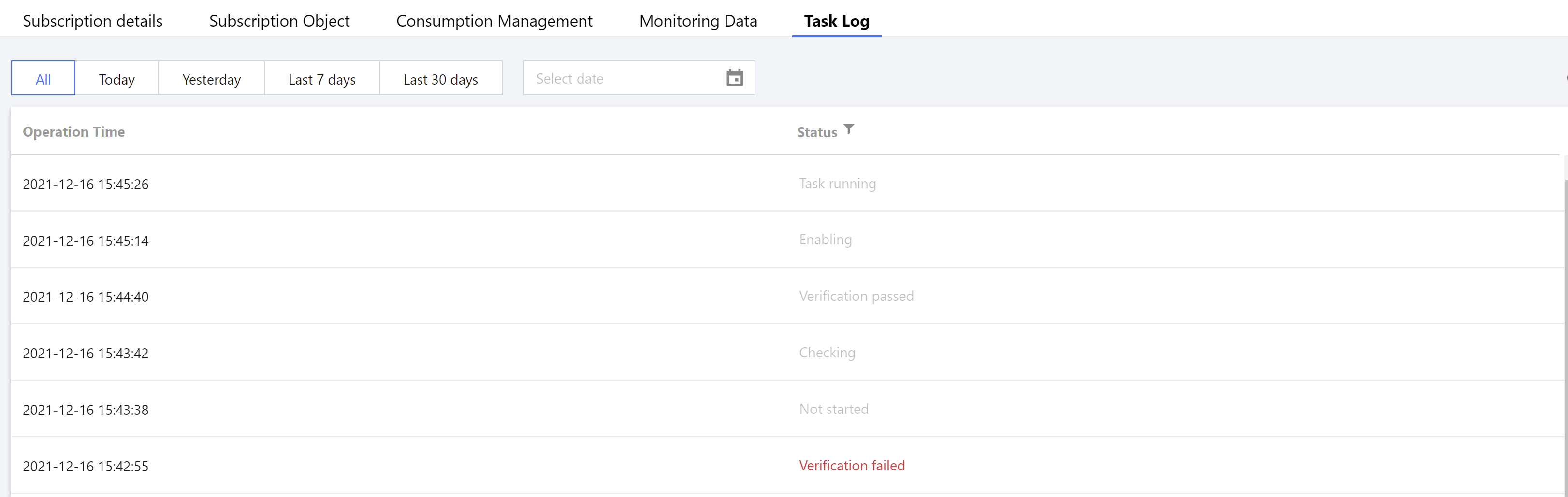
2. Switch between different tabs to view the specific information of subscription details, subscription objects, consumption management, and monitoring data.