After a data migration task is created, you can view the migration task details (including source database information, target database information, and migration type), migration objects, and migration progress details.
Operation Steps
1. Log in to the Data Transfer Service (DTS) console, select Data Migration in the left sidebar, and view tasks through the following two methods.
Method 1: On the data migration page, select the specified migration task and click the task ID.
Method 2: On the data migration page, select the specified migration task, and click View in the Operation column.
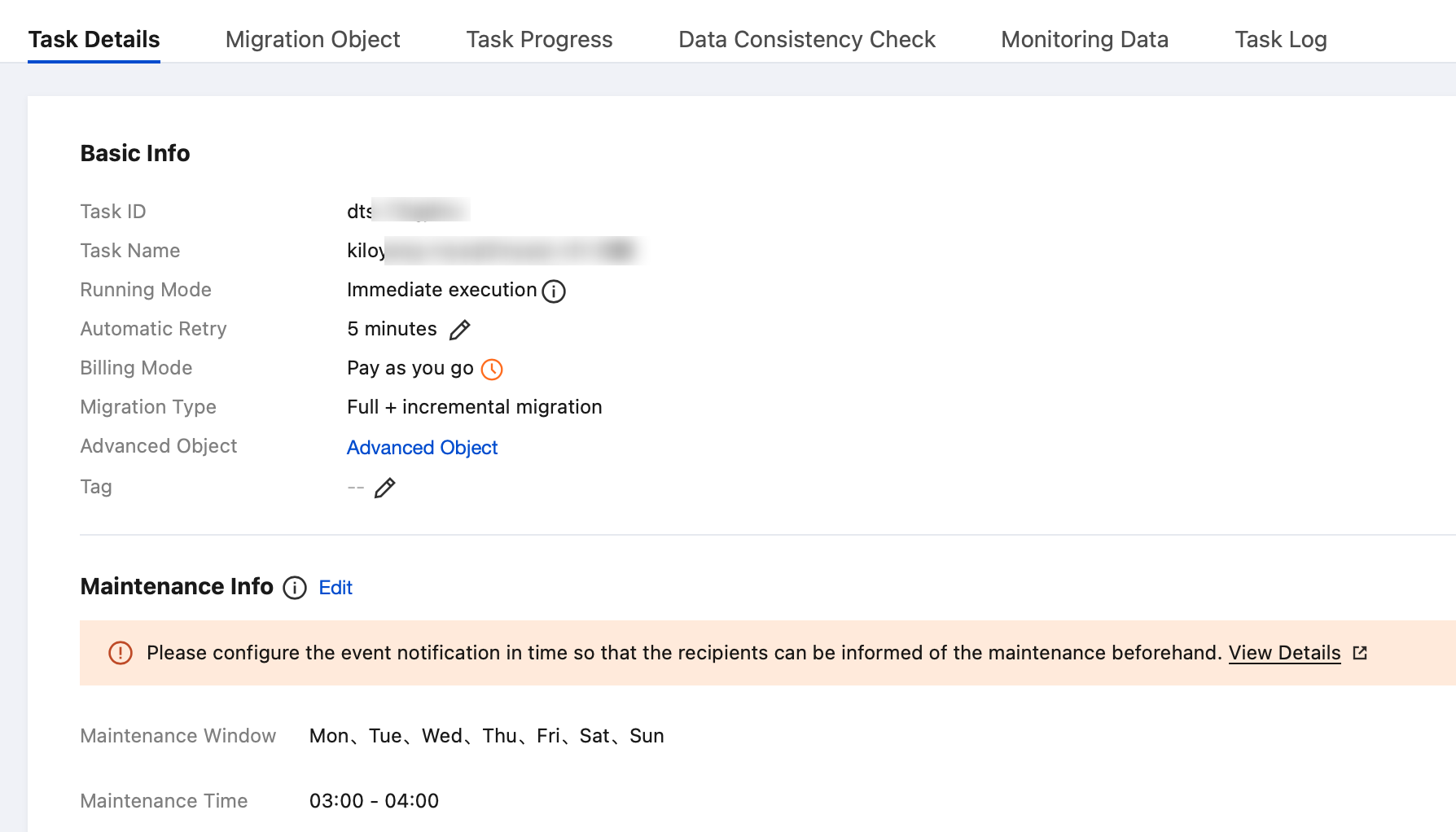
Viewing Task Details
View the basic task information, source database information, and target database information.
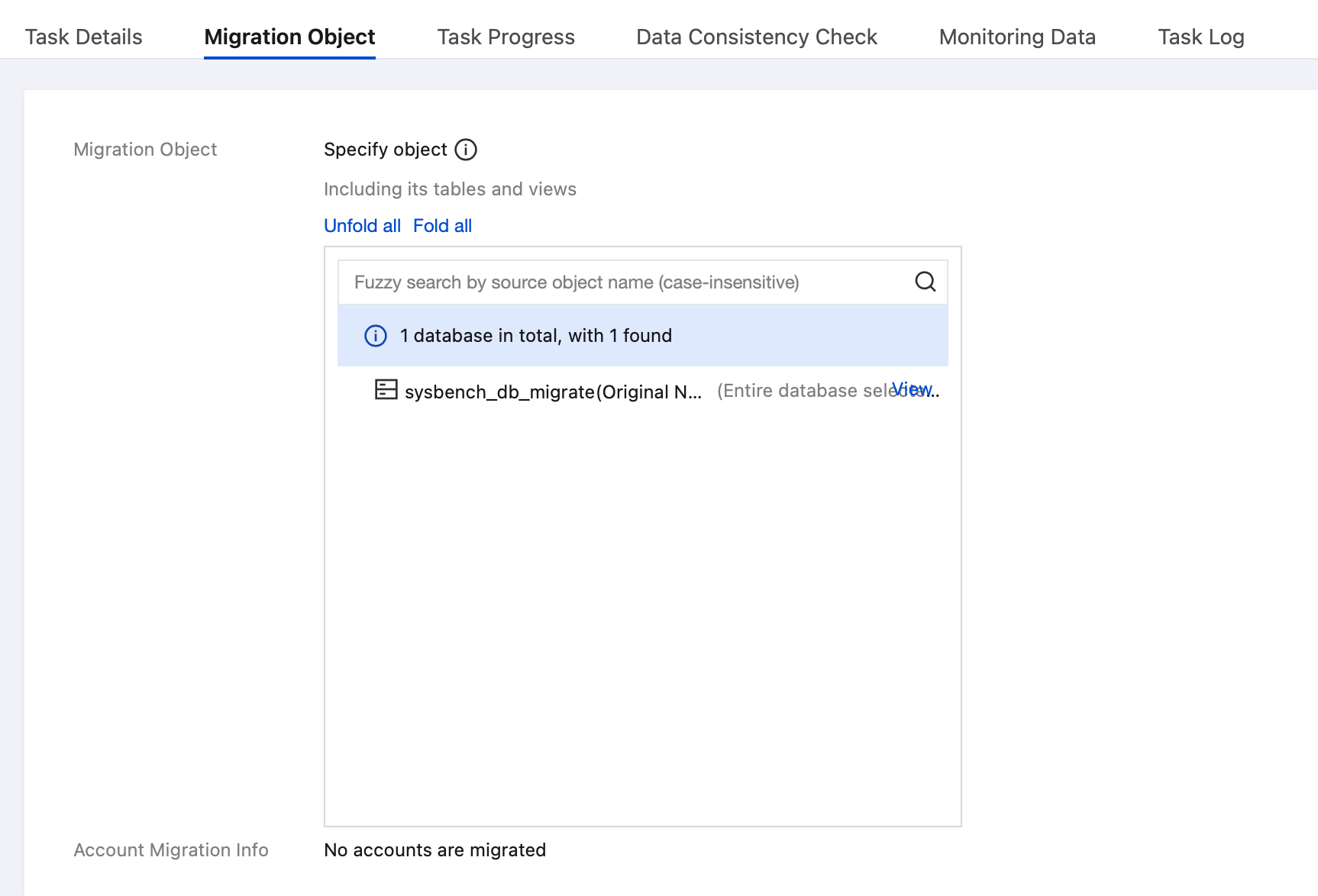
Viewing Migration Objects
View migration objects.
Viewing Progress Details
1. Structure Initialization
This section displays details of structure migration (migration information for tables and views is shown in this tab), including the migration status of each object and creation syntax.
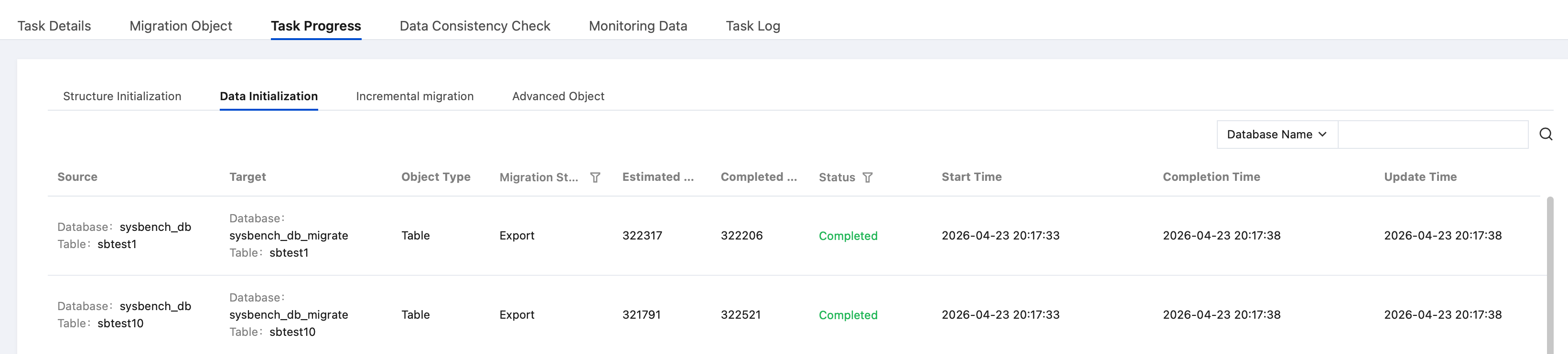
2. Data Initialization
This section displays details of data migration, including the estimated number of rows for table objects, the completed number of rows, and migration status.
3. Incremental migration
This section displays the operation status of tasks.
4. Advanced Object
This section displays migration details of advanced objects, including the migration status and completion time for each object.
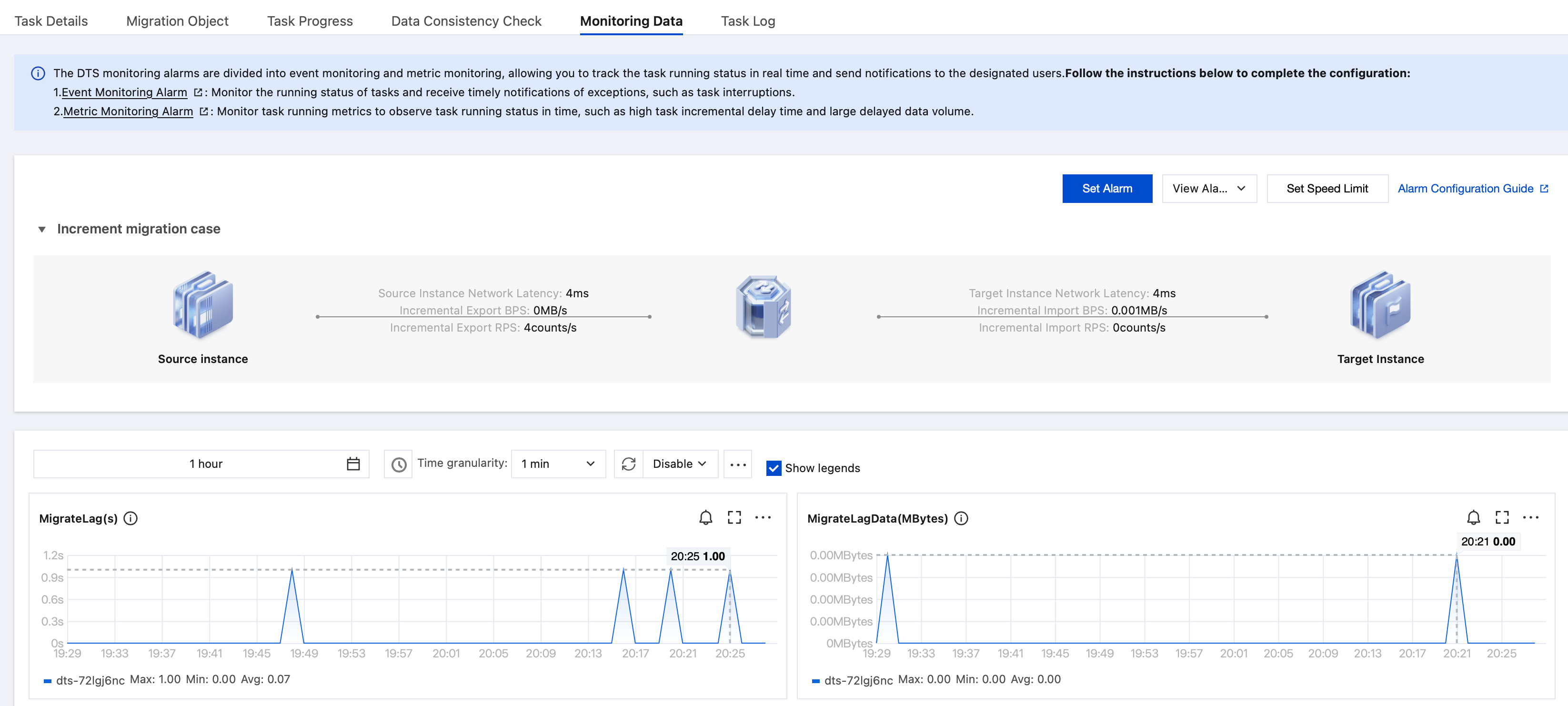
Viewing Monitoring Data
View monitoring data.
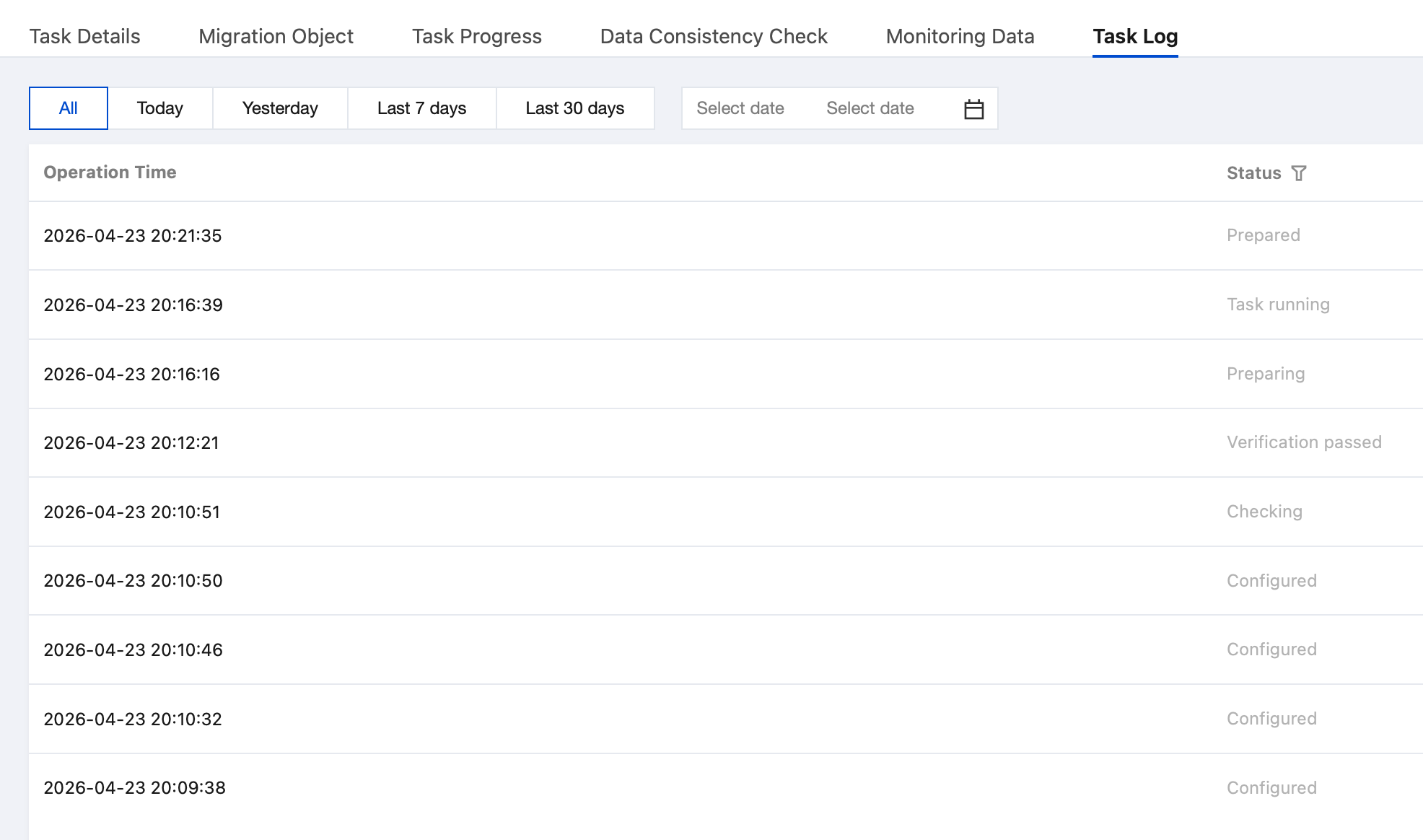
Viewing Task Log
This section supports filtering by specified time range and task status.