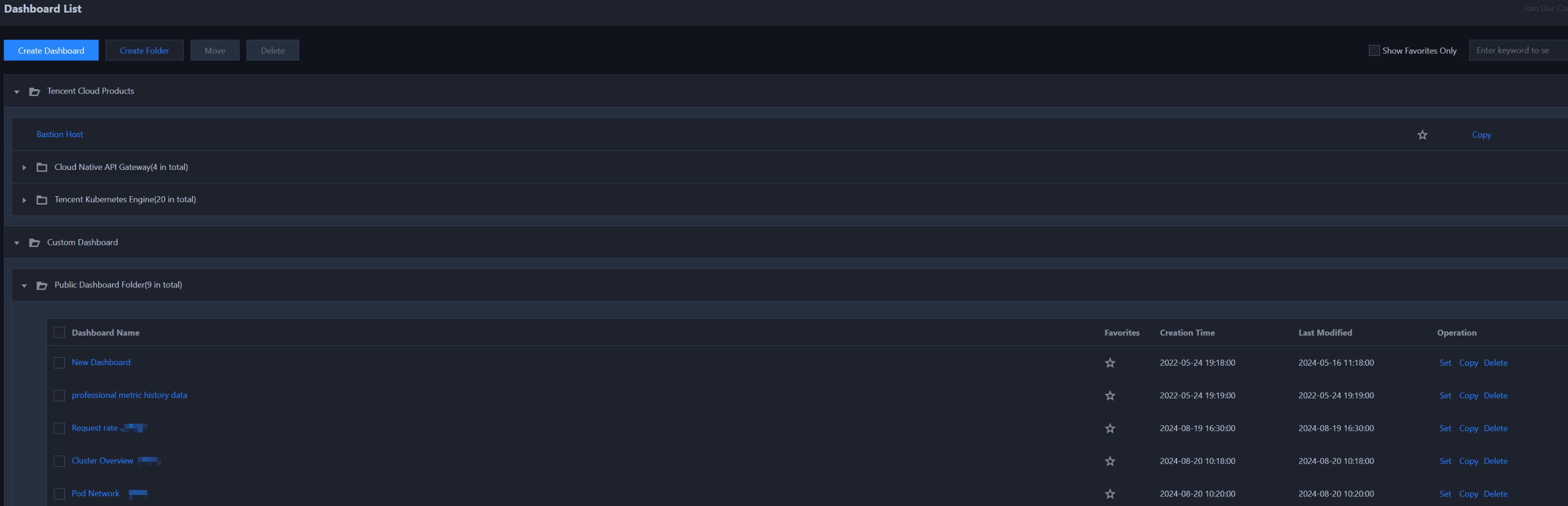
Tencent Cloud Observability Platform automatically creates the monitoring charts for key metrics of your cloud products. After you successfully purchase multiple cloud product instances, you can easily view the monitoring data of multiple cloud product instances in a single chart.
Use Limits
The preset cloud product dashboard is read-only and cannot be edited.
Dashboard List: It supports viewing, copying, favoriting, and setting the default dashboard.
Dashboard: It does not support setting, deleting, adding charts, dragging charts, saving the dashboard.
Chart: It does not support chart editing, deleting, copying to the current dashboard.