Internet Behavior Control and Audit Logs
Baixar
Modo Foco
Tamanho da Fonte
1. Log in to the Tencent iOA Zero Trust Security Management System console, choose Terminal Management > Internet Access Behavior Management > Audit Log. in the left sidebar.
2. Interception alarm logs reported by the internet access interception policies configured in Internet Behavior Control > Policy Settings are displayed here.
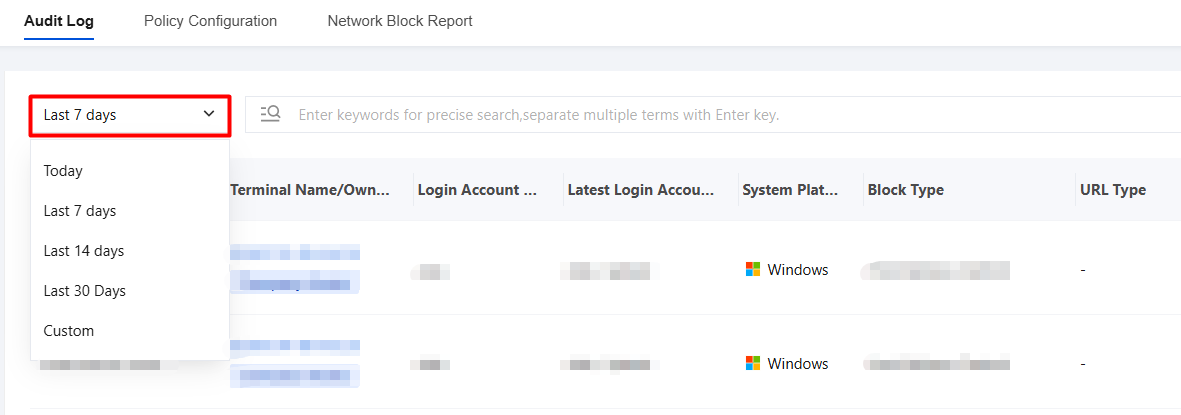
3. Time-based filtering is supported, and a standard time filter control is provided. You can use the "Last 7 days" drop-down list in the upper-left corner to quickly switch between "Today", "Last 7 days", "Last 14 days", "Last 30 days", and "Custom date" to view audit logs within different time ranges.
Ajuda e Suporte
Esta página foi útil?
Você também pode entrar em contato com a Equipe de vendas ou Enviar um tíquete em caso de ajuda.
comentários