Overview
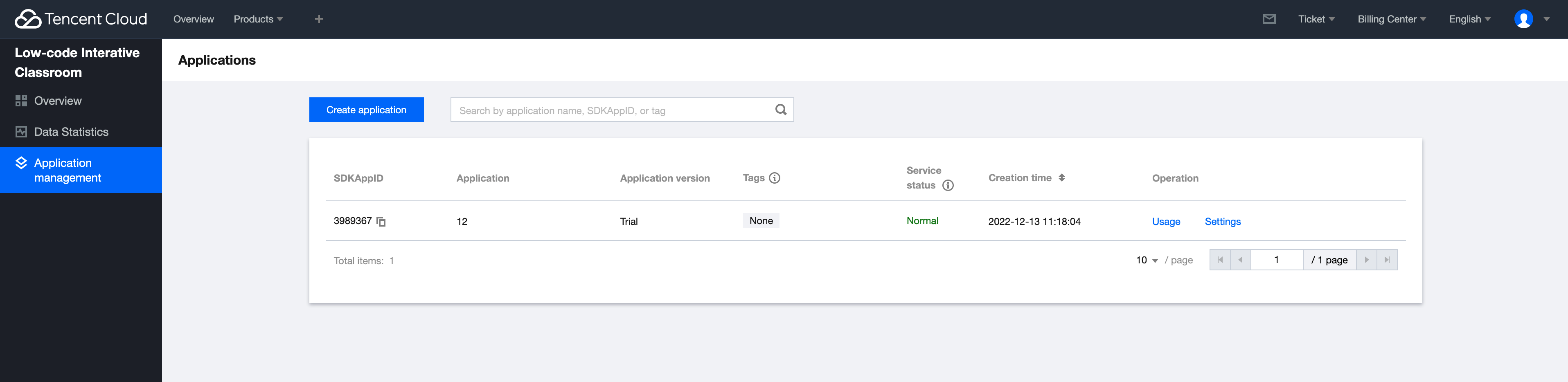
The application management function can create applications, modify application configurations and manage package packages.
The LCIC manages different businesses or projects in the form of applications. You can create different applications for different businesses or projects in the low-code interactive classroom console, so as to realize the isolation of business or project data.
Creating an Application
2. On the left sidebar, select Application Management.
3. Click Create Application. Configuring an Application
2. On the left sidebar, select Application Management.
3. Click Settings. Modify the configuration as needed.
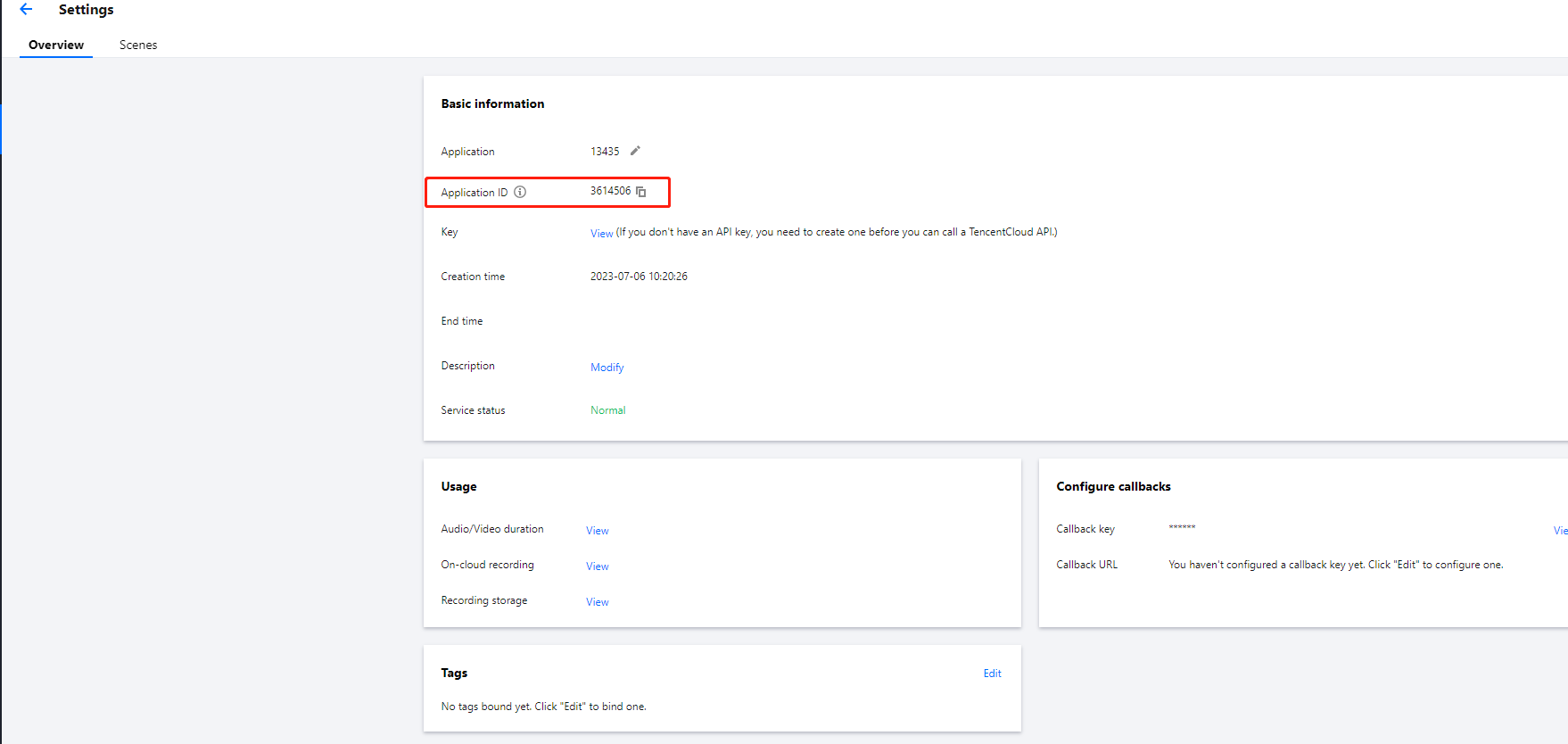
Viewing the SDKAppID
2. Click Settings. You can view the SDKAppID on the Settings page.
Obtaining the Key
For directions on how to obtain the key, see Access Key.