Managing Flows
Baixar
Modo Foco
Tamanho da Fonte
After creating an event, click the event on the event overview page. You will enter the flow management page, where you can manage the event’s flows. Each flow is a transfer linkage.
Creating a Flow
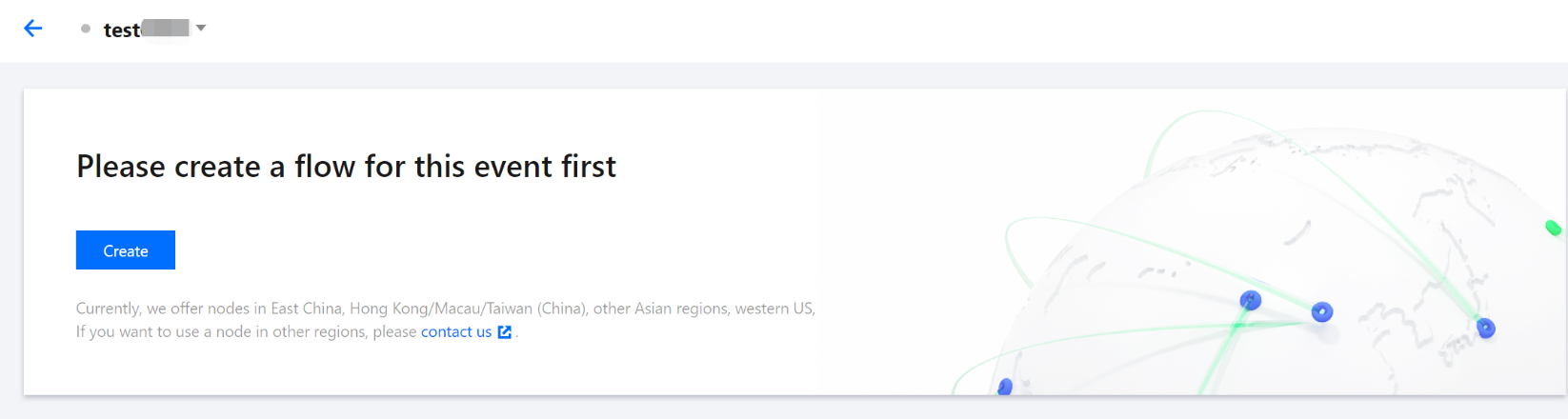
1. In the StreamLink console, select the event you created, click Flow management, and then click Create.
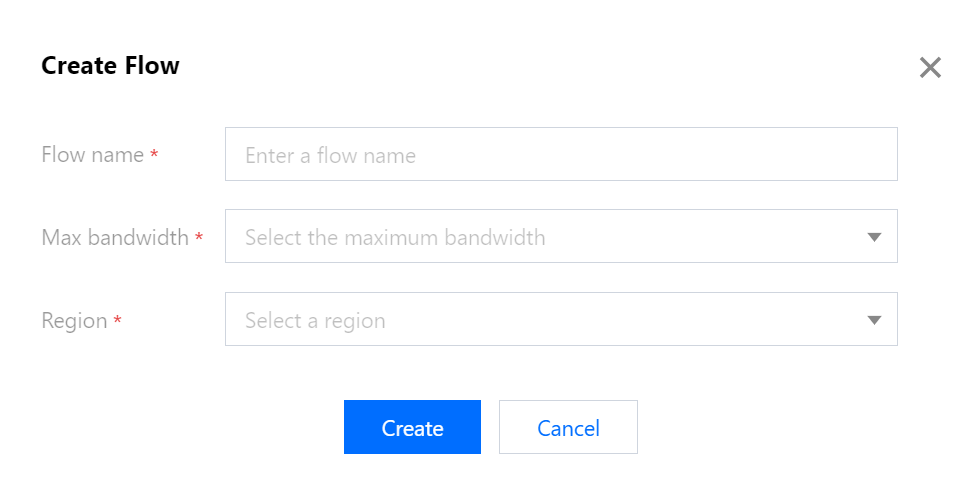
2. Enter the following information:
Flow name: Enter a name that can help you easily distinguish the flow from others.
Max bandwidth: Select the maximum bandwidth for your flow. The system will assign network resources based on your configuration.
Region: Select the region of your flow.
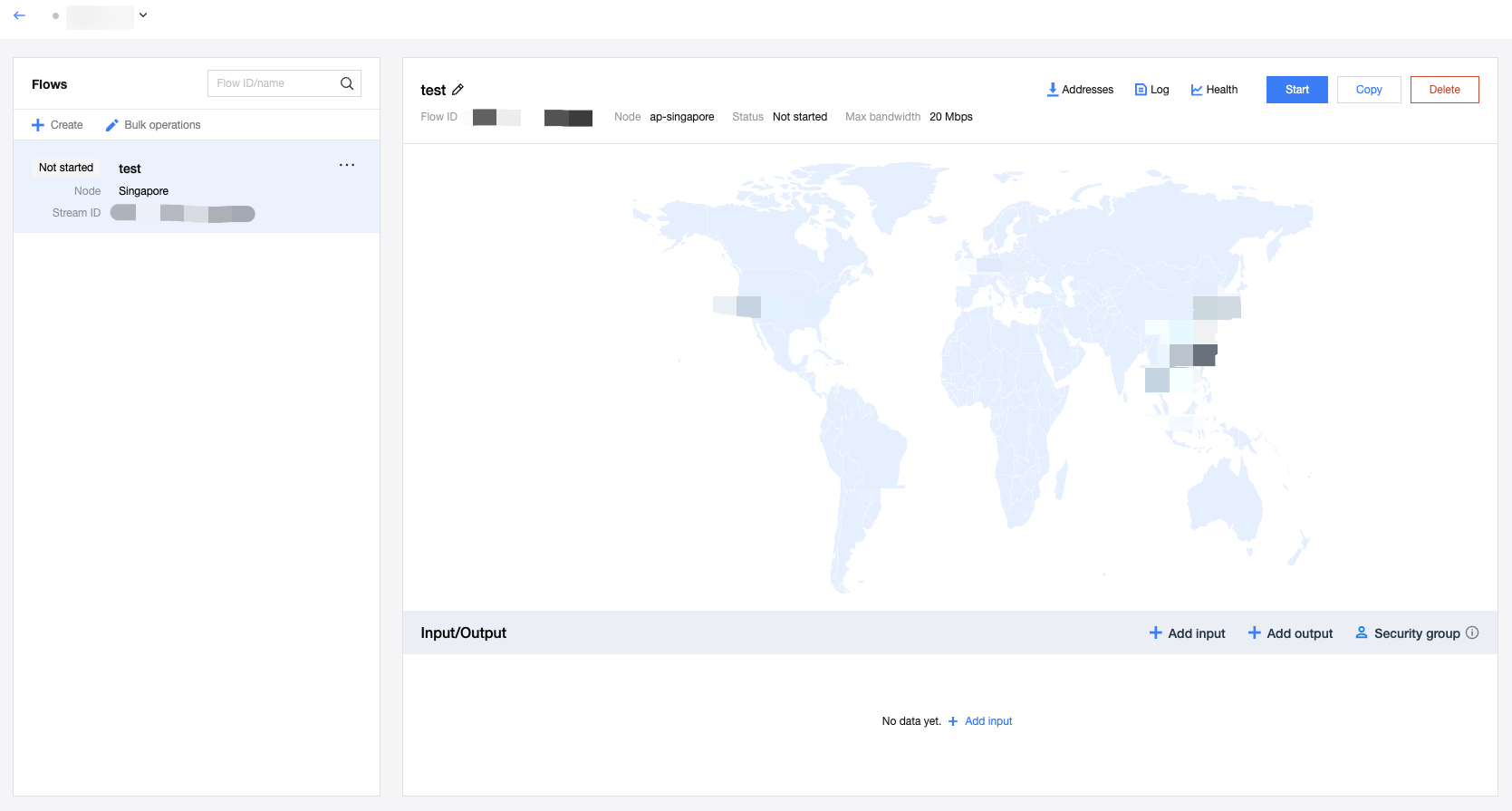
3. After creating a flow, it will appear on the flow management page, where you can start, stop, copy, and delete a flow (bulk operation supported), as well as export the addresses of a flow.
Ajuda e Suporte
Esta página foi útil?
Você também pode entrar em contato com a Equipe de vendas ou Enviar um tíquete em caso de ajuda.
comentários