tencent cloud

文档Tencent Cloud Observability Platform

Allowlist Management

下载
聚焦模式
字号
最后更新时间: 2024-11-01 19:34:15
Allowlist management is applicable for developers to allow specified users to report more information such as log and API information. This document describes how to use the allowlist management feature. For detailed logic about the allowlist, see Allowlist.
Directions

Configuring an allowlist

1. Log in to the RUM console.
2. On the left sidebar, click Application Management > Allowlist Management to enter the allowlist management page.
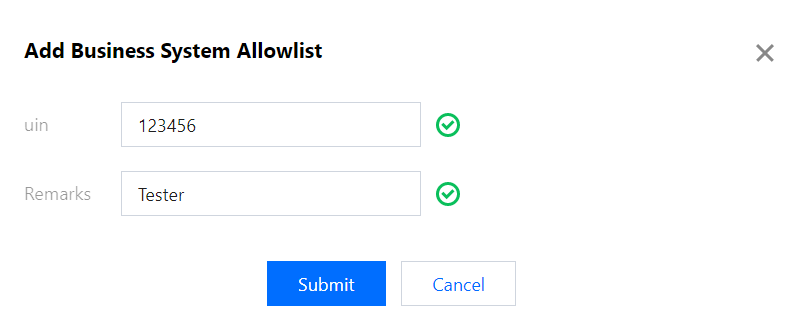
3. Click Add to Allowlist in the top-left corner and enter the user UIN and remarks in the pop-up window.


Deleting an allowlist

Find the UIN of the target user in the allowlist and click Delete in the Operation column.

帮助和支持

本页内容是否解决了您的问题?

填写满意度调查问卷,共创更好文档体验。

文档反馈