Alerm Settings
다운로드
포커스 모드
폰트 크기
iOA provides multiple alarm notification methods, including in-app messages, email, SMS, WeChat, voice calls, WeCom, and bot notifications. You can enable them based on your actual needs.
the corresponding alarm channel.
1. Log in to the Tencent iOA Zero Trust Security Management System console and choose System General Settings > Alerm Settings. in the left sidebar.
2. On the Alert Settings page, enable the corresponding alert channel switches according to the Tencent Cloud documentation. You can enable alerts for hardware, connectors, account security, and other items based on your actual needs, and customize the alert methods (in-app messages, email, SMS, and so on).
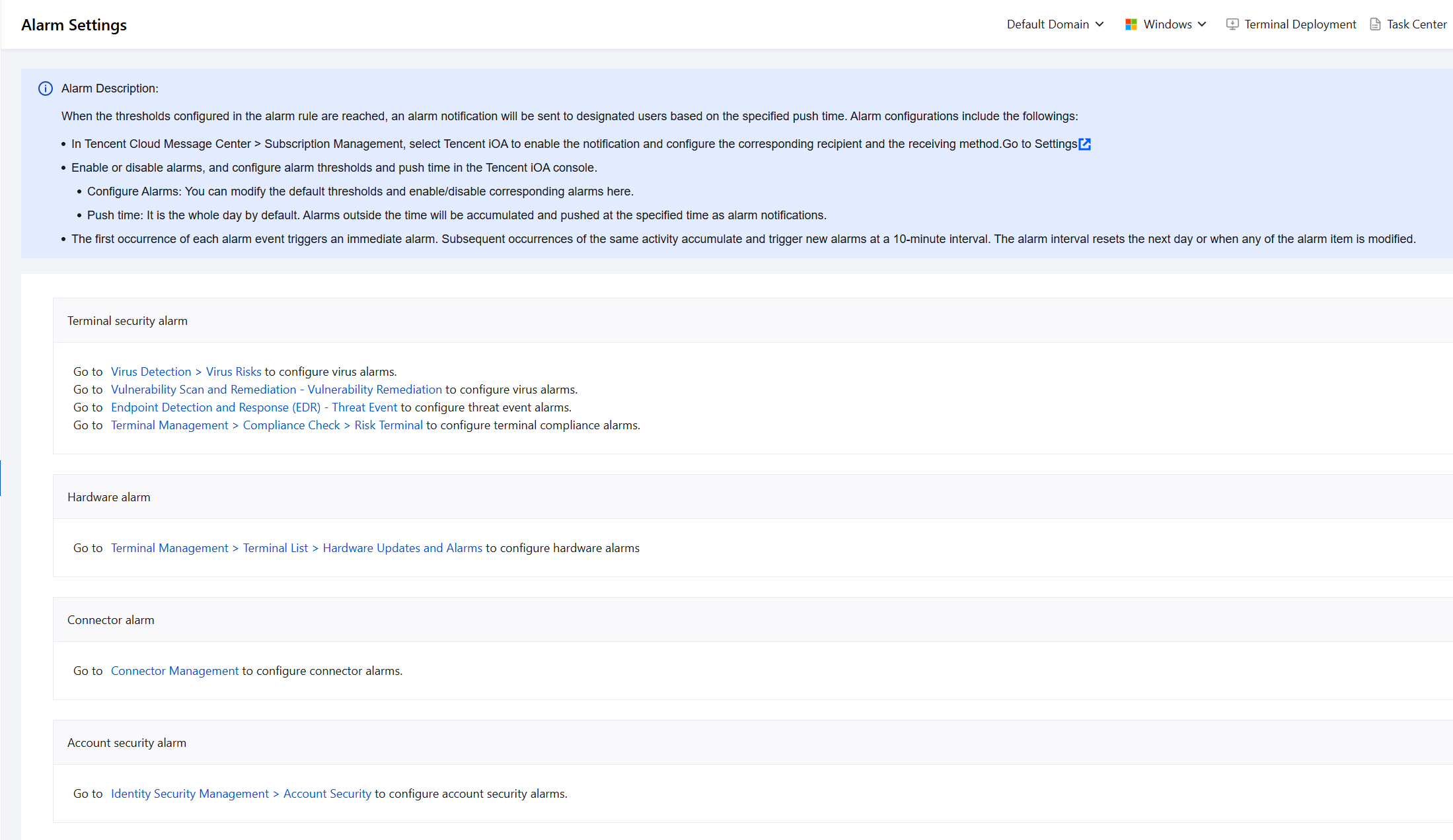
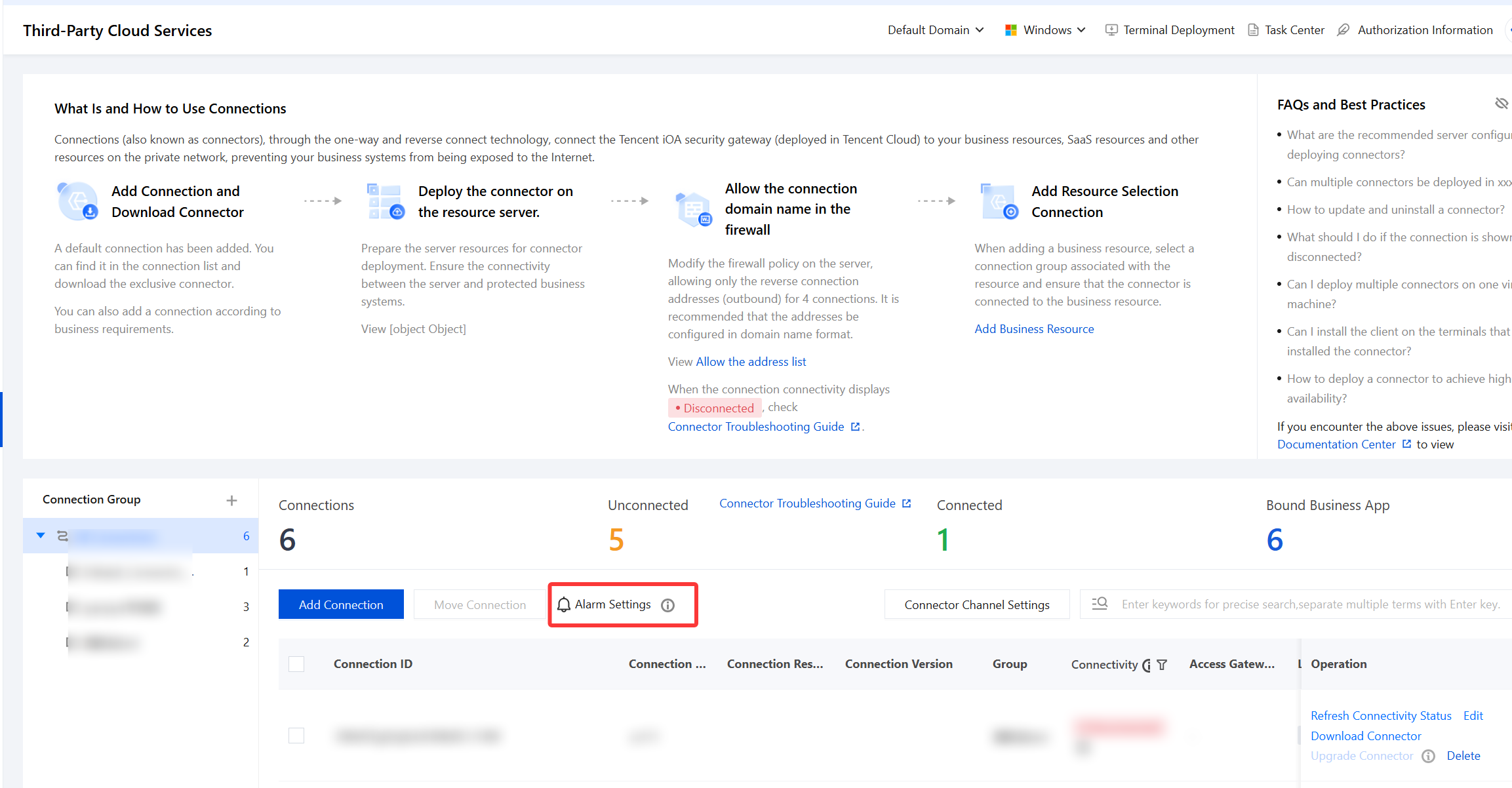
3. In the connector alarm settings under System General Settings > Alerm Settings, set the alarm trigger condition to 3 minutes or longer to avoid false positives caused by data reporting delays. Connector alarms are associated with Resource Network Connection > Third-Party Cloud Services.
피드백