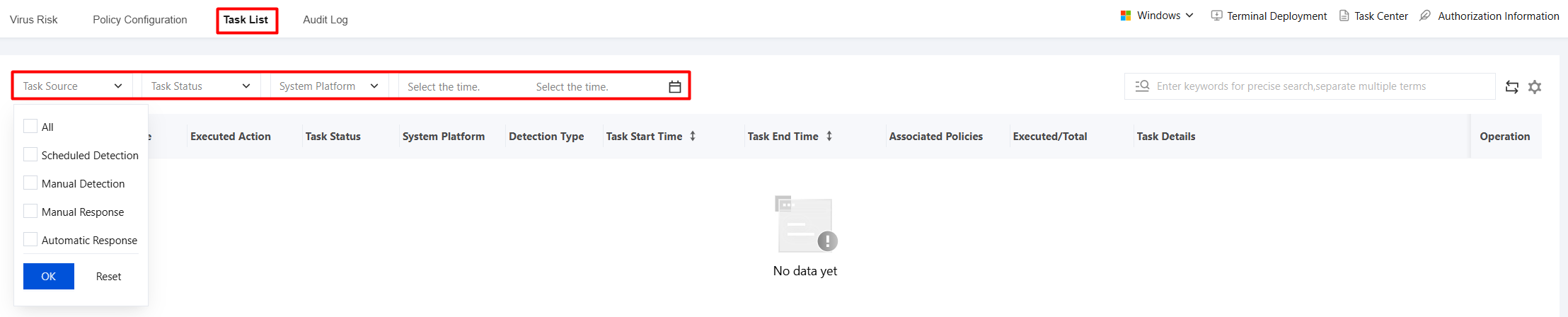
2. On the Task List page, the execution status of relevant detection or response policies is displayed. You can filter tasks by task source, task status, system platform, and time.
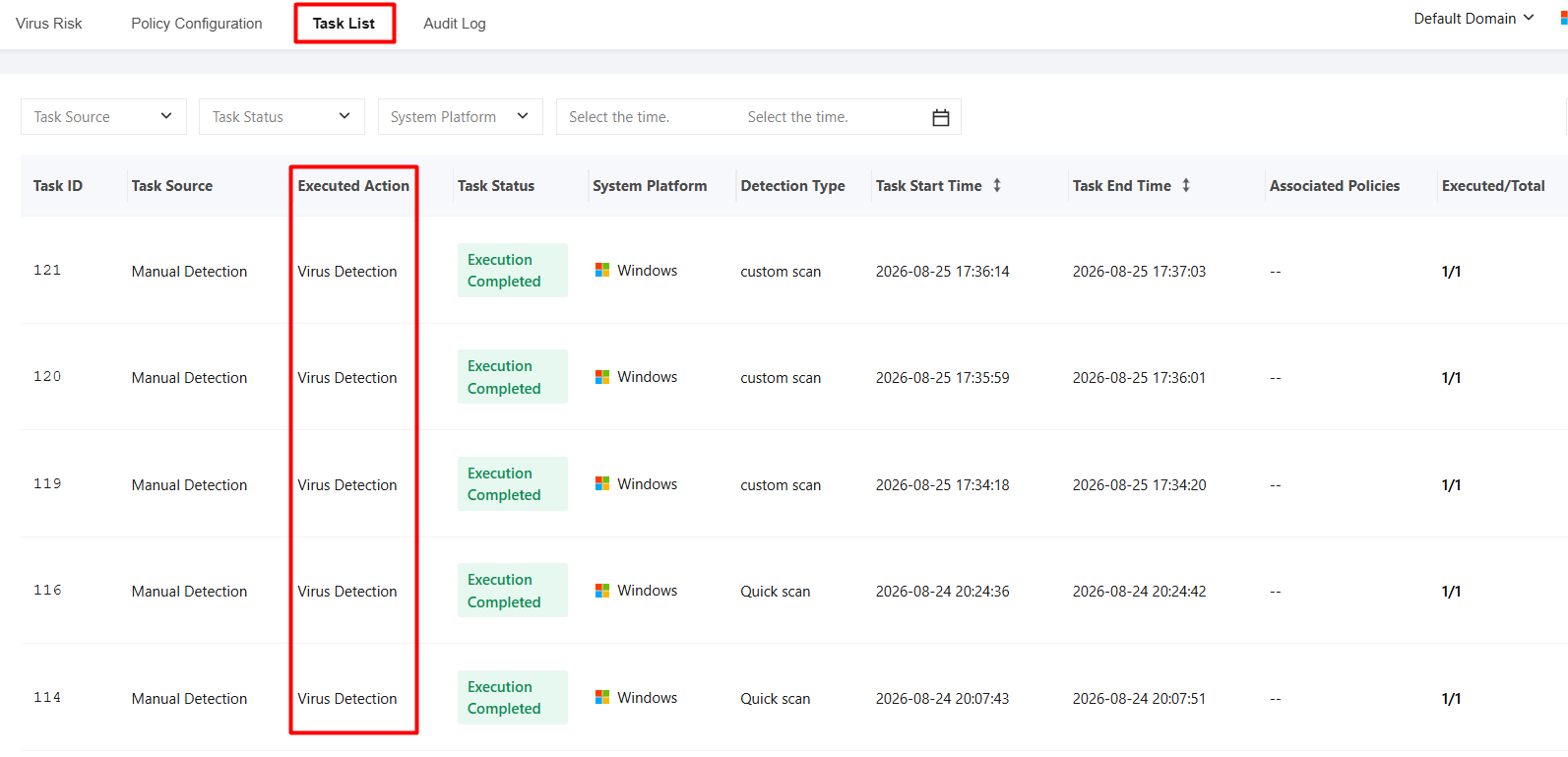
3. On the Task List page, you can filter tasks by execution action (such as file isolation, isolation recovery, and virus detection) and view task details and the task status on each terminal.
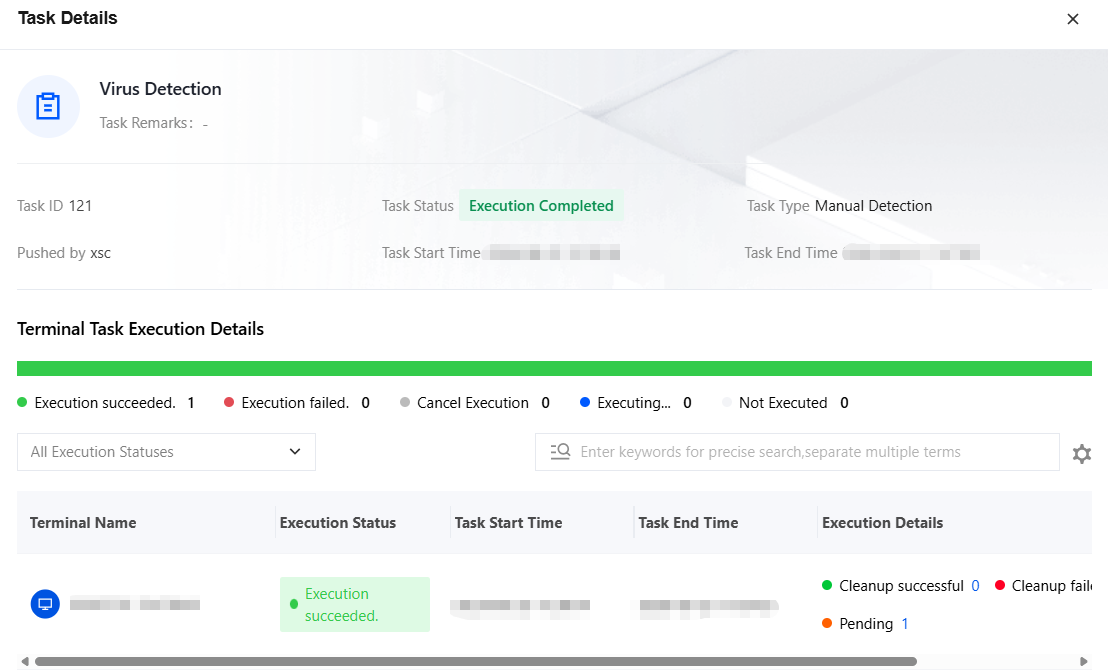
4. Select the target task and click View Details to view specific task information.