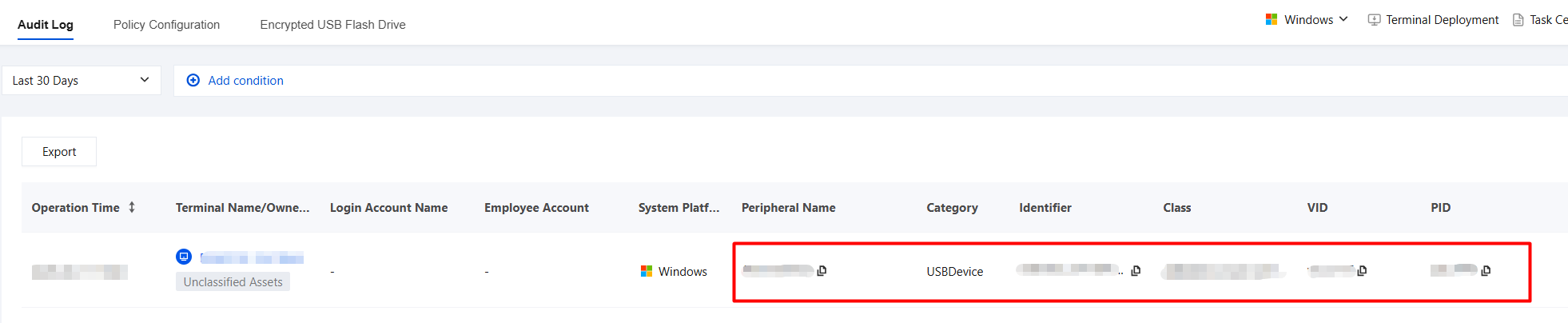
This page is used to record, query, and export all recent peripheral operation events of terminal users. On this page, administrators can view the usage of peripherals such as USB devices and perform security auditing, event tracing, and compliance analysis.
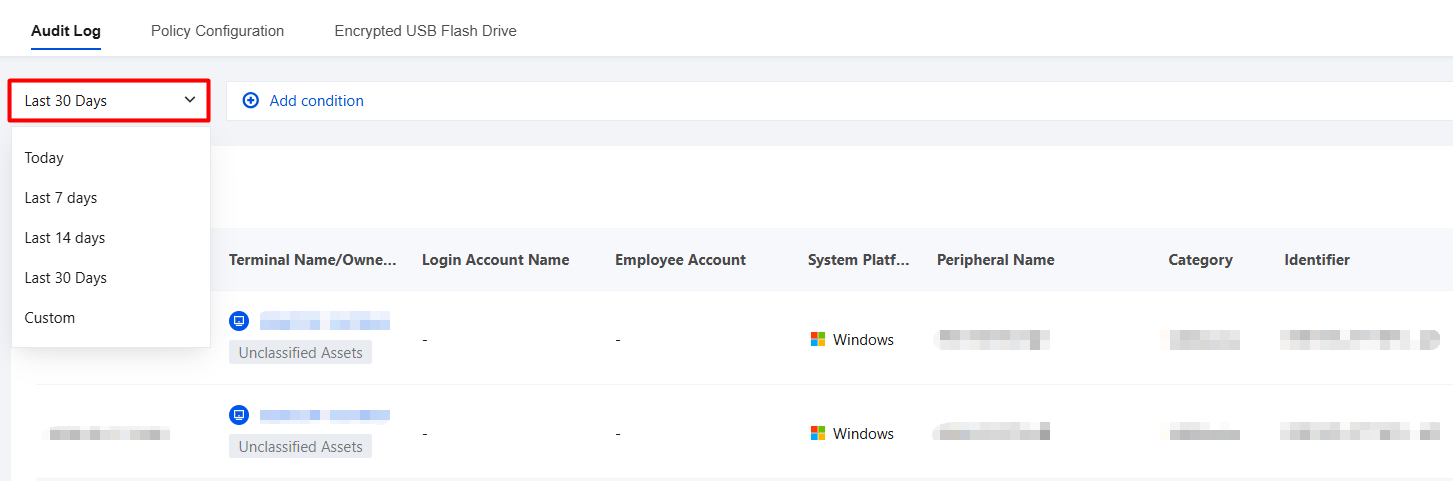
2. You can filter audit logs by time range using standard time filter controls. From the "Last 7 days" drop-down list in the upper-left corner, you can quickly switch between "Today", "Last 7 days", "Last 14 days", "Last 30 days", or "Custom date" to view audit logs within different time ranges.
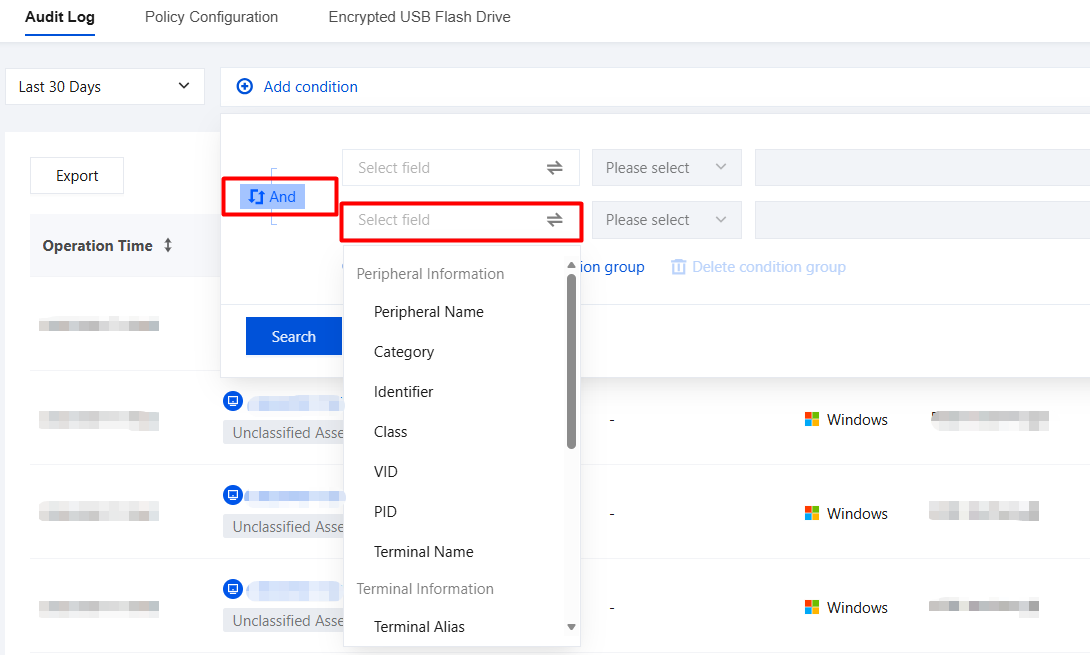
3. Multi-condition filtering is supported, and you can configure filtering criteria with AND/OR relationships.
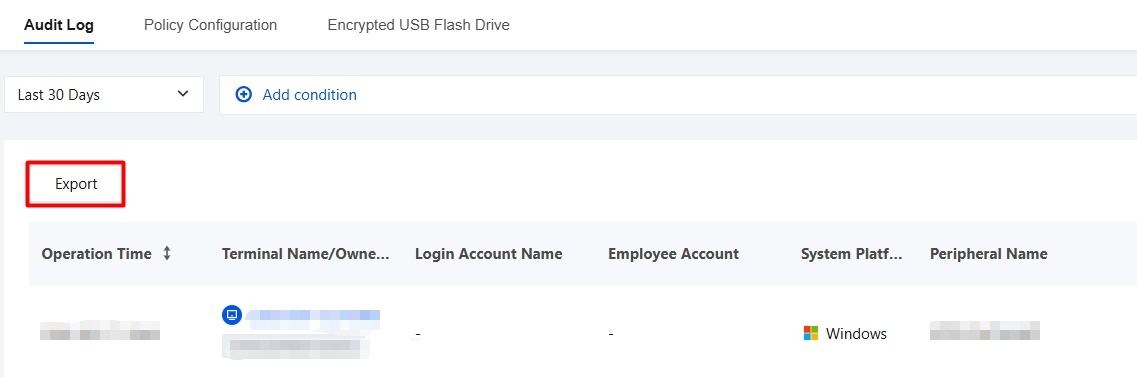
4. You can select the log export time range. By default, the current log filter time range is selected.
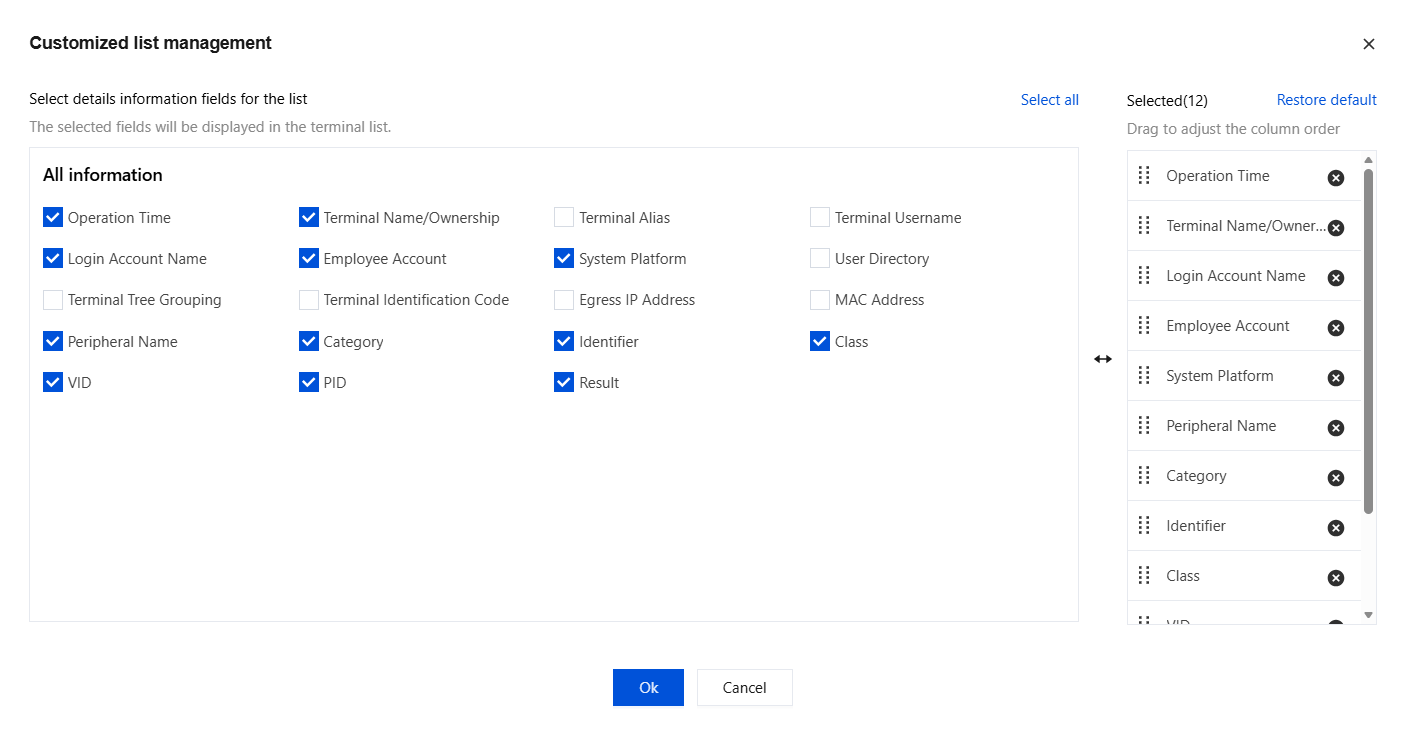
5. Click
, and the selected fields will be displayed in the field list.
6. On the Audit Logs page, the Peripheral Name, Identifier, VID, and PID fields support copying.