iOS: In the tccc folder under the sandbox/Documents directory
Does the Cloud Contact Center SDK support X86 simulators on Android?
The current version of Cloud Contact Center does not support simulators, but it will support simulators in the future. If you need to run on a simulator, we recommend debugging on an iOS x86 simulator.
Does the Cloud Contact Center SDK support the CPU type armv7 on iOS?
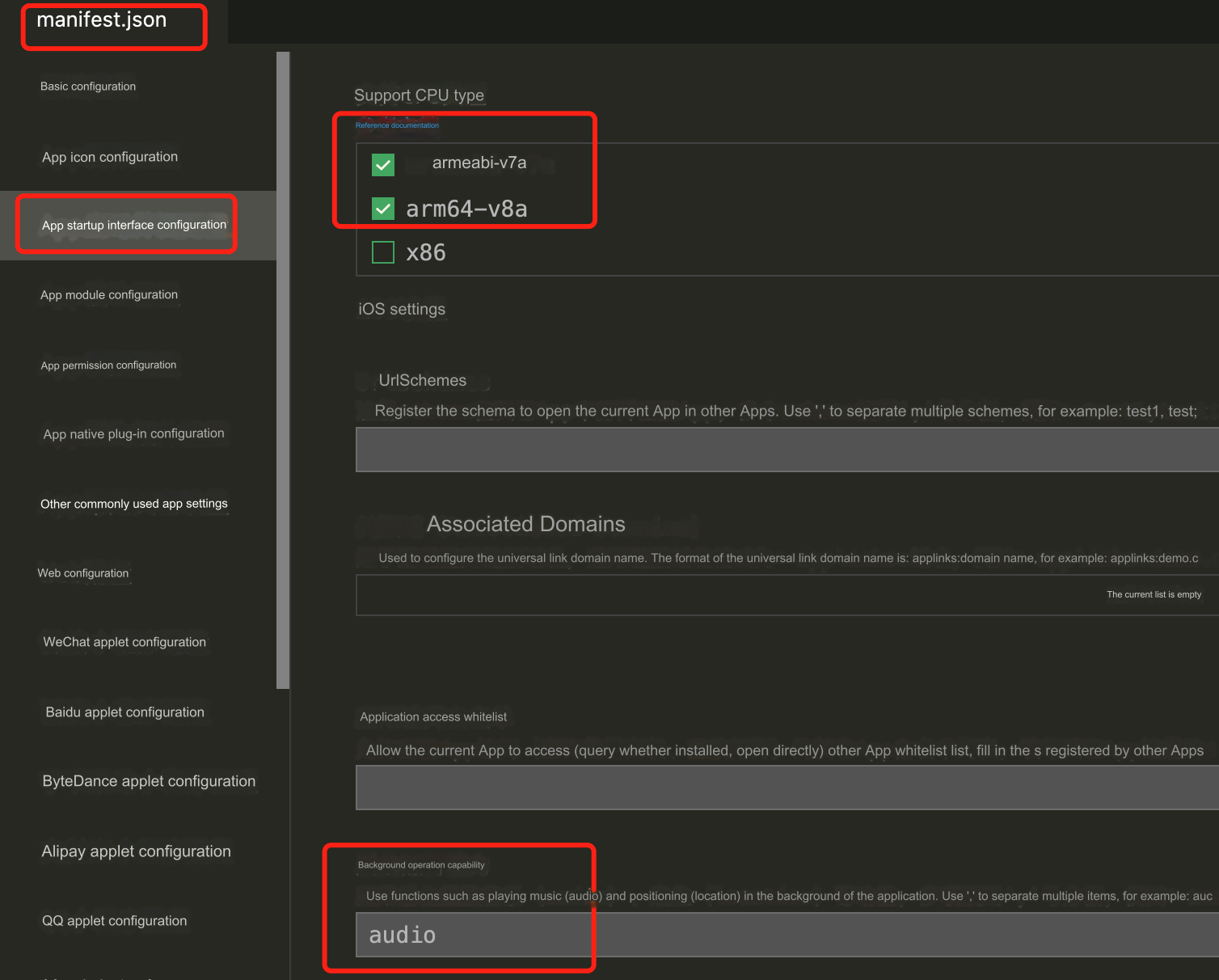
Because only iPhone 5c and earlier versions have this type of CPU, and almost no one is using it now. Therefore, we do not adapt to this type of CPU. When packaging iOS on the cloud, you need to modify the manifest.json file.
"validArchitectures":[
"arm64"
],
Why do phone calls get interrupted when iOS switches to the background?
When the mobile application switches to the background, the operating system will suspend the application process to save resources. You can configure audio background mode in iOS to ensure that the application will not be terminated when there is audio impact.
Why can't incoming calls be handled under mobile phones?
If a new session occurs while the mobile phone is running in the foreground, you will receive onNewSession callback. However, we do not recommend handling incoming calls on mobile phones (the app will pause when switching to the background). We recommend you activate the feature of receiving calls on mobile phones.