SQL Studio
下载
聚焦模式
字号
Through the SQL Studio, you can quickly connect to the cluster and carry out a series of operations using SQL commands.
Operation Guide
1. After logging in to Tencent Cloud TCHouse-D Console, you can access SQL Studio by clicking on the left list. Select the target Resource ID/Name in the cluster list. You can also find the entrance under Queries.
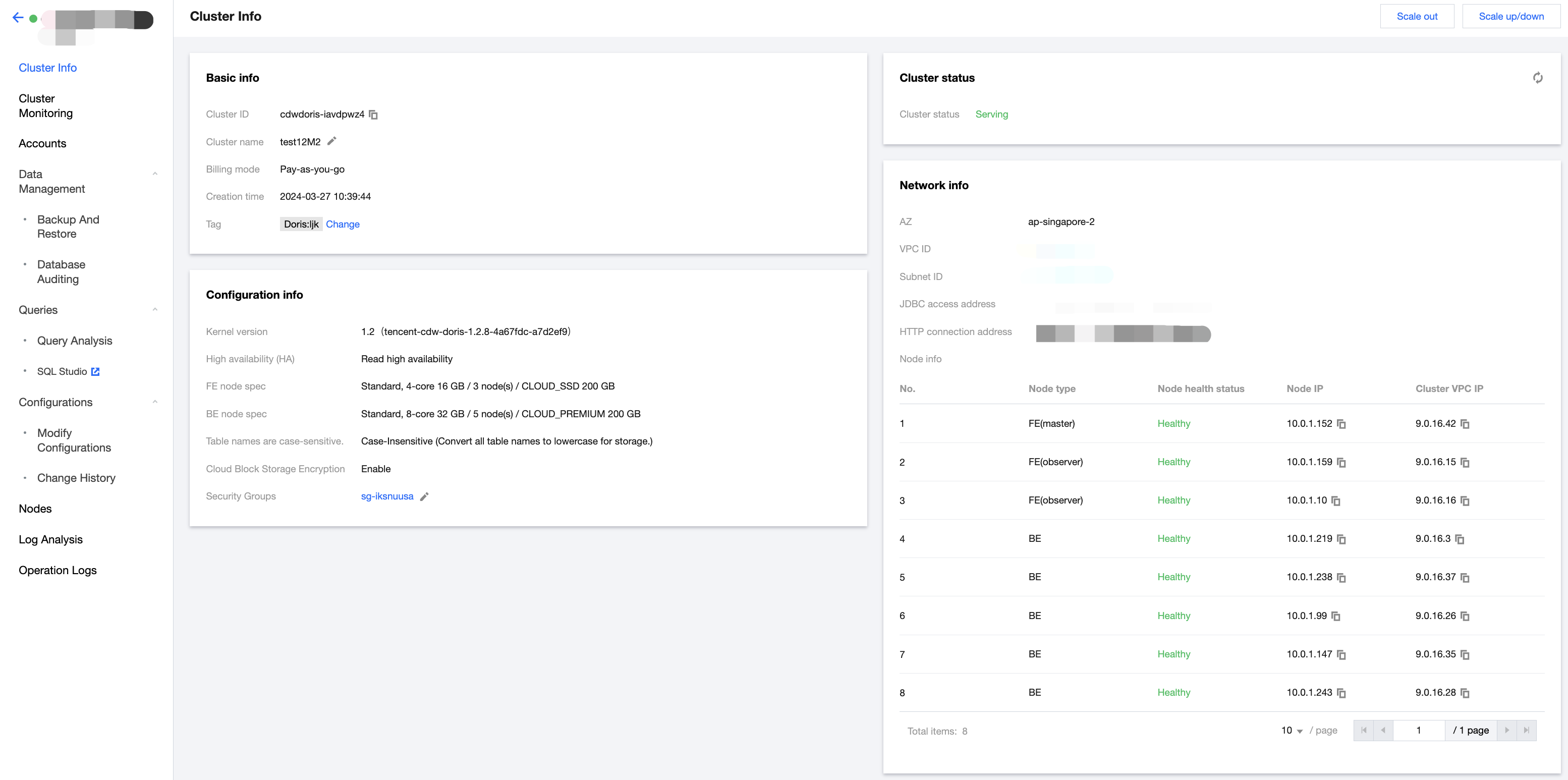
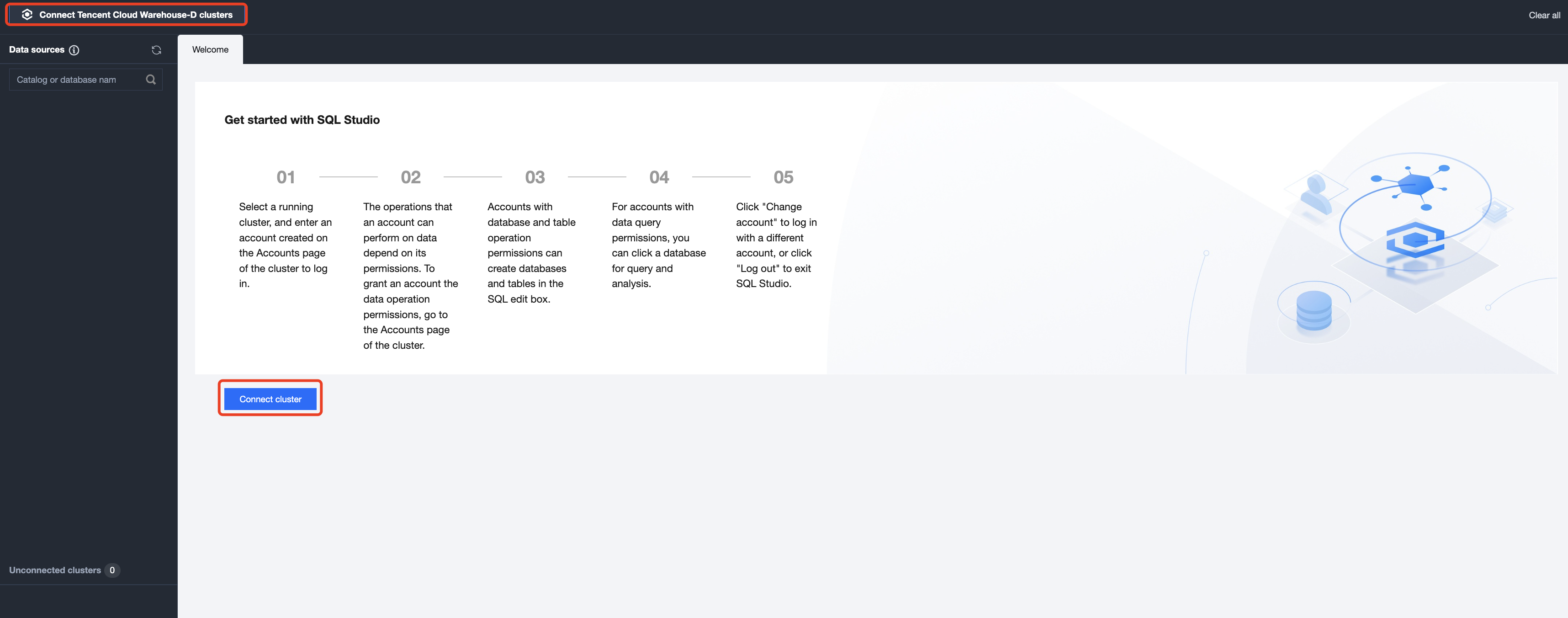
2. Once you enter the SQL Studio, you first need to connect to a cluster. Data operations depend on the data privileges of the logged in account, which can be granted in the Accounts of the corresponding cluster. See Privilege Management Through the Console for details.
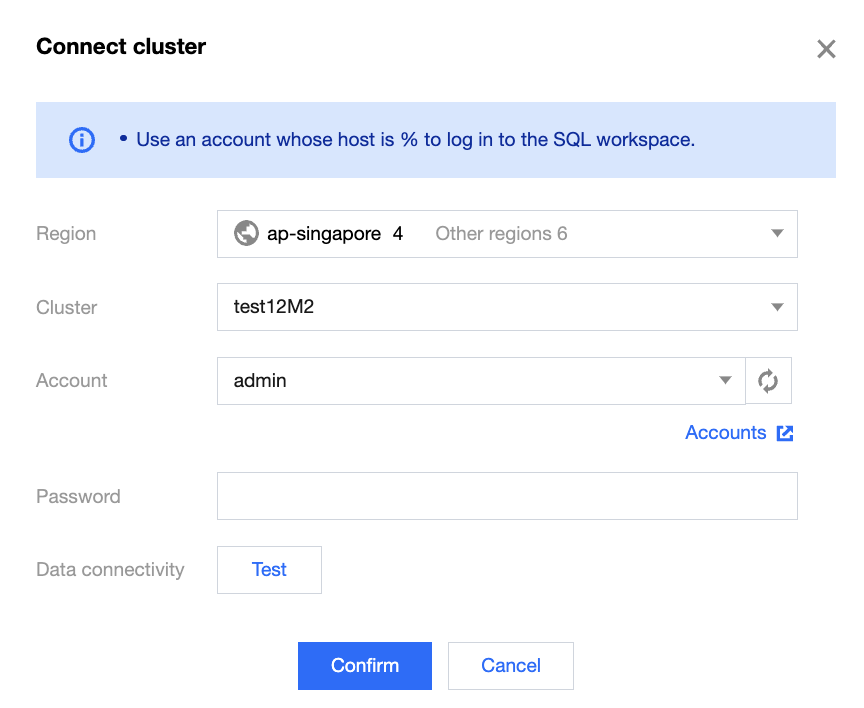
3. When connecting to a cluster, you need to select a region, cluster ID, and enter a valid account and password. Click Accounts to go to the console page for account operation.
Note:
Please use the account with host % to log in to SQL Studio.
4. In SQL Studio, you can view the SQL statement execution records. Search and filtering are supported.
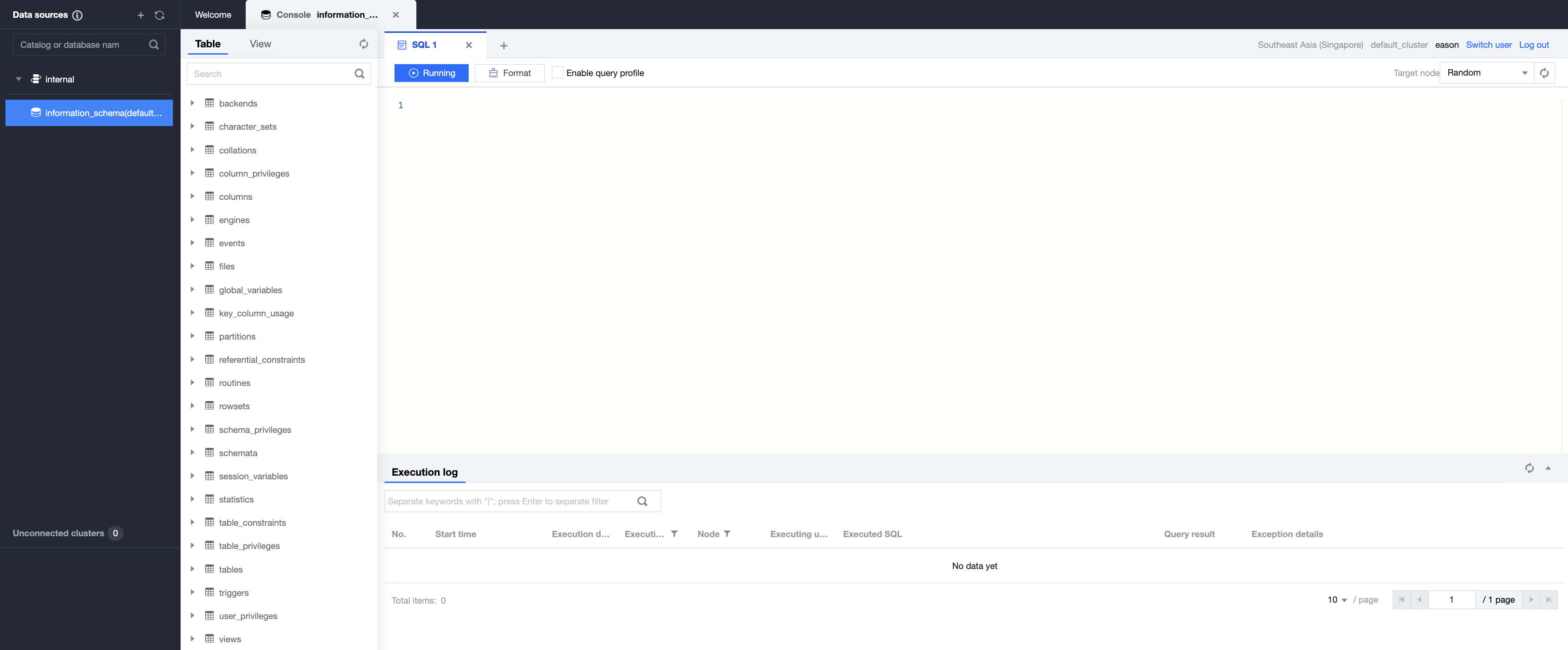
5. Clicking the button in the left list allows you to easily create external data sources.
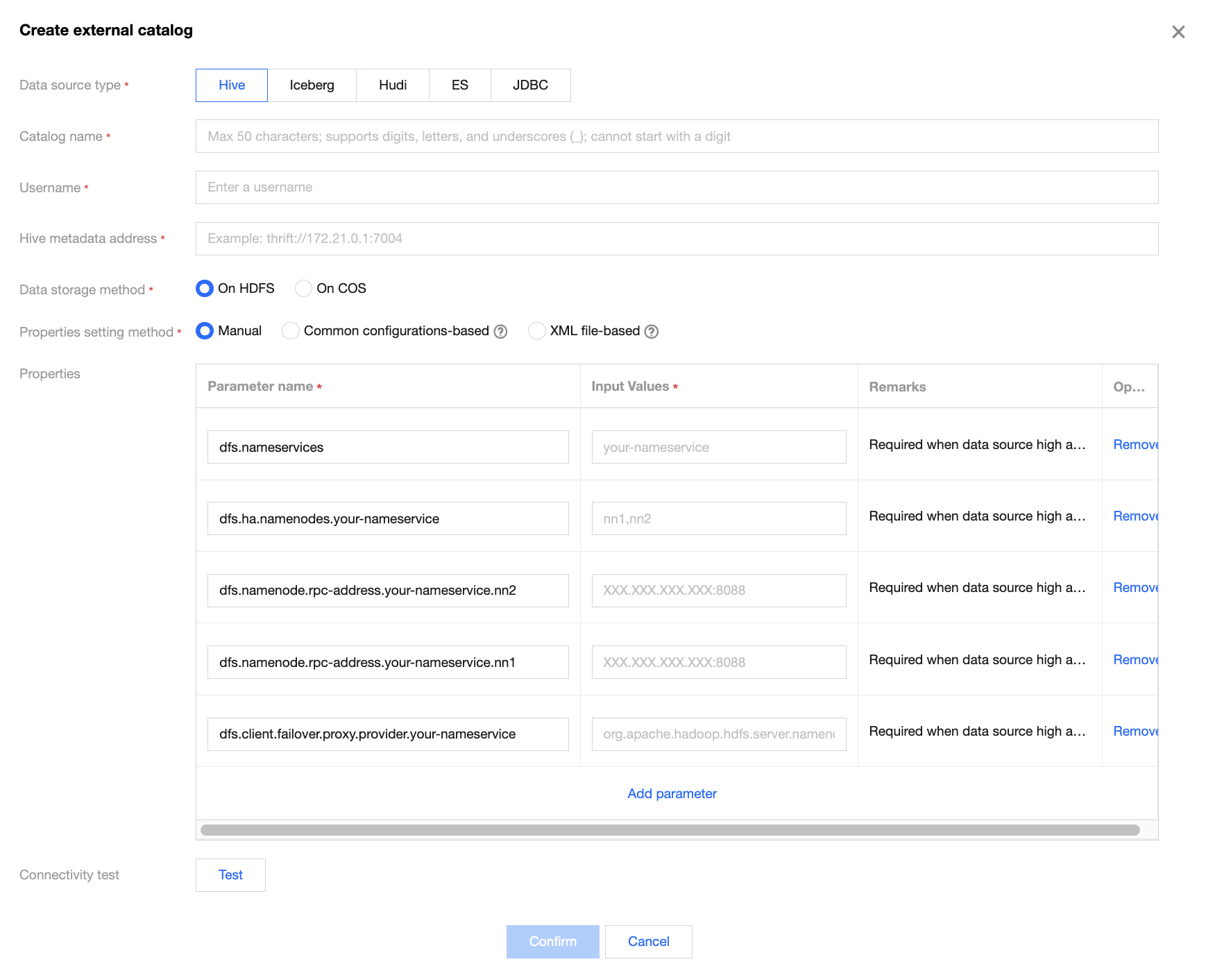
Note:
The tables of built-in data sources can be created through DDL statements in the SQL compilation box, and external data sources only support queries.
6. Click Switch User to switch accounts. After use, click Log Out to exit SQL Studio.
文档反馈