Core accounts are used to manage all log shipping and cloud security operations. You can either create new core accounts or select existing accounts as core accounts. This document describes how to configure core accounts in a landing zone.
Prerequisites
You have logged in to the Tencent Cloud console and gone to the Control Center > Landing zone page.
Directions
Creating a logging account
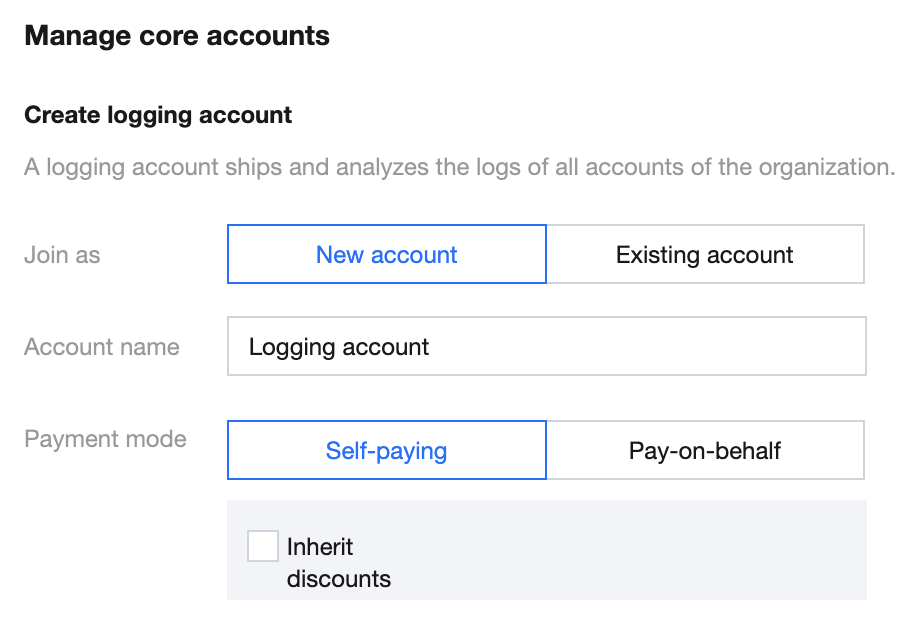
On the Landing zone page, select Manage core accounts. On the right side of the page, you can specify the detailed information for core accounts.
Creation method:
Click New account and enter an account name. By default, the account name is Logging account.
Click Existing account to select an existing account from the drop-down list as the Logging account for your department. The payment mode is inherited from the selected account.
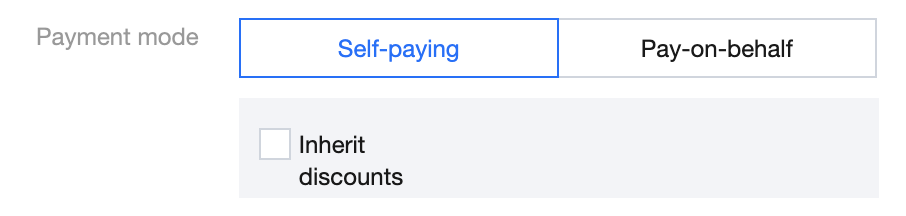
Payment mode:
Select Self-paying if you want to make the account responsible for its own payments. You can select Inherit discounts to let the account inherit contracted discounts from the admin account.
Select Pay-on-behalf if you want to specify a corporate payer to make payments on the account's behalf.
Creating a security account
A security account enables unified management of security products, including the Cloud Security Center, within all accounts of your organization.
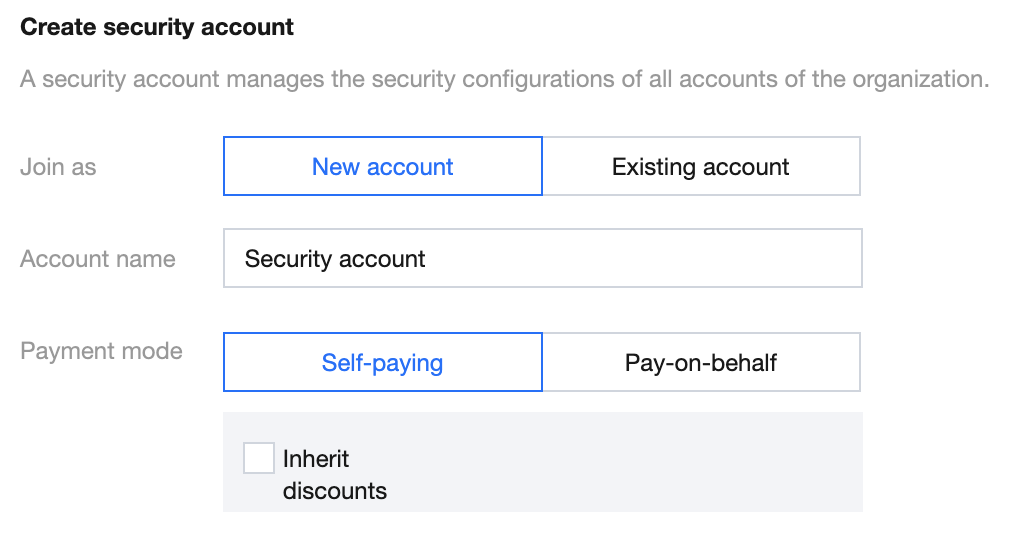
On the Landing zone page, select Manage core accounts. On the right side of the page, you can specify the detailed information for core accounts.
Creation method:
Click New account and enter an account name. By default, the account name is Security account.
Click Existing account to select an existing account as the Security account from the drop-down list of your department. The payment mode is inherited from the selected account.
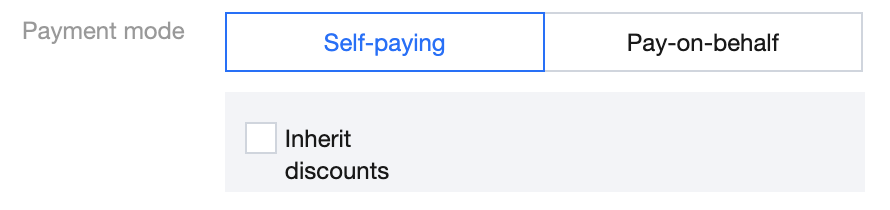
Payment mode:
Select Self-paying if you want to make the account responsible for its own payments. You can select Inherit discounts to inherit the contracted discounts from the admin account.
Select Pay-on-behalf if you want to specify a corporate payer to make payments on the account's behalf.