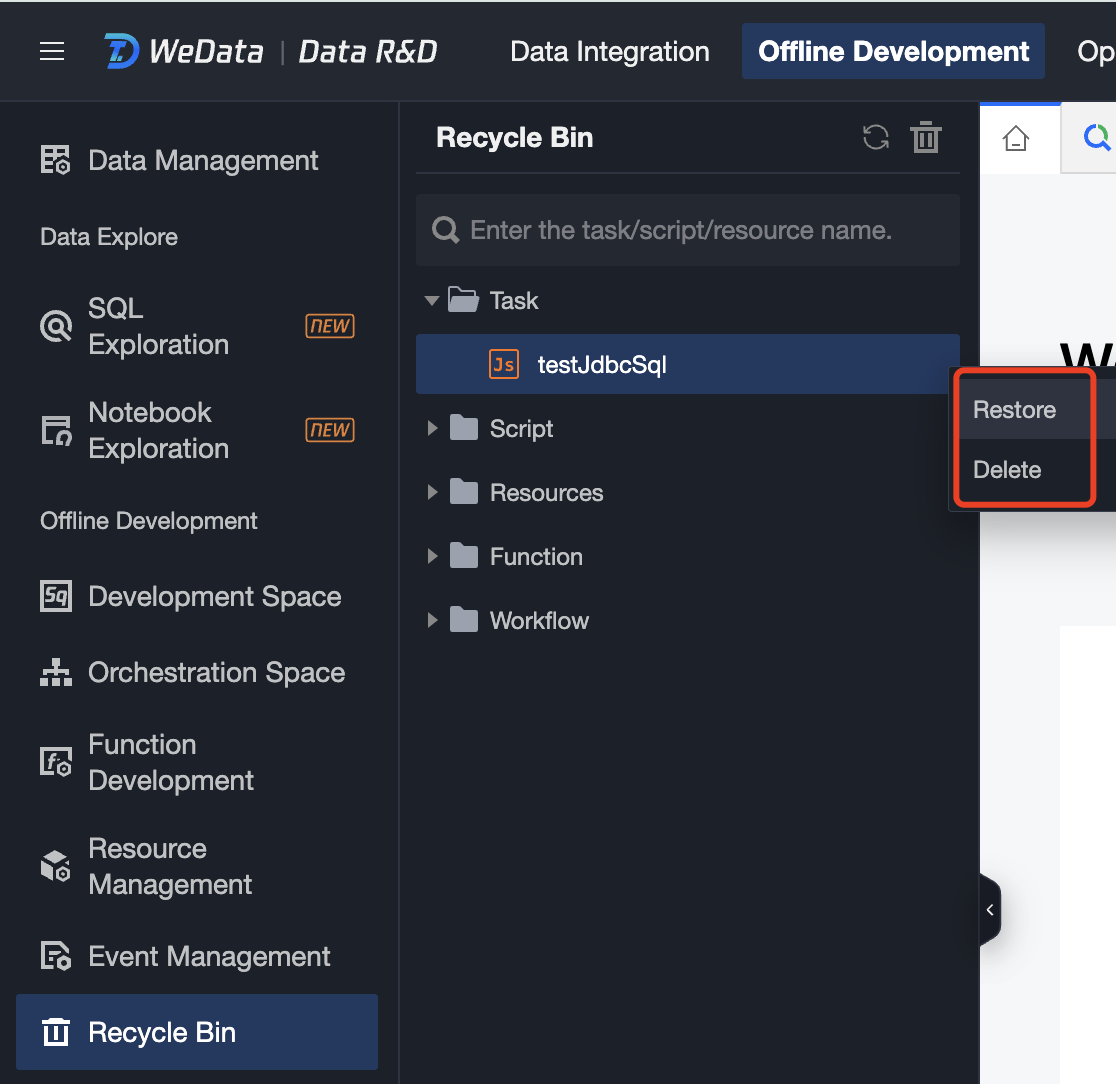
Recycle Bin supports recovering deleted scripts, tasks, and resources from Development Space, Orchestration Space, and Resource Management. These are categorized into different directories.
2. click on the Project List on the left, select the corresponding project, and click to enter the Data Development module.
3. In the left menu, click on the Recycle Bin. Click to view the deleted tasks under the current project, supporting viewing task details, restoring tasks, and deleting tasks, as shown in the figure below:
4. You can also empty the Recycle Bin directly by clicking the
icon on the right side of the Recycle Bin.
Note:
Deleted resources can only be viewed in the Recycle Bin by the corresponding owner.