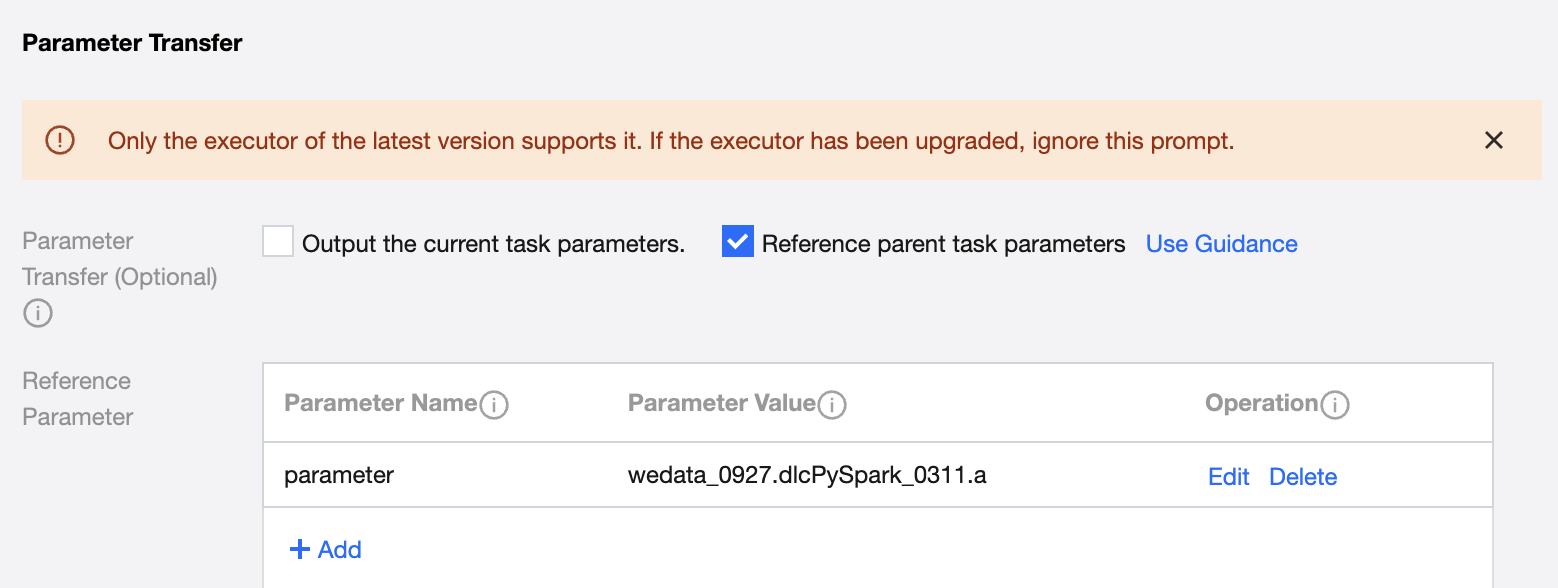
Used to support the transfer of parameters between upstream and downstream. For example, transmit the calculation results of the current task as parameters to the subtask for use. Multiple results can be transmitted by specifying the object with the column number.
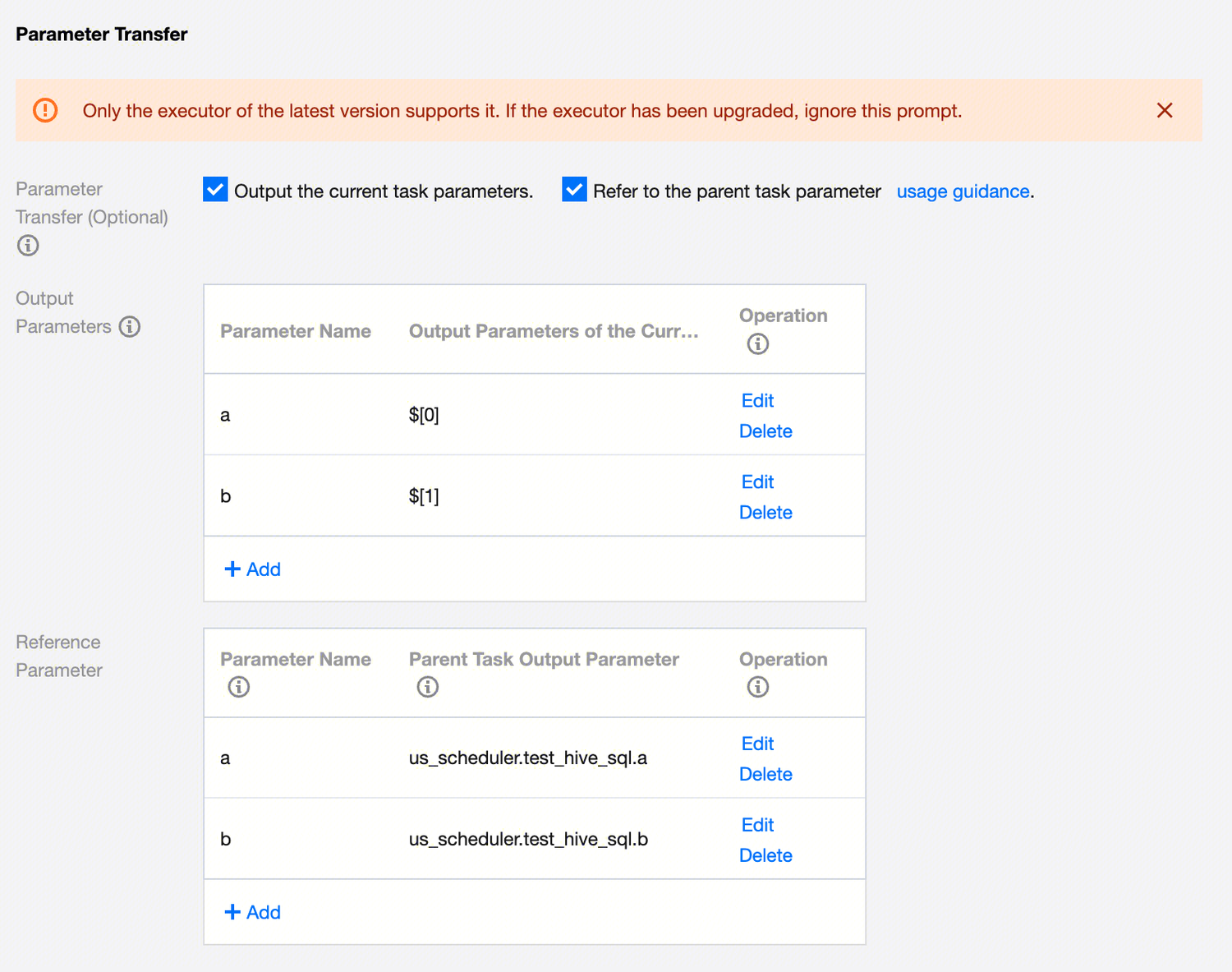
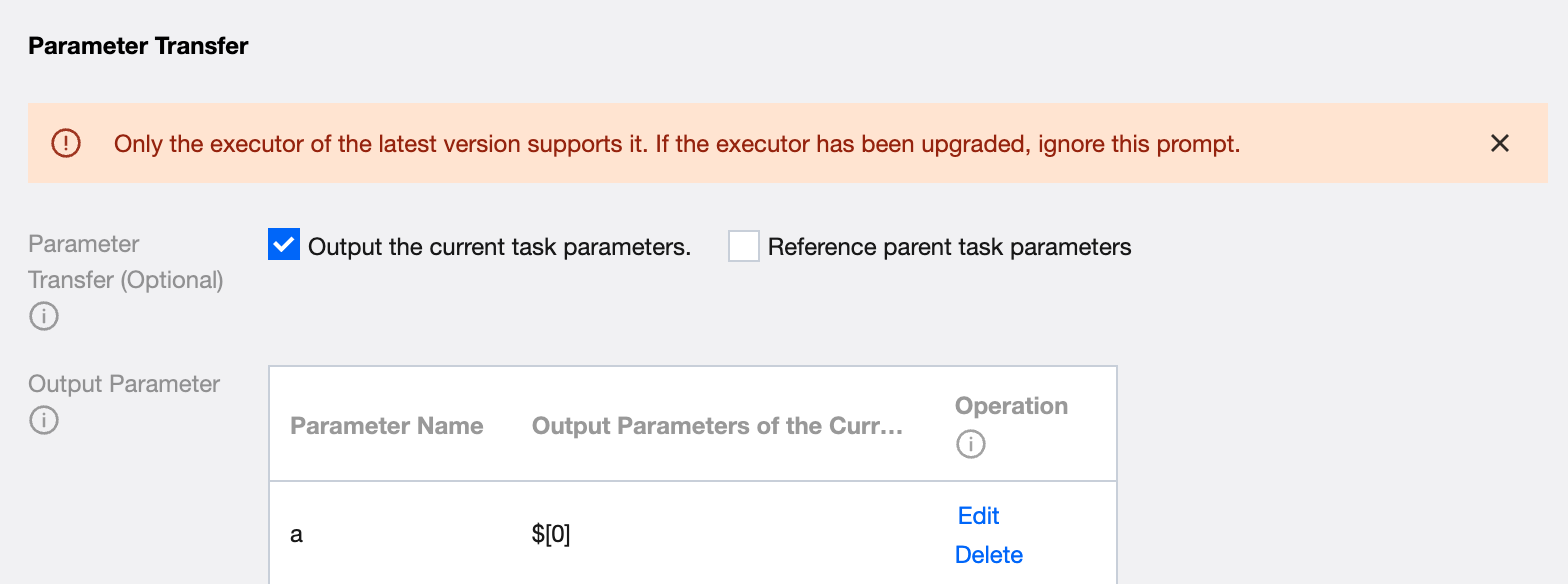
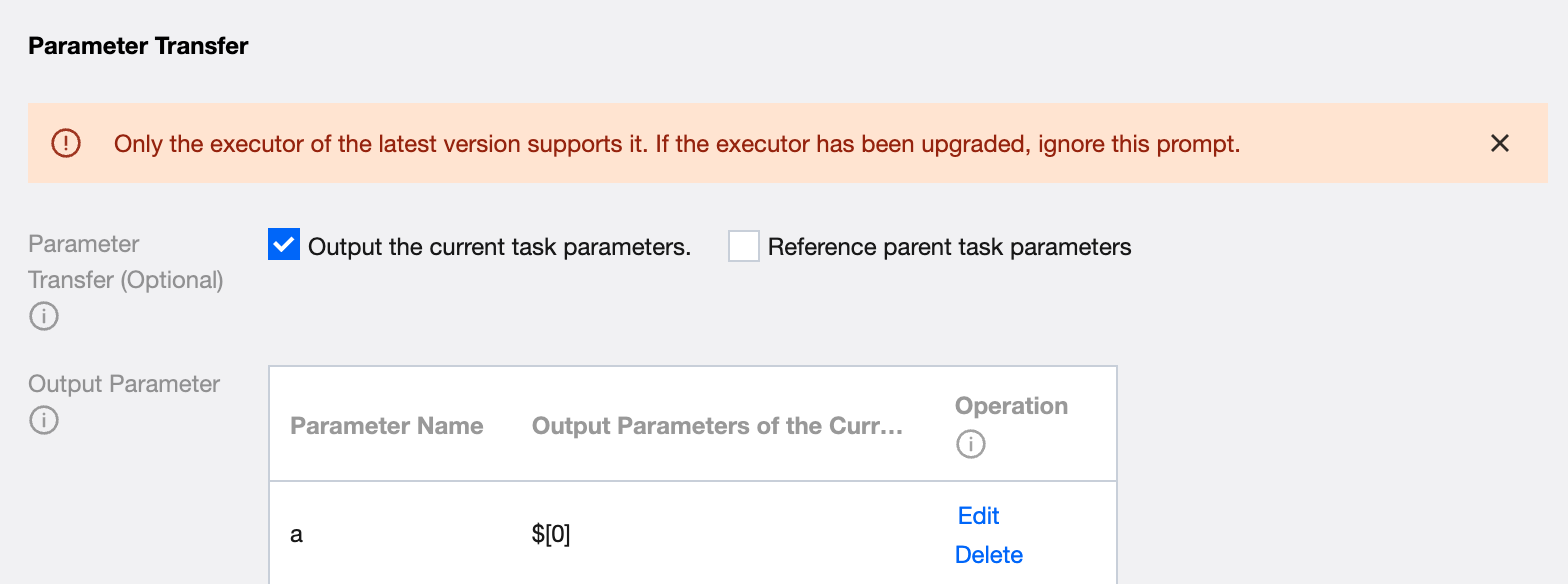
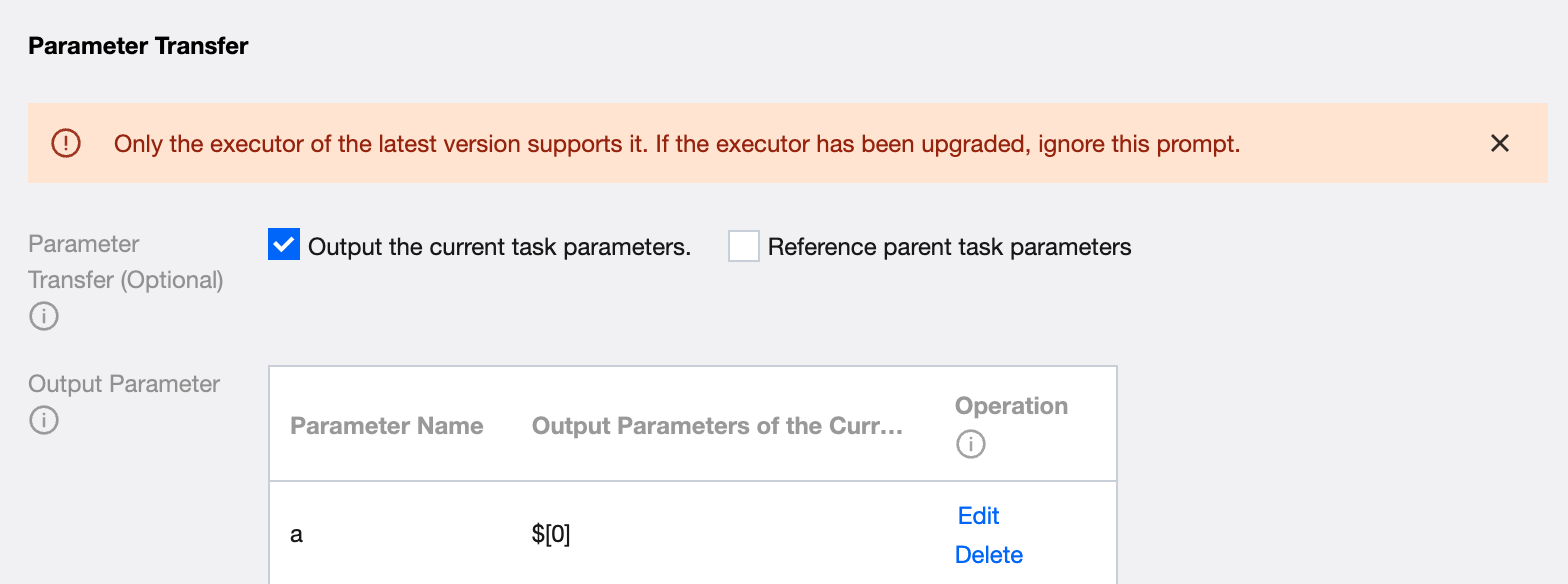
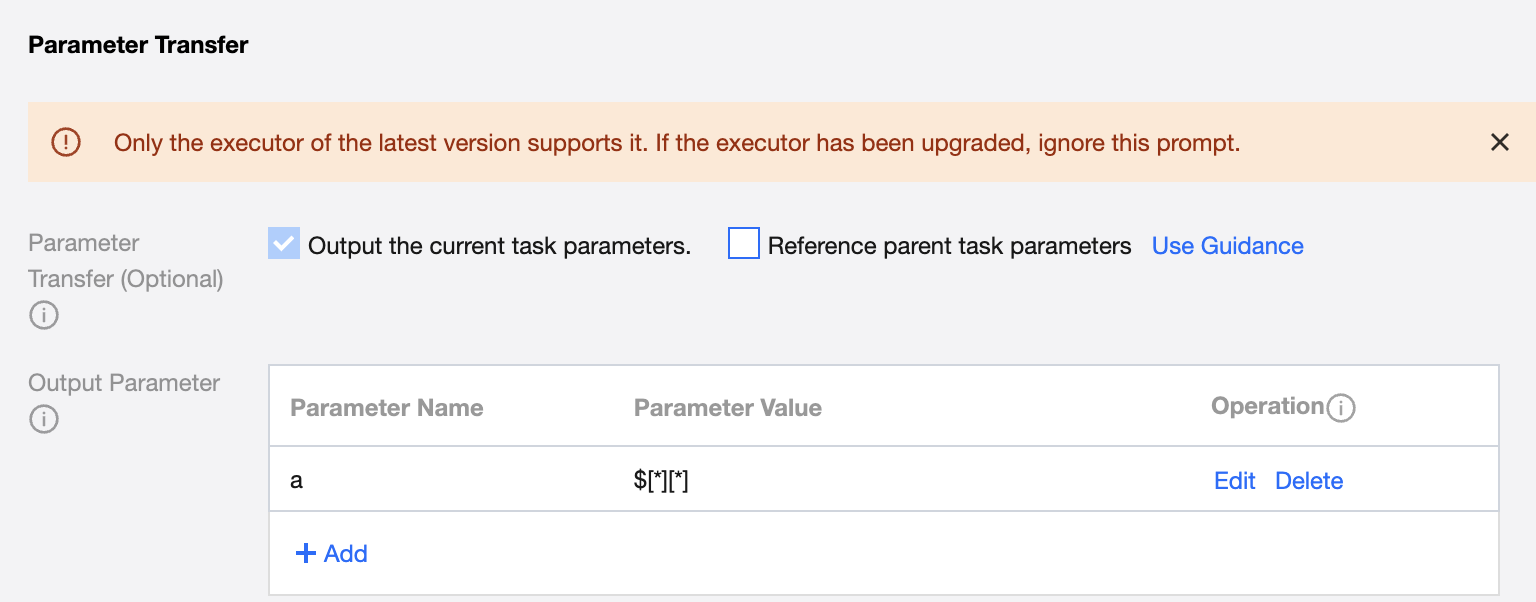
If you need to transmit parameters from the current task to downstream, select Output current task parameters in Parameter Passing and configure parameter information.
Output parameter passing to subtasks, value in the following two types:
Variables (n, m starting from 0), support transmission of two-dimensional arrays, specific configuration method as follows:
$[n][m]: Retrieve the data of the n-th row and m-th column.
$[n][*]: Represent obtaining the data of the n-th row.
$[*][n]: Indicate obtaining the data of the n-th column.
$[*][*]: Represent retrieving the data of all rows and columns.
$[0]: Represent obtaining the data of the first row and first column.
constant: set constant as output parameter.
For example: Parent task A. The calculation results in code have 3 columns, which are 123, 234, and 1234 respectively. Define an output parameter name mark_id in this configuration. Fill in mark_id = $[0], indicating taking the value of the first row and first column of calculation results.
1. Reference parent task parameters
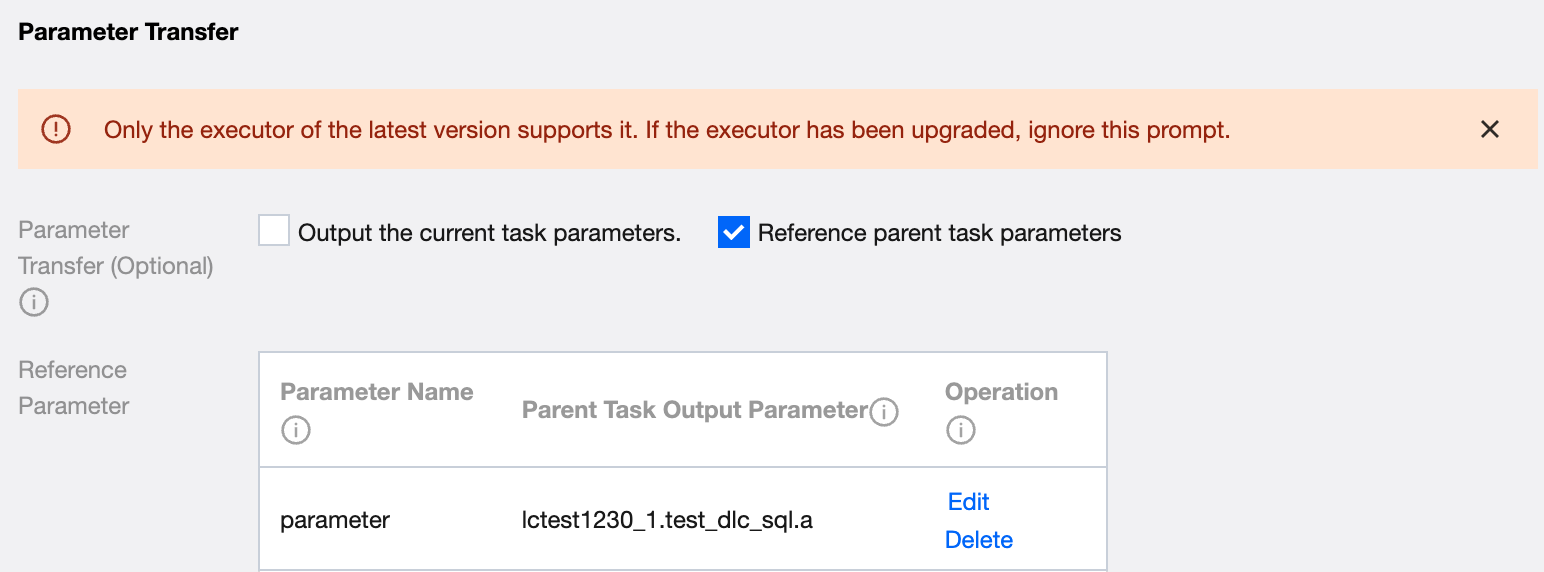
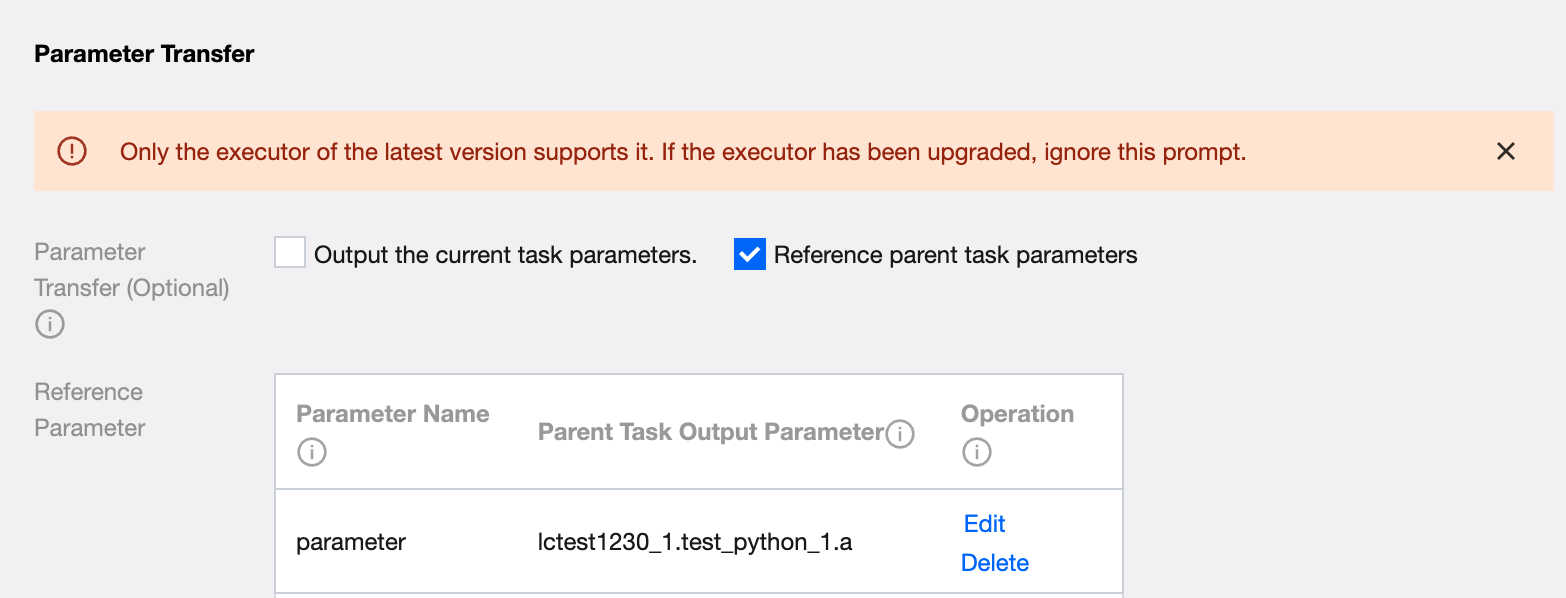
If the current task needs to refer to the parameters defined in the parent task, check the option of referencing parent task parameters in the parameter passing.
Fill in the definition's import parameters and select the output parameter of the parent task for this parameter value (no options if no parent node). For example: Subtask B. Define any parameter name mark_id. Select the value of node A.mark_id. Use ${mark_id} in code, and ${mark_id} will be replaced with string 123.
Example: As shown in the figure, define parameter name a and take the parameter a defined in the upstream parent task hivesql_1; define parameter name b and take the parameter b defined in the upstream parent task hivesql_1.
Use Case
Divided into three types: SQL type, Shell type, Python type. Following are usage examples of the three types (the following context takes transmitting constants as an example, and supports transmitting variables).
Usage limitations as the Output Party: Only the DLC engine with kernel versions Standard-S1.1 and Standard-S1.1(native) is supported. This feature is supported for engines created after March 30, 2025. For engines created earlier, an upgrade is required. If you need to upgrade the engine, please contact the DLC operations team.