Windows Resource is Inaccessible for Mac Users
Download
포커스 모드
폰트 크기
Phenomenon Description
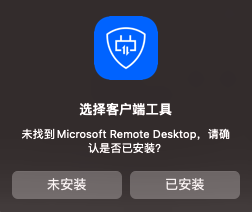
After installing the BHLoader plugin, Mac users attempting to access Windows resources encounter a prompt indicating that Microsoft Remote Desktop is not found, preventing access to the resource. As shown below:
Possible Causes
The Mac system does not include a built-in RDP remote tool. Users need to manually install the tool and configure it.
Solutions
Install an RDP remote tool on the Mac system.
Directions
1. Download and install Microsoft Remote Desktop. Recommended versions include Version 10.9.8, Version 10.9.9, and Version 10.9.10. Use the default installation settings.
2. Access Windows resources and configure the tool call path as prompted.
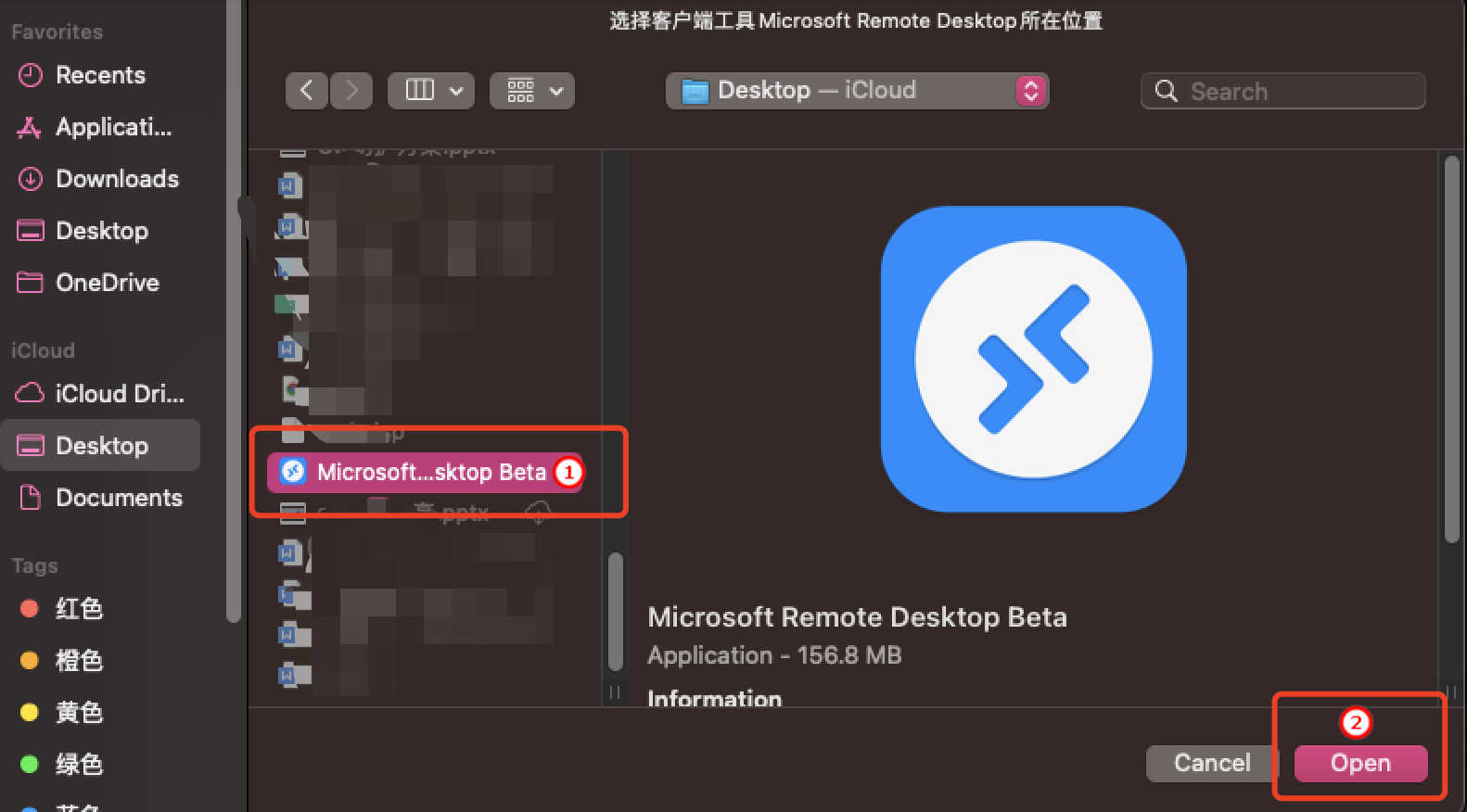
3. After completing the configuration, click Access to trigger the BHLoader plugin.
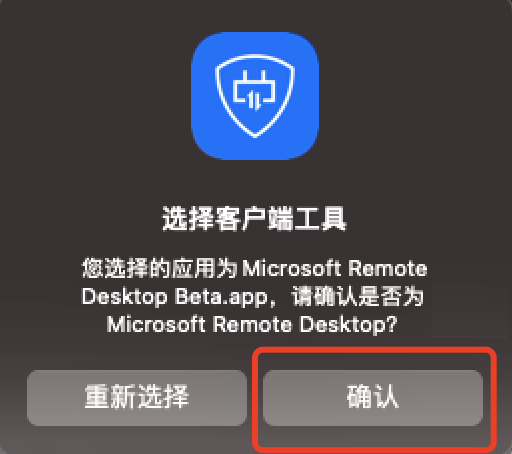
4. Click Confirm to call the MRD client.
5. Click Continue to complete the tool verification for resource access and start accessing the resource.

피드백