Unregistering a Cluster
다운로드
포커스 모드
폰트 크기
You can unregister a registered cluster. Once the cluster is unregistered, you will no longer be able to manage it through the Tencent Kubernetes Engine (TKE) console.
Directions
1. Log in to the TDCC console, and navigate to the Distributed Infrastructure > Cluster page.
2. In the cluster list, click Unregister on the right side of the row for the cluster you want to unregister.
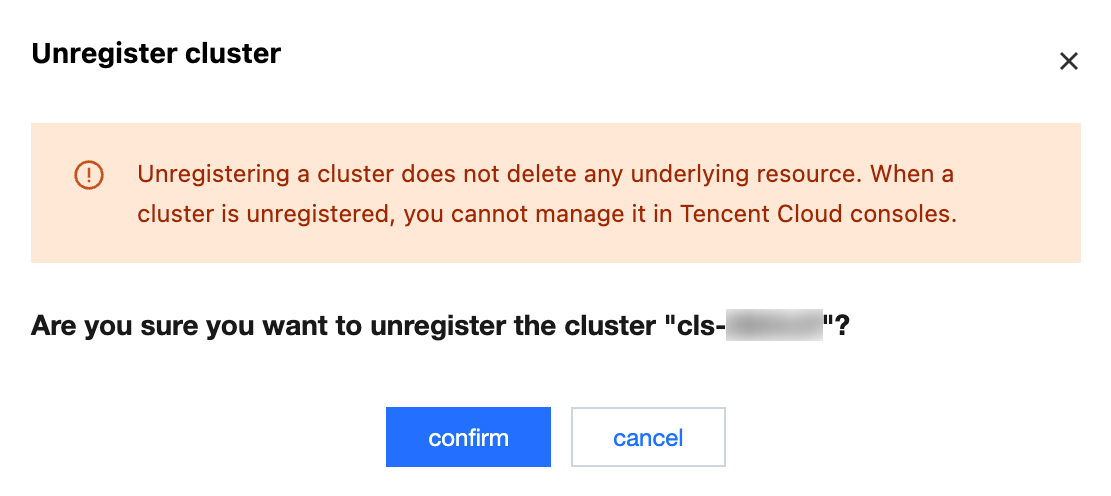
3. In the Unregister Cluster pop-up window, click Confirm.
Note:
After the cluster is unregistered, the proxy software installed within the cluster will be deleted, but the cluster itself and other resources within the cluster will remain unaffected.
피드백