Customer Order Management
Download
포커스 모드
폰트 크기
Overview
"Customer order" and "indirect sub-account order" only display orders generated from sub-account purchases or enabled cloud services, excluding partner self-consumption order information. Support order data for different types of partners as follows:
Reseller view orders of sub-accounts.
First-level reseller view orders of direct sub-clients.
First-level reseller view orders of indirect sub-clients.
Second-level reseller view orders of sub-accounts.
Viewing Sub-User Orders
1. Log in to the Tencent Cloud official website using a partner account and enter the Partner Center console.
2. Select Billing > Customer Orders in the left sidebar.
Note:
If a first-level reseller wants to view orders of indirect sub-accounts, select Billing > Indirect Sub-account Orders.
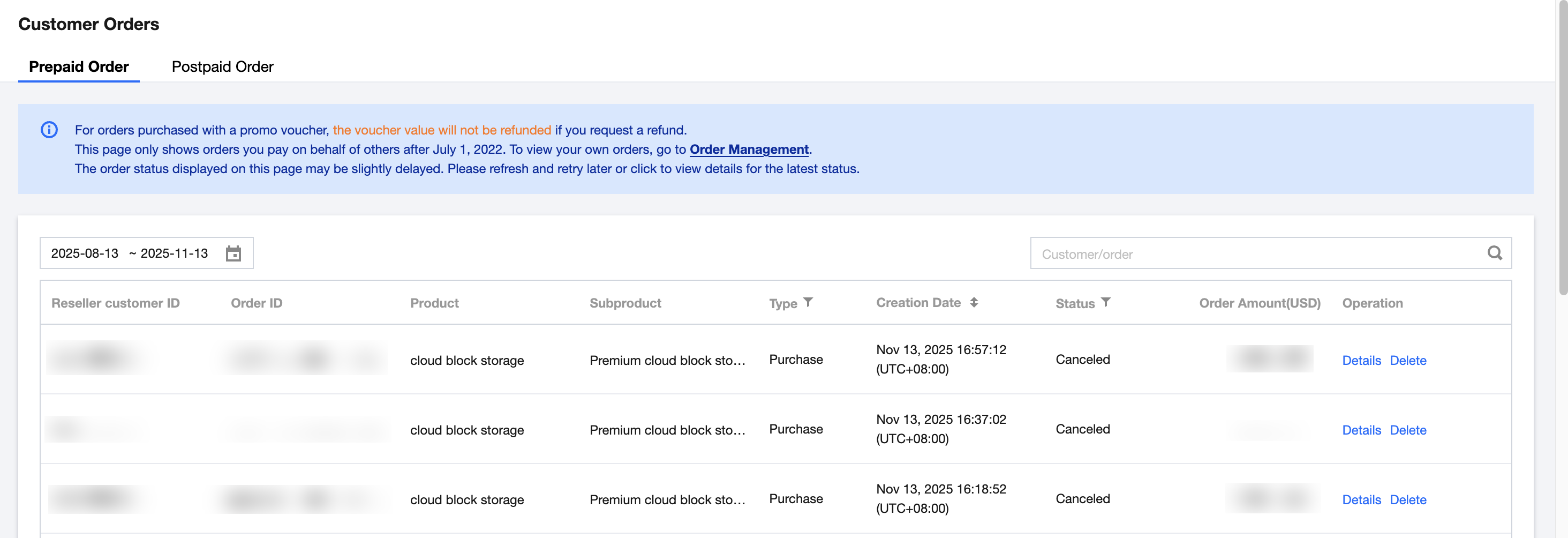
3. Sub-account orders include prepaid orders and postpaid orders.
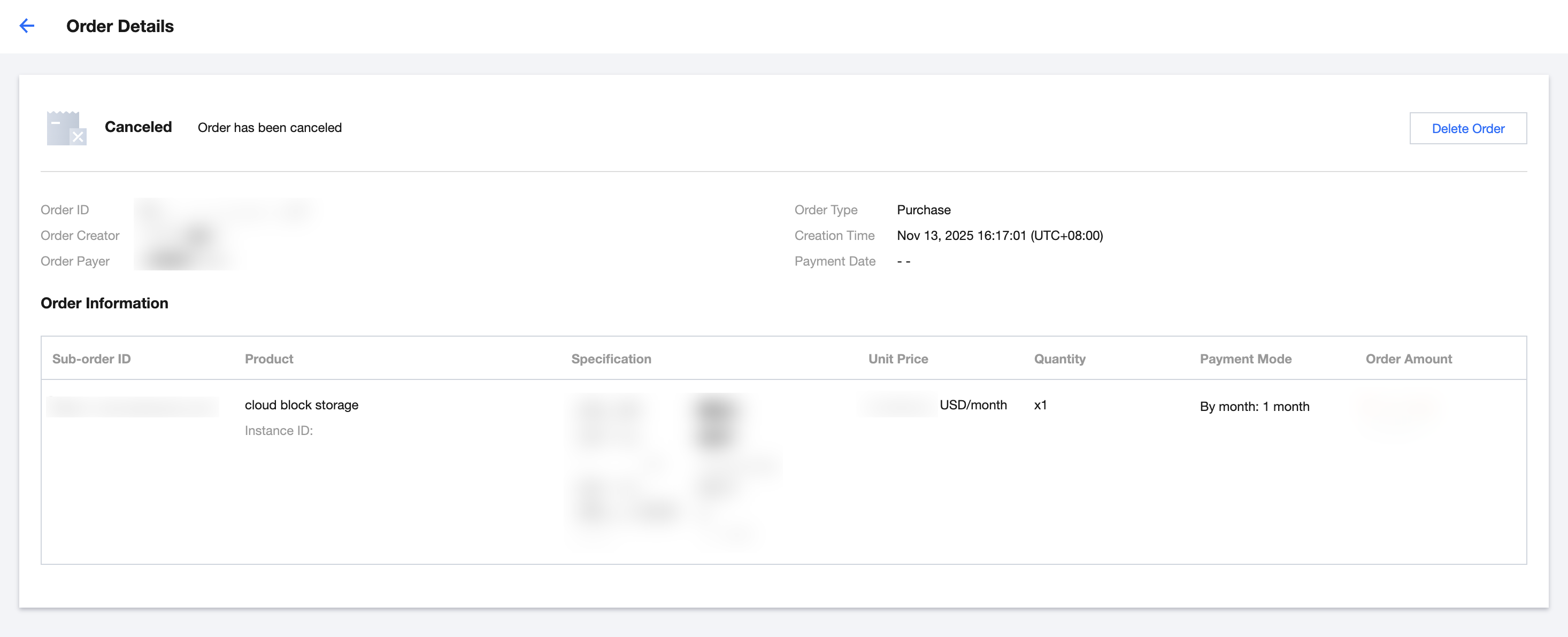
Prepaid orders: You can click Details in the operation column to view. For orders with "order placed to be paid," partners can initiate payment on behalf or cancel the order.
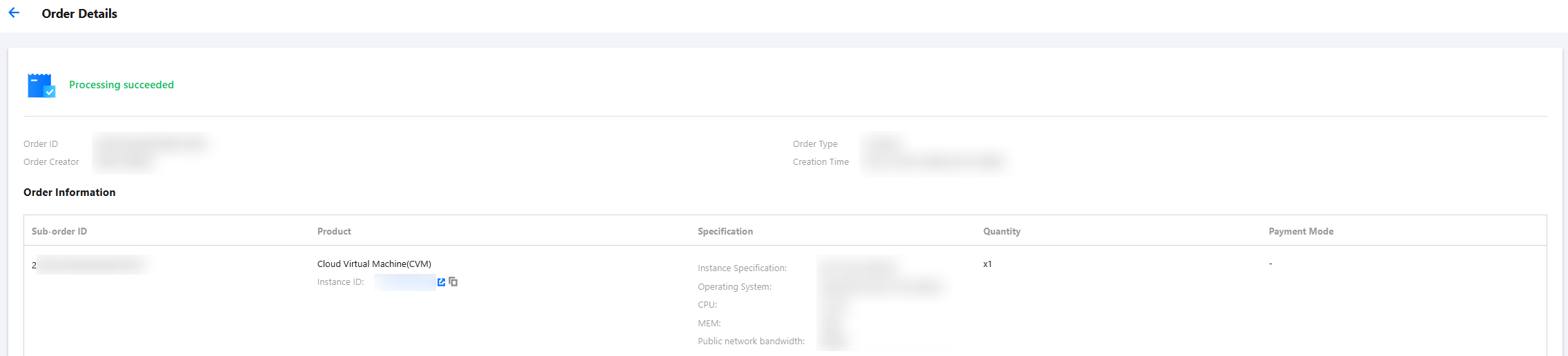
Postpaid orders: You can click Details in the operation column to view.
피드백